In industrial automation and control systems, proximity sensors are critical components for detecting the presence or absence of objects without physical contact. However, a common issue faced by engineers and maintenance personnel is a proximity sensor remaining constantly illuminated or "stuck on." This persistent activation can disrupt production lines, cause machinery malfunctions, and lead to costly downtime. Understanding the root causes and implementing effective solutions is essential for maintaining operational efficiency.
One primary reason for a proximity sensor staying on is sensor misalignment or improper installation. Proximity sensors rely on precise positioning relative to the target object. If the sensor is mounted too close to the target or at an incorrect angle, it may fail to detect the object's departure accurately, resulting in continuous activation. Additionally, environmental factors such as vibration or mechanical shifts can gradually alter the sensor's alignment over time. Regular inspection and calibration are necessary to ensure optimal positioning.
Another frequent cause is the presence of external metallic or conductive materials within the sensor's detection range. Inductive proximity sensors, for example, are designed to detect metallic objects. If stray metal debris, tools, or even structural components enter the sensing field, the sensor may remain triggered. Similarly, capacitive sensors can be affected by non-metallic materials like liquids or dust accumulating near the sensing face. Implementing proper shielding and maintaining a clean operating environment can mitigate these interferences.
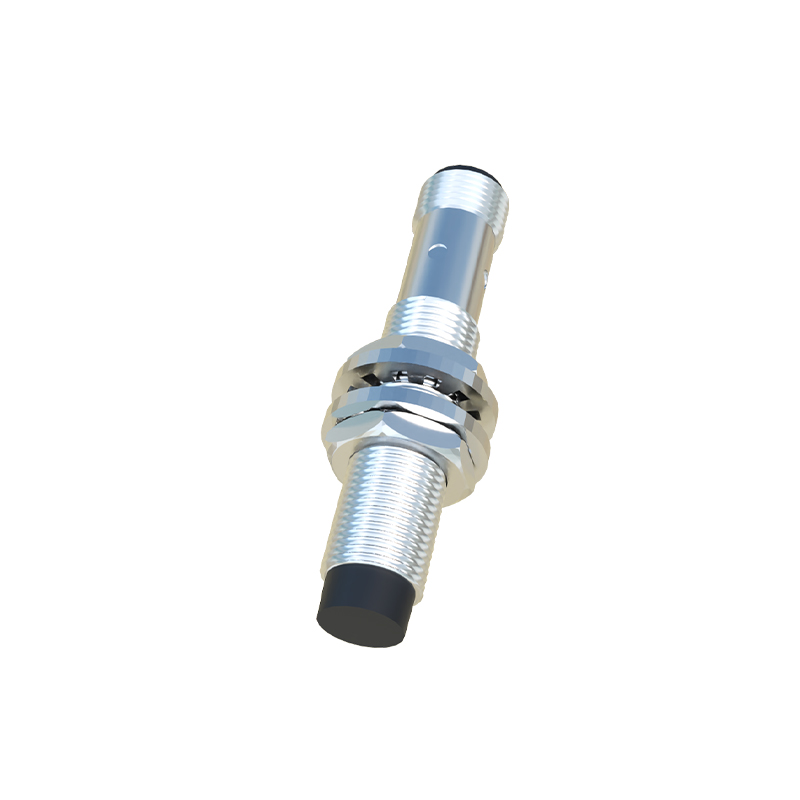
Electrical issues also contribute to sensors staying on. Wiring problems, such as short circuits in the sensor's output circuit or damaged cables, can cause the sensor to signal continuous detection. Voltage fluctuations or electromagnetic interference (EMI) from nearby equipment like motors or frequency drives may similarly affect sensor performance. Using shielded cables, ensuring stable power supplies, and adhering to proper grounding practices are crucial preventive measures. Additionally, internal sensor failure due to component wear, overheating, or moisture ingress can lead to permanent activation. In such cases, sensor replacement is often required.
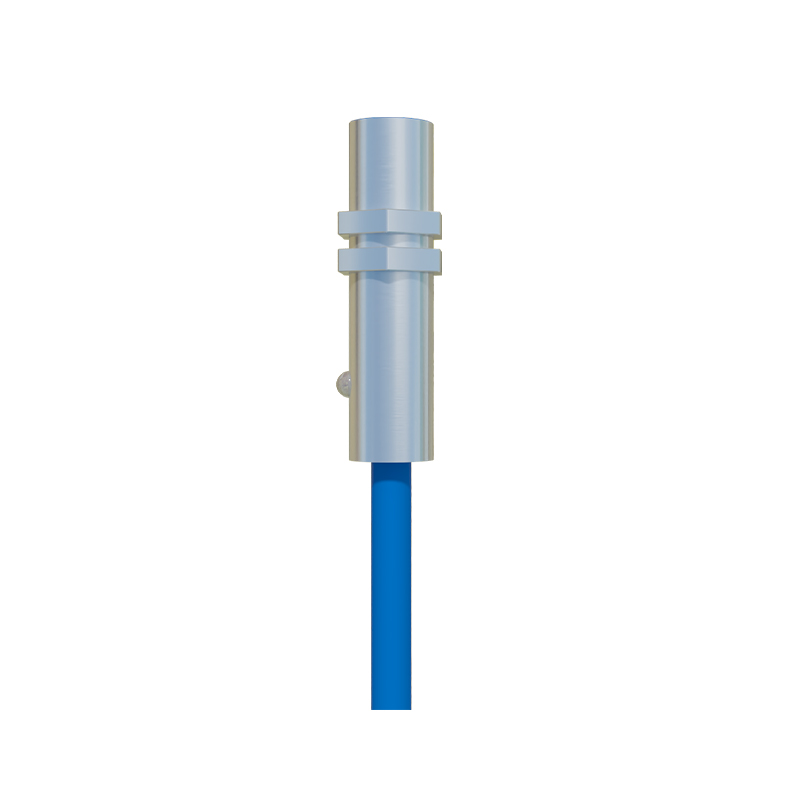
Sensor selection plays a vital role in preventing persistent activation. Choosing a sensor with an appropriate sensing range, output type (e.g., NPN vs. PNP), and environmental rating for the application is key. For instance, in high-vibration settings, selecting a sensor with robust construction and higher immunity to mechanical stress can reduce false triggers. Furthermore, diagnostic features like built-in LED indicators or IO-Link communication can aid in troubleshooting by providing real-time status updates.
When a proximity sensor remains on, systematic troubleshooting is recommended. Begin by verifying the sensor's installation and alignment, ensuring no obstructions are within its range. Check for electrical integrity using a multimeter to test output signals and wiring connections. Inspect the sensor for physical damage or environmental contamination. If the issue persists, consult the manufacturer's datasheet for specific diagnostic procedures or consider replacing the sensor with a known working unit to isolate the problem.
In summary, a proximity sensor staying illuminated typically stems from misalignment, environmental interference, electrical faults, or sensor degradation. Proactive maintenance, correct installation, and appropriate sensor selection are fundamental to avoiding such issues. By addressing these factors, engineers can enhance system reliability, minimize disruptions, and extend the lifespan of automation components. As technology advances, integrating smart sensors with diagnostic capabilities offers further opportunities for predictive maintenance and efficient problem resolution in industrial settings.