Proximity sensors are integral components in modern devices, from smartphones and tablets to industrial machinery and automotive systems. They detect the presence or absence of nearby objects without physical contact, typically using electromagnetic fields, infrared light, or capacitive sensing. When these sensors fail, it can lead to a cascade of functional issues, ranging from minor annoyances to significant operational disruptions. Understanding the common causes of proximity sensor failure and the available solutions is crucial for effective troubleshooting and maintenance.
One of the most frequent causes of proximity sensor malfunction is physical damage or obstruction. For consumer electronics like smartphones, a cracked screen or a poorly fitted screen protector can interfere with the sensor's infrared beam. Dust, dirt, or liquid ingress can accumulate over the sensor's aperture, blocking its ability to detect objects accurately. In industrial settings, sensors can be damaged by impact, vibration, or exposure to harsh chemicals that corrode the sensor housing or lens. The first step in diagnosing such an issue is a thorough visual inspection. Cleaning the sensor area gently with a soft, dry cloth can sometimes resolve problems caused by debris. For devices with removable protectors, reapplication or replacement might be necessary. In cases of physical damage, professional repair or sensor replacement is often required.
Software glitches and calibration errors represent another major category of problems. The sensor relies on firmware and device software to interpret its signals correctly. An operating system update, a buggy app, or corrupted system files can disrupt this communication, causing the sensor to behave erratically. For instance, a phone's screen might not turn off during calls, or an industrial machine might fail to register the presence of a component on an assembly line. Troubleshooting often begins with software solutions. Restarting the device can clear temporary software conflicts. Checking for and installing any available system or firmware updates is a critical step, as these often contain patches for known sensor issues. On many devices, performing a sensor calibration through a hidden service menu or dedicated diagnostic app can restore proper function. As a last resort, backing up data and performing a factory reset can eliminate deep-seated software corruption, though this should be done cautiously.
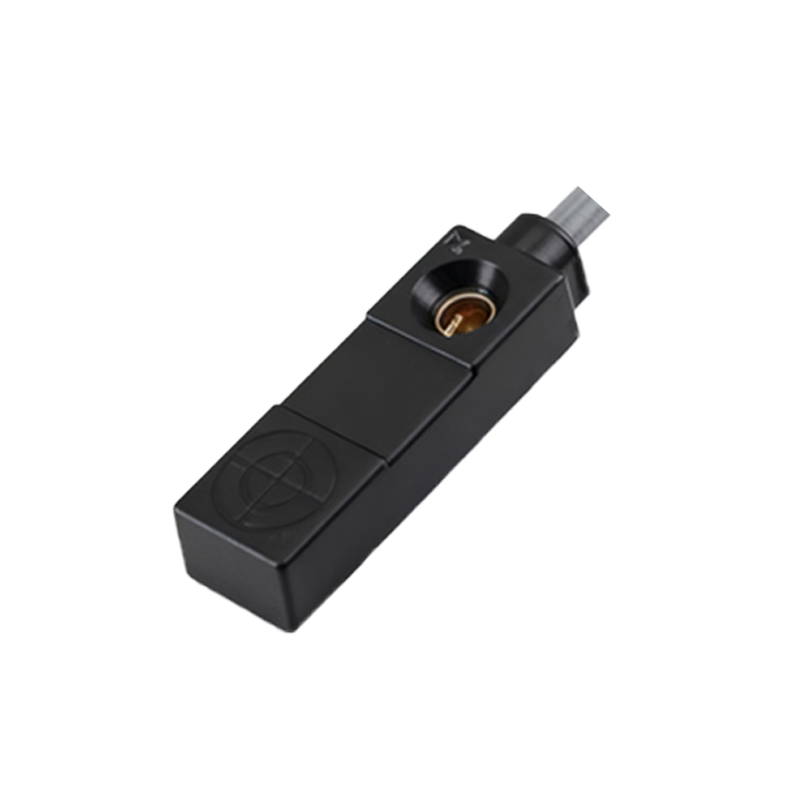
Environmental factors and electrical issues can also lead to sensor failure. Proximity sensors, especially inductive or capacitive types, can be affected by extreme temperatures, strong electromagnetic interference (EMI) from nearby motors or power lines, or the presence of conductive materials that were not accounted for in the design. Electrically, a weak or unstable power supply, voltage spikes, or a failing connection (like a loose cable or corroded connector) can prevent the sensor from operating correctly. Addressing these causes requires a systematic approach. Ensuring the device operates within its specified temperature and environmental ratings is essential. Relocating equipment away from sources of EMI or installing shielding can mitigate interference. Using a multimeter to check power supply stability and inspecting all wiring harnesses for continuity and secure connections are fundamental steps in diagnosing electrical faults on industrial equipment or vehicles.
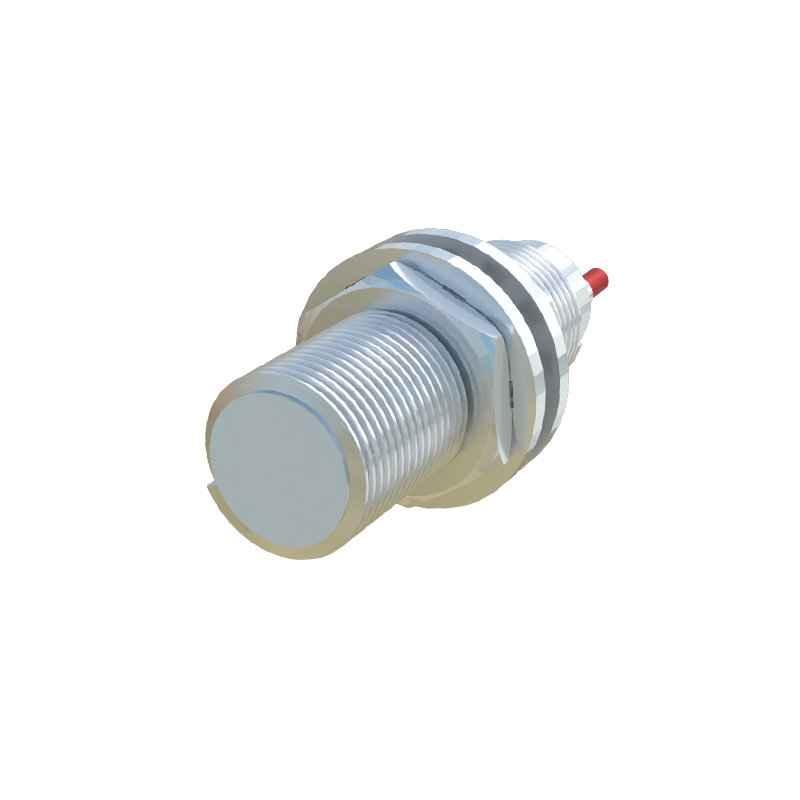
In some cases, the failure is intrinsic to the sensor itself. Components degrade over time. The infrared LED or phototransistor in an optical sensor can lose sensitivity. The coil in an inductive sensor can fail. This is a natural result of prolonged use and operational wear and tear. When all other external causes have been ruled out, and the sensor continues to malfunction, the most likely culprit is a failed internal component. Replacement is the only viable solution. For consumer devices, this usually means a repair service. In industrial and automotive contexts, technicians should refer to the manufacturer's documentation for the correct part number and replacement procedure, ensuring the new sensor is compatible and properly configured for the application.
Preventive maintenance is key to minimizing proximity sensor failures. Regular cleaning schedules, routine visual inspections for damage, and ensuring software is kept up-to-date can prevent many issues. In industrial environments, following the sensor manufacturer's guidelines for installation, environmental protection, and electrical isolation will significantly extend operational life. Understanding that sensor behavior can be context-dependent is also important; for example, a sensor calibrated for metal detection may not work correctly with plastic objects unless specifically designed to do so.
When faced with a malfunctioning proximity sensor, a logical diagnostic sequence is recommended: inspect, clean, reboot, update, calibrate, check environment and power, and finally, consider replacement. Documenting failures and solutions can also build a valuable knowledge base for future troubleshooting. While a faulty proximity sensor can be disruptive, methodical analysis and corrective action can typically restore full functionality, ensuring the seamless operation of the device or system it serves.