For owners and technicians in the electric vehicle (EV) industry, understanding the intricate details of a vehicle's human-machine interface (HMI) is crucial. A common point of inquiry, especially for NIO models, revolves around the location and function of the proximity sensor integrated into the center control screen. This component, while small, plays a significant role in enhancing user experience and optimizing power management within the cabin.
The proximity sensor on NIO vehicles is not a standalone, visibly marked component on the screen's surface. Instead, it is a sophisticated, miniaturized module seamlessly embedded within the bezel or frame surrounding the central touchscreen display. In most NIO models, such as the ES8, ES6, EC6, and ET7, this sensor is typically located along the top edge of the center console screen. Its precise positioning is designed to be unobtrusive, maintaining the sleek, minimalist aesthetic that NIO is known for, while fulfilling its functional role effectively.

The primary purpose of this sensor is to detect the presence of a user's hand or finger approaching the screen. Upon detection, it triggers a series of pre-programmed responses in the vehicle's software. For instance, it may activate contextual menu controls, illuminate specific UI elements in preparation for touch input, or wake the display from a dimmed or sleep state. This creates a more intuitive and responsive interaction, as the system anticipates user engagement. Furthermore, it contributes to energy efficiency. By sensing when no interaction is imminent, the system can intelligently dim or adjust the display brightness, conserving battery power—a critical consideration in electric vehicles.
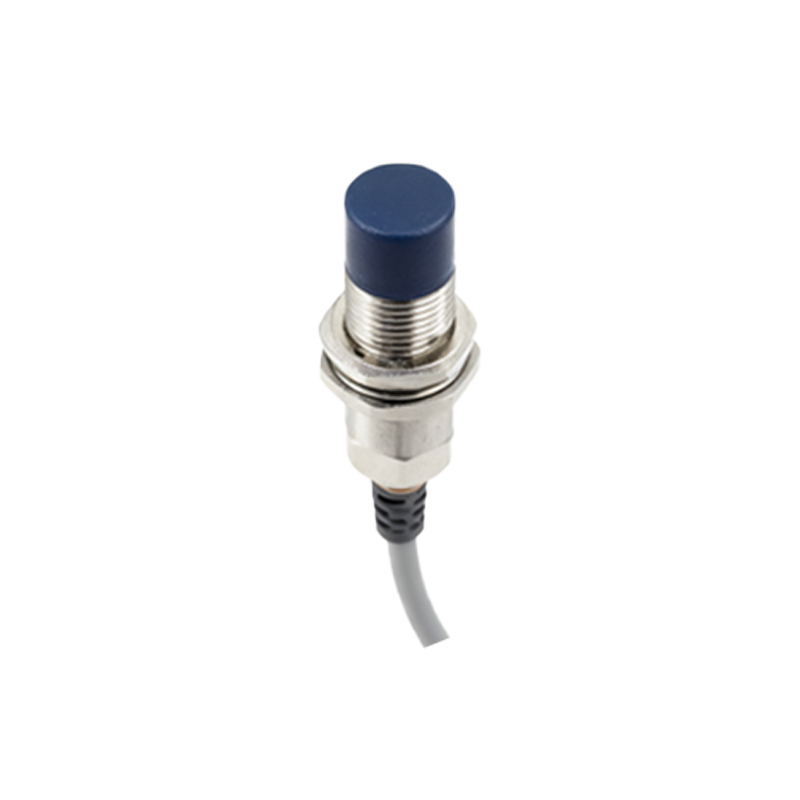
From an engineering and service perspective, knowing the sensor's location is vital for diagnostics and repair. Issues such as an unresponsive screen, failure to wake from sleep, or erratic menu behavior can sometimes be traced back to a faulty or obstructed proximity sensor. Technicians would perform scans using dedicated diagnostic tools to check for sensor-related error codes in the vehicle's domain controllers. Physical inspection involves checking the top bezel area for any damage, debris, or protective screen covers that might be interfering with the sensor's infrared or capacitive detection field. Replacement, if necessary, is not a simple screen repair; it often requires careful disassembly of the center console unit to access the integrated sensor module.
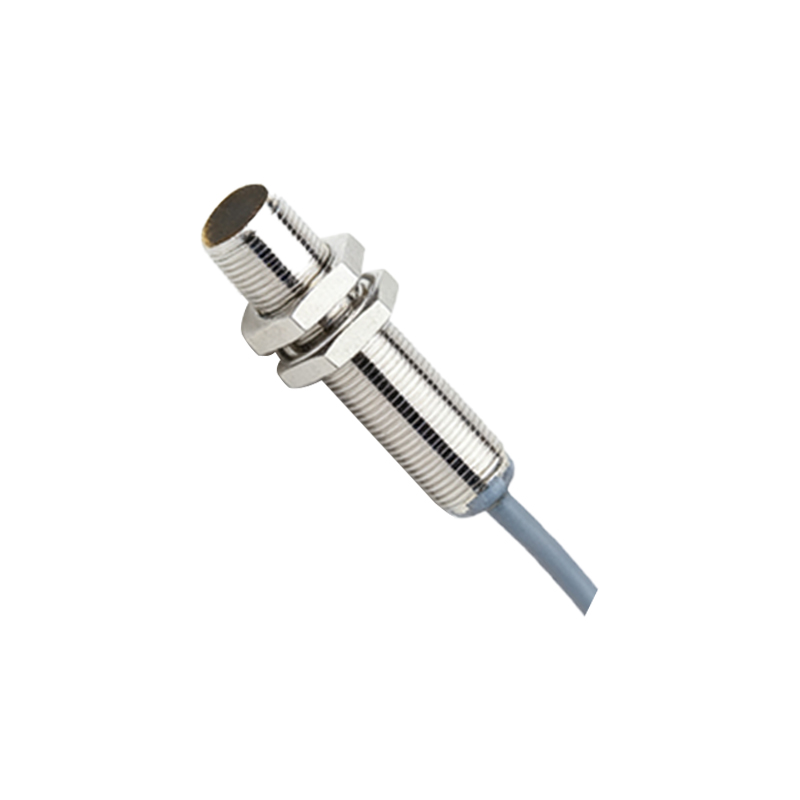
The technology behind this is typically based on infrared (IR) or capacitive sensing. An IR proximity sensor emits a beam of infrared light. When a hand approaches, the light reflects back to a receiver, signaling presence. Capacitive sensors detect changes in an electrostatic field. NIO's implementation is likely a blend optimized for reliability and low power consumption, integrated directly with the Infotainment System's main processing unit.
For owners, if the screen seems less responsive to approach gestures, a simple system reboot via the vehicle settings can sometimes resolve software glitches. Ensuring the screen area, especially the top border, is clean and free from obstructions is the first step in troubleshooting. It's also important to note that aftermarket accessories, like certain types of thick screen protectors or decorative frames, can potentially interfere with the sensor's operation.
In summary, the proximity sensor is an intelligent, embedded component within the NIO center control screen's housing. Its strategic placement allows for a seamless and power-efficient user interface. Understanding its location and function is key for both appreciating the vehicle's smart design and for addressing any technical issues that may arise, ensuring the premium digital cockpit experience that NIO aims to deliver remains uninterrupted.