In the world of modern electronics and automation, sensors act as the critical interface between the physical world and digital systems. Two of the most prevalent types used in consumer and industrial devices are proximity sensors and touch sensors. While their functions might seem similar to the end-user—both often resulting in an action when an object or finger is near—they operate on fundamentally different principles and serve distinct purposes. Understanding their differences is key to selecting the right technology for an application.
A proximity sensor is a non-contact device that detects the presence or absence of an object within a specified range without any physical contact. It works by emitting an electromagnetic field or a beam of electromagnetic radiation (like infrared light) and then looking for changes in the field or return signal. The primary goal is to sense "is something there, and how far away is it?" Common types include inductive (for detecting metals), capacitive (for detecting both metals and non-metals), ultrasonic (using sound waves), and photoelectric (using light beams). Their operation is entirely hands-off. For instance, a smartphone uses a capacitive proximity sensor to turn off the display during a phone call when it is held close to the ear, preventing accidental screen touches. In an industrial setting, an inductive proximity sensor might count metal parts on a conveyor belt or ensure a robotic arm doesn't collide with an obstacle.
In contrast, a touch sensor is specifically designed to detect physical contact or touch from a user or object. It requires direct interaction. The most ubiquitous example is the capacitive touchscreen on smartphones, tablets, and ATMs. These sensors detect the subtle change in capacitance caused by the conductive properties of a human finger (or a specialized stylus) when it makes contact with the sensor's surface. Another type is the resistive touch sensor, which relies on the pressure of a touch to connect two conductive layers. The core question for a touch sensor is "has the surface been touched, and where?" Touch sensors are integral to user interfaces, providing intuitive control through taps, swipes, and gestures. A simple mechanical button is, in a basic sense, also a touch sensor, though modern usage typically refers to solid-state, non-mechanical variants.
The divergence in their operating principles leads to clear differences in application. Proximity sensors are the workhorses of automation, safety, and energy efficiency. They are found in automatic doors, liquid level detection, anti-collision systems on vehicles, and machine guarding where keeping a safe distance is paramount. They function reliably in harsh environments with dirt, moisture, or where contact is undesirable. Touch sensors, however, are the champions of human-machine interaction (HMI). They are central to interactive kiosks, home appliance control panels, laptop trackpads, and elevator buttons. Their domain is precise input and user command.
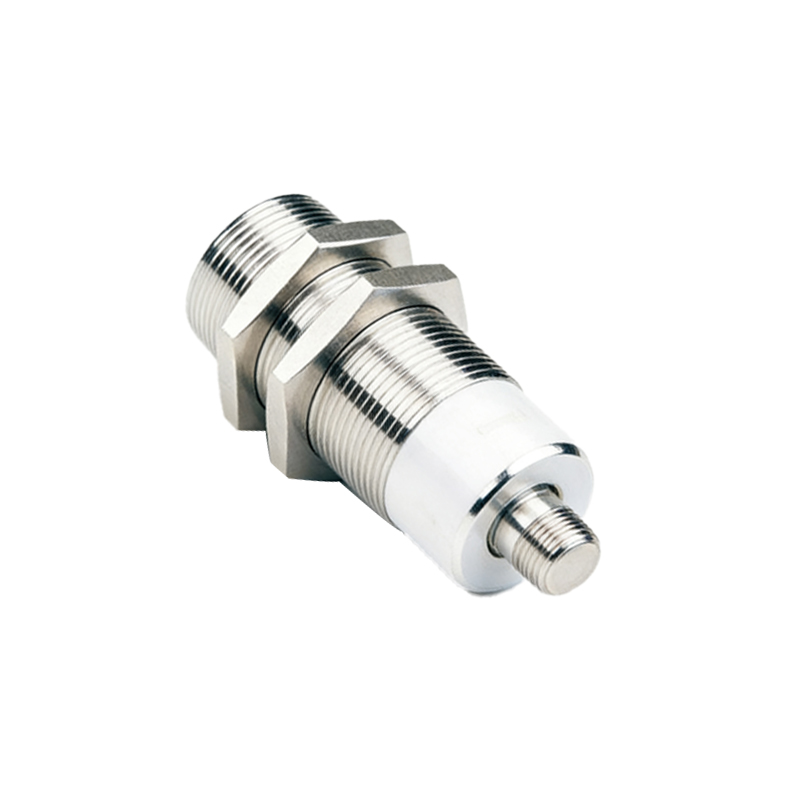
Choosing between them depends entirely on the design requirement. If the need is to detect an object's presence from a short distance to trigger an automated process or safety shutdown, a proximity sensor is the appropriate choice. It offers durability and works without wear and tear from physical contact. If the requirement is to create an interactive interface for a user to provide deliberate input, a touch sensor is necessary. It provides a direct and intuitive control scheme.
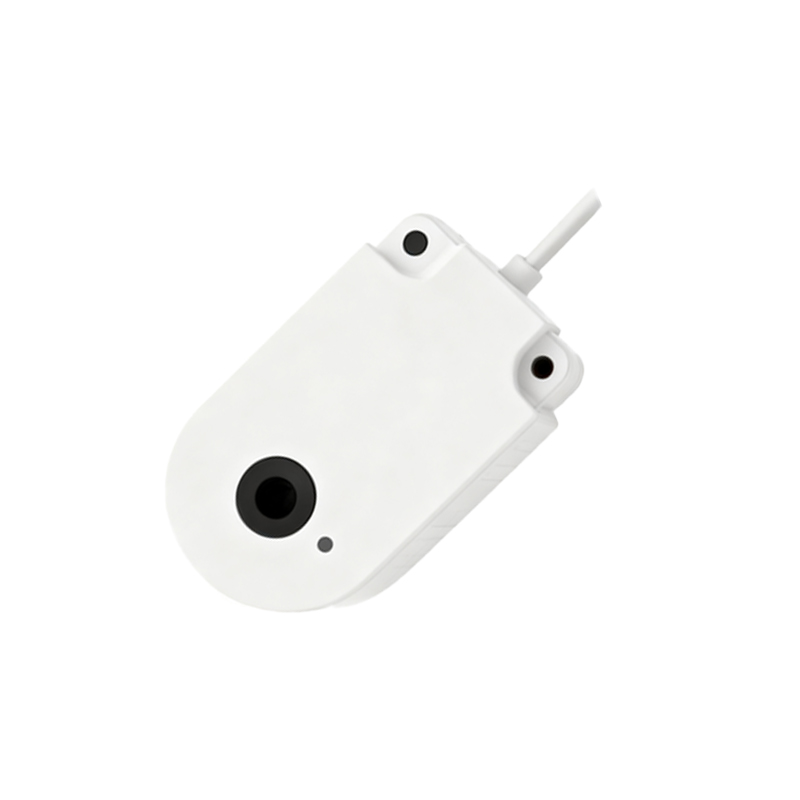
In some advanced systems, these technologies converge. A device might use a proximity sensor to wake up a touchscreen interface as a hand approaches, thereby saving power. This combination leverages the strength of each: the proximity sensor enables low-power readiness, and the touch sensor enables detailed input upon contact.
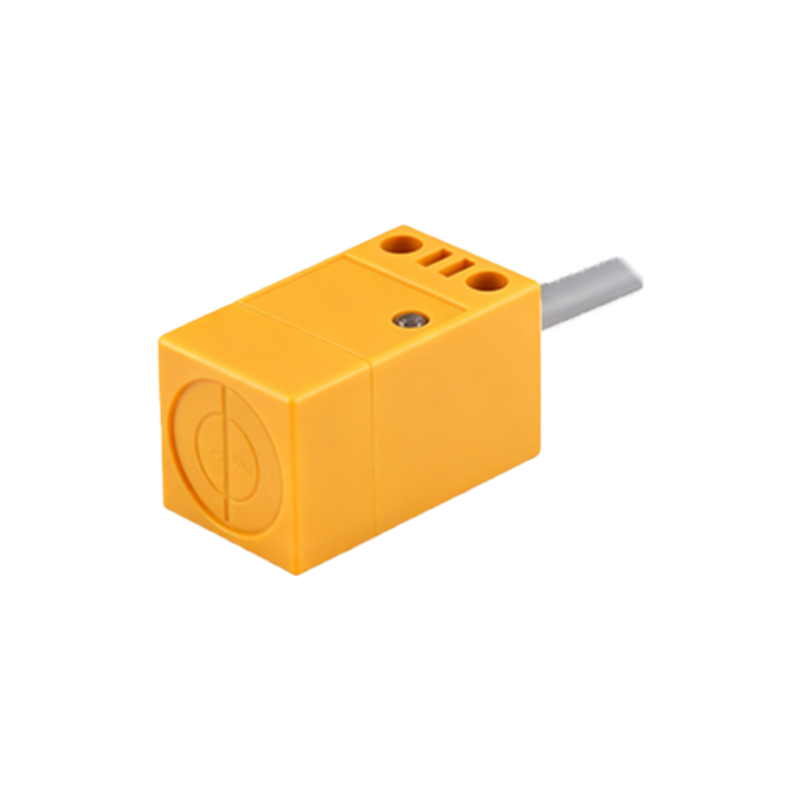
In summary, while both proximity and touch sensors bridge the physical and digital realms, they do so in complementary ways. The proximity sensor is the silent sentinel, detecting and measuring presence from afar to enable automation and safety. The touch sensor is the responsive canvas, waiting for deliberate contact to execute user commands. Recognizing their unique capabilities—non-contact detection versus direct tactile input—allows engineers and designers to implement smarter, more efficient, and more intuitive technological solutions across countless industries.