Laser sensors are critical components in modern industrial automation, offering high precision for measurement, detection, and positioning tasks. Proper startup and operation are essential to ensure accuracy, longevity, and safety. This guide outlines the fundamental steps to correctly power on and begin using a laser sensor in an industrial setting.
Before initiating the startup process, conduct a thorough inspection. Verify that the sensor model matches the application requirements, such as measuring range, resolution, and output type (e.g., analog, digital, or serial communication). Check the housing for any physical damage, cracks, or contamination on the lens. Ensure the mounting is secure and aligned correctly, as misalignment can lead to erroneous readings. Confirm that the operating environment conditions—temperature, humidity, and potential exposure to dust, vapors, or vibrations—are within the sensor’s specified limits.
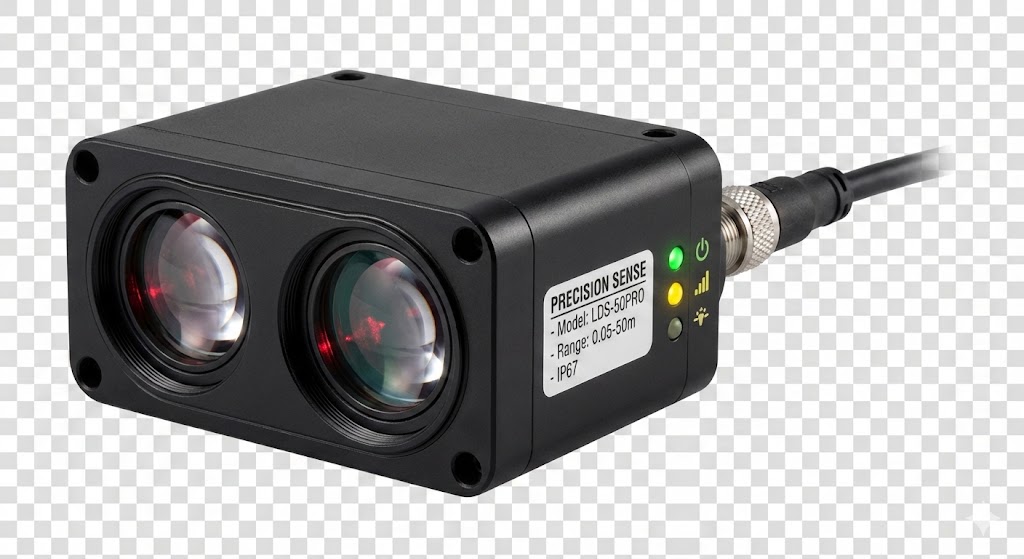
Next, examine the electrical connections. Most industrial laser sensors operate on DC voltages, commonly 12-24V DC, though some models may support AC power. Refer to the datasheet or nameplate for exact voltage and current ratings. Use shielded cables to minimize electrical noise interference, which is crucial in environments with motors or frequency converters. Connect the power supply wires to the designated terminals: typically, brown or red for positive (+) and blue or black for negative (-). Double-check polarity to prevent damage. If the sensor includes output connections for signals (e.g., NPN/PNP switching, 4-20mA analog), wire them to the corresponding controller inputs, such as a PLC or relay module. Ensure all connections are tight and insulated.
Once connections are verified, apply power gradually if possible, or switch on the power supply. Observe the sensor’s indicator LEDs. Many sensors feature status lights: a green LED often signifies power-on and normal operation, while yellow or red LEDs may indicate warnings, errors, or output activation. Consult the manual to interpret specific LED patterns. Allow a brief stabilization period, especially for high-precision sensors, as internal components like laser diodes and circuitry may require thermal equilibrium for optimal performance.
After power-on, configure the sensor settings. Many laser sensors include teach-in buttons, potentiometers, or software interfaces for adjustment. Common parameters include setting the measurement range, output response time, and switching thresholds. For example, in a distance measurement application, you might set the sensor to trigger an output when an object is detected within a specific window. Use the manufacturer’s recommended method—such as pressing a button to store a reference point—to calibrate the sensor. For advanced sensors with serial interfaces (e.g., RS-485, Ethernet/IP), connect to configuration software on a PC to fine-tune parameters like filtering, averaging, or communication protocols.
Perform functional testing to validate operation. Place a target object within the sensor’s field of view and monitor the output. Use a multimeter or oscilloscope to verify signal integrity if needed. Check for consistency in readings and ensure the response time meets application demands. If the sensor exhibits drift or inaccuracies, recheck alignment, environmental factors, and electrical noise. Regularly clean the lens with appropriate materials (e.g., lint-free cloth) to maintain performance.
Safety is paramount. Never look directly into the laser beam, as even Class 2 lasers (common in sensors) can pose eye risks. Use protective eyewear if required. Follow lockout-tagout procedures during maintenance. Adhere to local regulations and manufacturer guidelines for disposal or recycling.
In summary, powering on a laser sensor involves pre-startup checks, correct wiring, gradual power application, configuration, and testing. By following these steps, engineers can ensure reliable sensor performance, reducing downtime and enhancing system efficiency in industrial automation.