Proximity light sensors are critical components in modern industrial automation, offering non-contact detection capabilities for various applications such as object positioning, counting, and safety systems. Proper setup ensures optimal performance, reliability, and longevity. This guide outlines key steps and considerations for configuring proximity light sensors in industrial environments.
First, understand the sensor type. Common proximity light sensors include diffuse reflective, retro-reflective, and through-beam models. Diffuse sensors detect objects by reflecting light off the surface, suitable for short-range applications. Retro-reflective sensors use a reflector to bounce light back, ideal for medium distances. Through-beam sensors consist of separate emitter and receiver units, providing long-range and high-precision detection. Select the type based on your operational needs, environmental conditions, and target object properties.
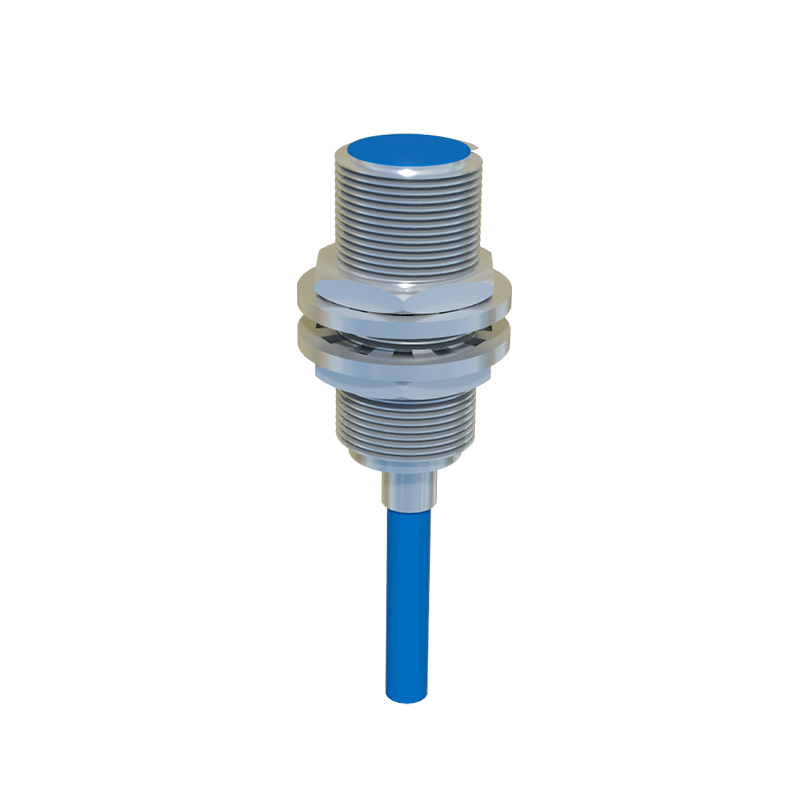
Installation is crucial for accuracy. Mount the sensor securely to minimize vibrations, which can cause false triggers. Ensure the sensing path is free from obstructions like dust, moisture, or ambient light interference. For through-beam sensors, align the emitter and receiver precisely; misalignment can reduce sensitivity or cause failure. Use mounting brackets or adjustable fixtures to achieve stable positioning. Consider the sensing distance—most sensors have a specified range, so place them within this limit to maintain effectiveness. Adjust the installation angle to avoid specular reflections from shiny objects, which may lead to inaccurate readings.
Wiring and power supply require attention. Connect the sensor to a stable power source matching its voltage rating (e.g., 12-24V DC for many industrial models). Follow the manufacturer’s wiring diagram to link output signals (e.g., NPN or PNP) to controllers like PLCs. Use shielded cables in electrically noisy environments to prevent signal interference. Implement proper grounding to reduce electromagnetic interference (EMI). Test connections with a multimeter to ensure correct voltage levels and avoid short circuits.
Configuration involves setting parameters such as sensitivity, response time, and output mode. Adjust sensitivity via potentiometers or digital interfaces to detect objects reliably without triggering on background noise. For example, in a packaging line, set sensitivity to ignore small debris while detecting products. Response time should match application speed; fast processes require quick sensor reactions to avoid missed detections. Configure output modes (e.g., light-on/dark-on) based on control logic—light-on mode outputs a signal when an object is detected, while dark-on does the opposite. Some advanced sensors offer teach-in functions for automatic calibration, simplifying setup.
Environmental factors impact performance. In harsh conditions like high temperatures or corrosive atmospheres, choose sensors with appropriate IP ratings (e.g., IP67 for dust and water resistance). Clean lenses regularly to prevent buildup from oil or particles that attenuate light. Monitor ambient light sources, as strong infrared or sunlight can interfere; use sensors with modulated light or filters to mitigate this. In vibrating settings, secure wiring and consider shock-resistant models.
Testing and maintenance ensure ongoing reliability. After setup, run trials with actual objects to verify detection consistency. Use diagnostic tools like indicator LEDs or software to monitor status. Schedule periodic checks for alignment, cleanliness, and cable integrity. Record calibration data for future reference. If issues arise, consult manufacturer guidelines—common problems include false triggers from reflective surfaces or reduced range due to dirty optics.
In summary, effective proximity light sensor setup involves selecting the right type, precise installation, proper wiring, careful configuration, and environmental adaptation. By following these practices, engineers can enhance system efficiency, reduce downtime, and support safe industrial operations. Always refer to specific product manuals for detailed instructions, as features may vary by model.