Proximity light sensors are integral components in modern electrical and automation systems, enabling touchless control, energy efficiency, and enhanced safety. However, there are scenarios where deactivating these sensors becomes necessary—such as during maintenance, system reconfiguration, or troubleshooting. This guide provides a detailed, professional approach to safely and effectively turning off proximity light sensors, adhering to industry standards and best practices.
First, understand the sensor type. Proximity light sensors typically fall into categories like infrared (IR), ultrasonic, or laser-based models. Each may have distinct deactivation methods. For instance, IR sensors often rely on emitted light beams, while ultrasonic sensors use sound waves. Consult the manufacturer’s datasheet or technical manual to identify the specific model and its operational principles. This step is crucial to avoid damage or unintended system behavior.
Next, follow a systematic shutdown procedure. Begin by disconnecting power to the sensor or the entire control circuit to ensure electrical safety. Use a lockout-tagout (LOTO) protocol if working in industrial environments to prevent accidental reactivation. For sensors integrated into programmable logic controllers (PLCs) or building automation systems, access the control software or human-machine interface (HMI). Navigate to the sensor settings menu and select the “disable,” “deactivate,” or “bypass” option. Some systems may require adjusting parameters, such as setting the detection range to zero or enabling a manual override mode.
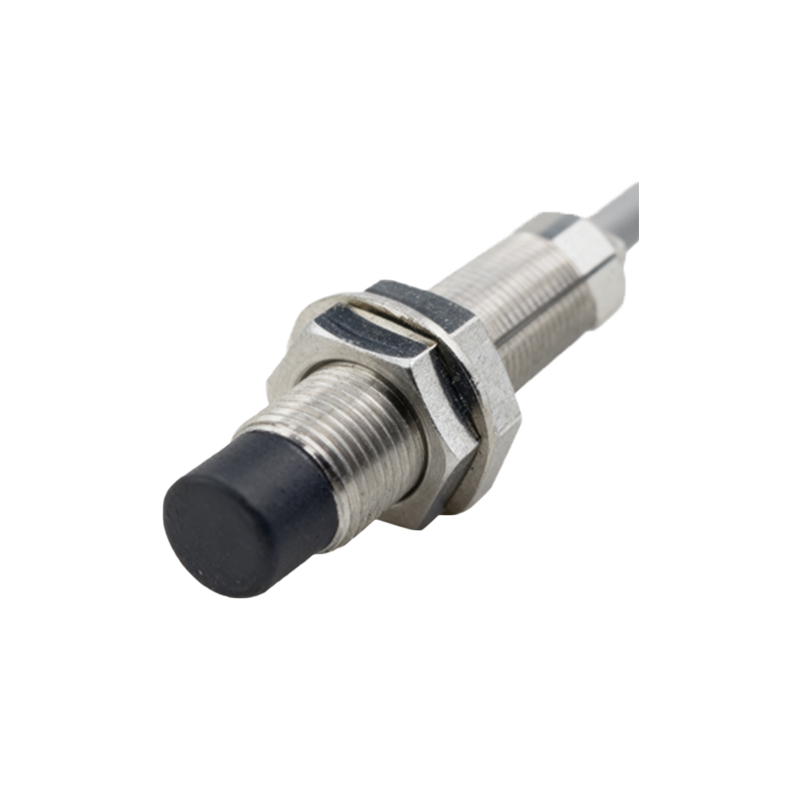
In cases where software control is unavailable, hardware interventions may be necessary. Locate the sensor’s wiring diagram—usually found in the installation guide. Identify the power supply wires (commonly labeled V+ and GND) and the output signal wires (e.g., NO/NC for relay outputs). To turn off the sensor, you can either disconnect the power leads or install a switch in series with the power line for temporary deactivation. Alternatively, for sensors with configurable output modes, switching the output to an open state can halt signal transmission. Always use insulated tools and verify circuits with a multimeter before proceeding.
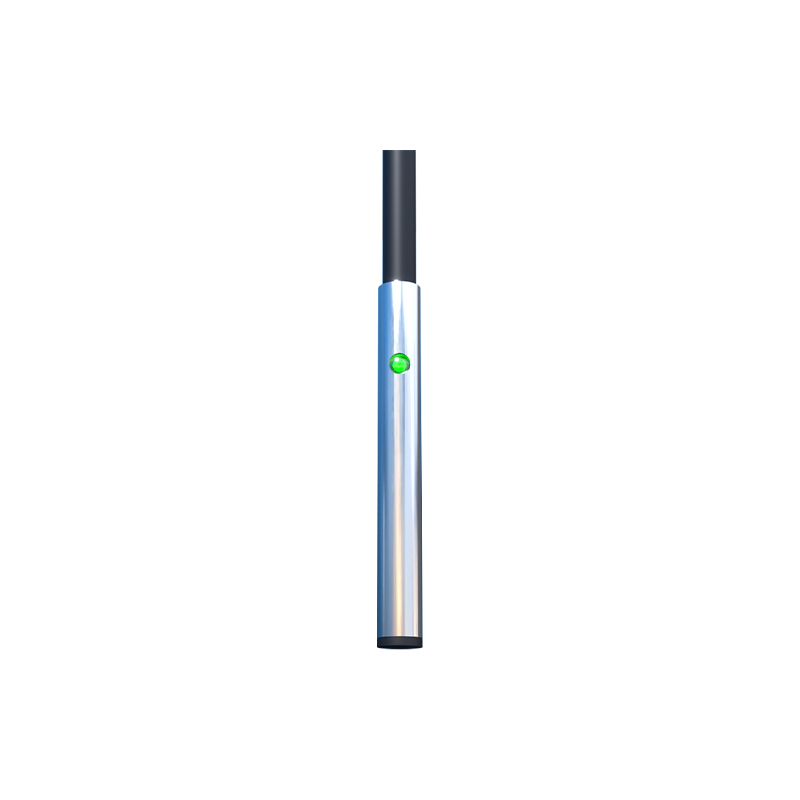
Consider environmental factors that might affect the process. Proximity sensors can be sensitive to ambient light, reflections, or obstructions. If the sensor remains active despite software/hardware steps, check for external influences. For example, in IR sensors, strong sunlight or nearby reflective surfaces might trigger false readings. Shield the sensor or adjust its mounting position during deactivation. Additionally, ensure that any linked devices—such as timers, relays, or actuators—are also secured to prevent cascading system failures.
After deactivation, perform verification tests. Re-apply power cautiously and monitor the sensor’s status indicators (e.g., LEDs). Use diagnostic tools like oscilloscopes or logic analyzers to confirm no output signals are being generated. Document the process, including steps taken, timestamps, and personnel involved, for future reference or compliance audits. If the sensor is part of a safety-critical system, consult with a certified engineer or the manufacturer before reactivation.
Finally, explore alternatives to permanent deactivation. In many applications, proximity light sensors can be calibrated or reprogrammed instead of being turned off entirely. Adjust sensitivity thresholds, delay timers, or detection angles to meet changing operational needs. Regular maintenance, such as cleaning lenses or checking alignments, can also resolve issues without requiring shutdowns. By understanding these techniques, professionals can optimize sensor performance while maintaining system integrity and safety standards.