Proximity photoelectric sensors are essential components in modern industrial automation, offering non-contact detection of objects with high precision and reliability. Proper adjustment of these sensors is critical to ensure accurate operation, minimize false triggers, and extend their service life. This guide provides a comprehensive overview of adjustment methods tailored for engineers and technicians in the electrical and automation fields.
Understanding the basic working principle is the first step. Proximity photoelectric sensors typically operate by emitting a light beam—often infrared or visible LED-based—and detecting its reflection from a target object. They are categorized into three main types: through-beam, retro-reflective, and diffuse reflective sensors. Each type requires specific adjustment techniques to optimize performance.
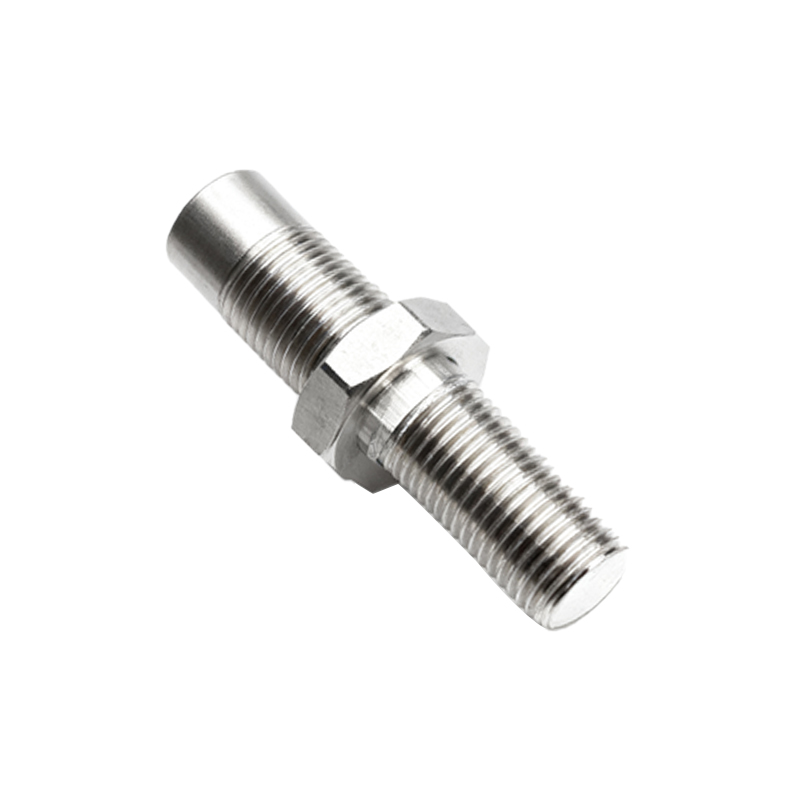
For through-beam sensors, alignment is paramount. These sensors consist of separate emitter and receiver units. To adjust, ensure both units are securely mounted on stable surfaces. Use alignment tools, such as laser pointers or built-in indicators, to position them directly opposite each other. The emitter’s beam should hit the receiver’s lens center without obstruction. Check for environmental factors like dust or vibrations that may misalign the units over time. Fine-tune the receiver’s sensitivity knob, if available, to achieve a stable signal when an object interrupts the beam. Test with actual target objects at varying distances to verify consistency.
Retro-reflective sensors combine emitter and receiver in one housing, relying on a reflector to bounce light back. Start by cleaning the reflector and sensor lens to prevent signal attenuation. Position the sensor perpendicular to the reflector, adjusting the angle until the indicator light shows a stable “on” state. Sensitivity adjustment is crucial here; turn the sensitivity control clockwise to increase detection range or counterclockwise to reduce it, avoiding false triggers from background objects. For challenging environments with reflective surfaces, use polarized filters or select sensors with background suppression features to ignore distant objects.
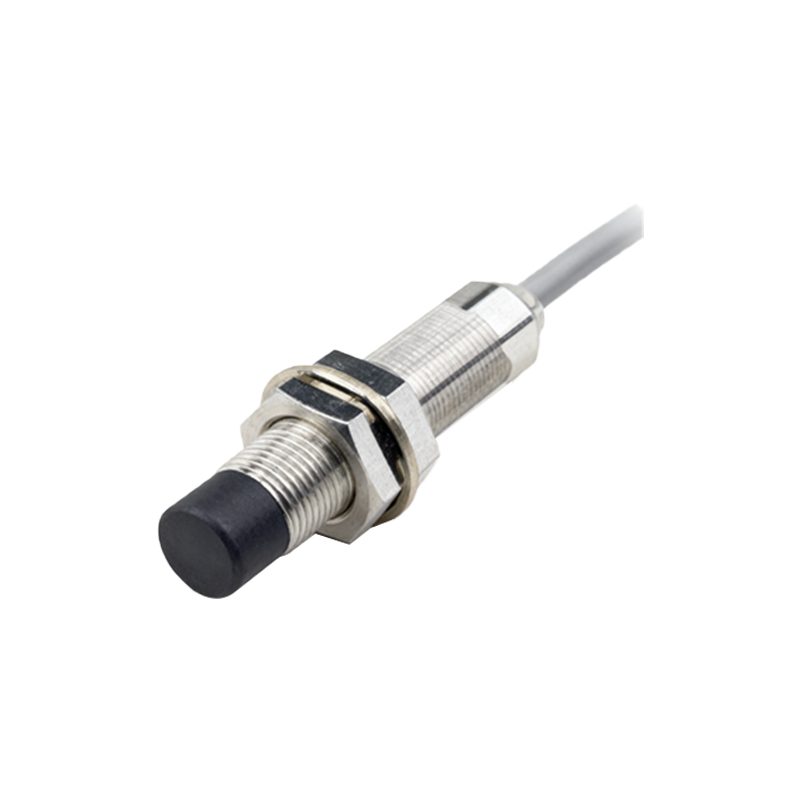
Diffuse reflective sensors detect light scattered directly from the target. Adjustment focuses on sensing distance and object characteristics. Set the sensor at the recommended operating distance, typically specified in the datasheet. Adjust sensitivity based on the target’s color, material, and size—dark or non-reflective objects may require higher sensitivity. Utilize teach-in functions on advanced sensors, which allow automatic calibration by pressing a button when the target is present. Regularly monitor the sensor’s response under different lighting conditions, as ambient light can interfere; opt for models with modulated light sources to mitigate this issue.
Common adjustment tools include screwdrivers for potentiometers, alignment jigs, and digital multimeters for signal measurement. Always refer to the manufacturer’s manual for model-specific instructions. During adjustment, observe indicator LEDs: a steady light often indicates proper alignment, while blinking may signal weak reception or misalignment. For networked sensors, use software interfaces to fine-tune parameters like response time and hysteresis, enhancing integration with PLC systems.
Maintenance is key to sustained performance. Periodically inspect sensors for dirt accumulation, physical damage, or loose connections. Recalibrate after environmental changes, such as temperature shifts or new equipment installations. Document adjustment settings for future reference, ensuring repeatability in multi-sensor setups.
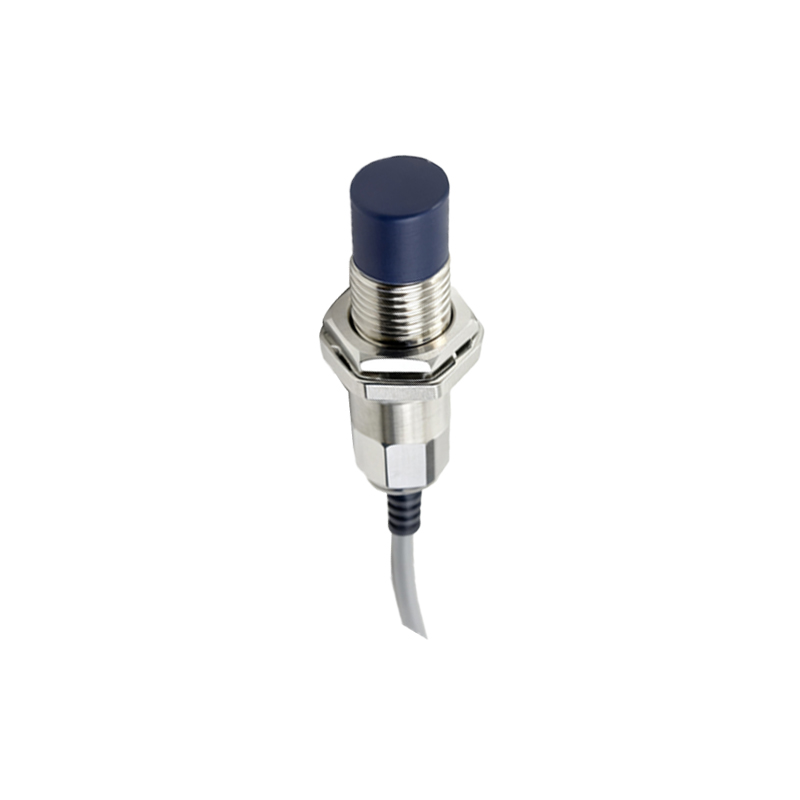
In summary, adjusting proximity photoelectric sensors involves a methodical approach based on sensor type, environmental factors, and application needs. By mastering these techniques, engineers can optimize detection accuracy, reduce downtime, and improve overall system efficiency in industrial automation.