In modern industrial automation and consumer electronics, the integration of various sensors and human-machine interfaces (HMIs) is paramount. A common yet perplexing issue encountered by electrical engineers and maintenance technicians is the phenomenon where a proximity sensor's operation causes a nearby touchscreen or capacitive display to become unresponsive or "frozen." This article delves into the technical root causes of this electromagnetic interference (EMI) and provides practical mitigation strategies.
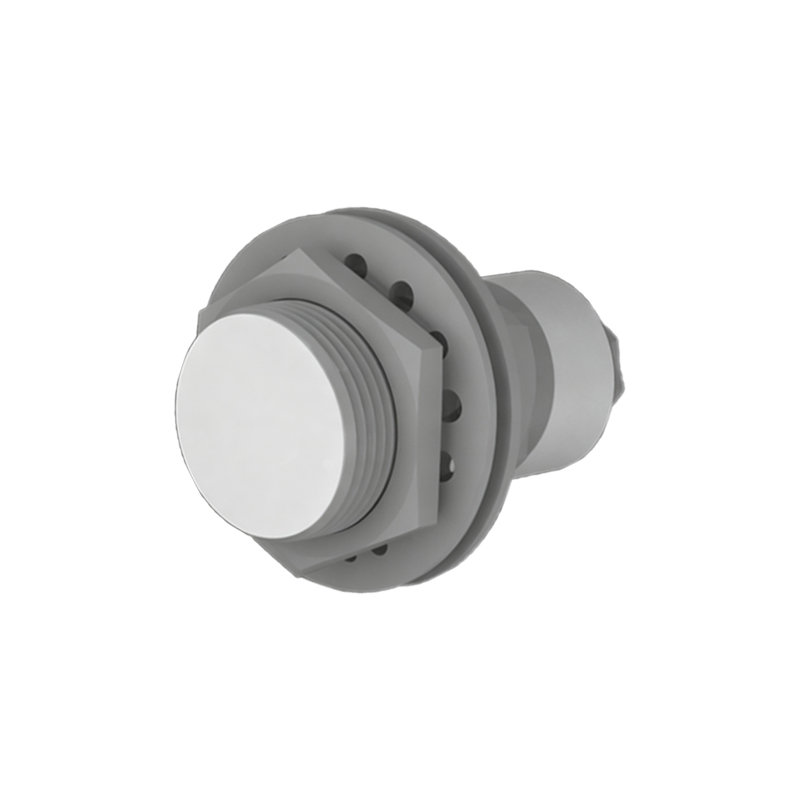
The core function of a proximity sensor, whether inductive, capacitive, or photoelectric, is to detect the presence or absence of an object without physical contact. These sensors typically operate by generating an electromagnetic field or a beam of light. Inductive sensors, for instance, generate a high-frequency oscillating electromagnetic field. When a metallic object enters this field, it induces eddy currents, which are detected by the sensor's circuitry. Similarly, capacitive sensors generate an electrostatic field. The switching actions, especially in DC sensors with solid-state outputs, involve rapid changes in current (di/dt) and voltage (dv/dt). These transients can generate broadband electromagnetic noise.
Modern touchscreens, particularly capacitive types, are highly sensitive by design. They work by detecting minute changes in capacitance caused by a finger's touch. The controller constantly measures the capacitance matrix of the screen. External electromagnetic noise, if it falls within the operating frequency band of the touchscreen controller or couples onto the sensing lines, can swamp these subtle signals. The noise is interpreted by the controller as false touches or, more commonly, as a signal integrity failure, prompting it to ignore all inputs or enter a safe state—resulting in the screen being "dead" or unresponsive.
Several key factors exacerbate this interference:
1. Frequency Clash: The switching frequency of the sensor's internal oscillator or its harmonic frequencies can overlap with the sampling frequency of the touchscreen controller.
2. Poor Wiring Practices: Running sensor power cables (especially those carrying PWM or switching loads) in parallel or close proximity to touchscreen signal cables is a primary culprit. This creates inductive or capacitive coupling paths.
3. Inadequate Shielding: Many industrial-grade sensors have metal housings that provide shielding. However, if the cable shielding is not properly grounded (drained) at both ends (or per the manufacturer's guideline, often at the controller end only), it acts as an antenna.
4. Power Supply Quality: A shared or noisy DC power supply for both the sensor and the HMI unit can conduct interference directly. Voltage dips when a sensor activates can also reset sensitive logic.
5. Ground Loops: Improper grounding schemes creating potential differences between the sensor ground and the HMI ground can induce currents in signal lines.
Mitigation and Best Practices:
Physical Separation: The first and most effective rule is to maintain maximum practical distance between proximity sensors and touchscreen cables/units. A minimum of 20-30 cm is often recommended. Route power and signal cables in separate conduits or trays.
Cabling and Shielding: Use shielded cables for both sensors and touchscreen interfaces. For sensor cables, connect the shield to the functional earth (FE) terminal at the sensor and the control panel, ensuring a 360-degree clamp connection. For touchscreen cables, follow the display manufacturer's specific grounding instructions. Avoid running cables near motors, VFDs, or high-current conductors.
Filtering: Install ferrite cores or beads on the sensor's output cable or power cable, close to the sensor body. These suppress high-frequency common-mode noise. In-line EMI filters on the DC power supply line feeding the sensors can also be highly effective.
Power Supply Decoupling: Use separate, regulated, and filtered power supplies for sensitive HMI equipment and for sensor clusters. If a shared supply is unavoidable, use isolated DC-DC converters for the HMI.
Sensor Selection: Consider sensors with slower switching characteristics (if the application allows) or models advertised for low EMI emission. Some manufacturers offer "ECOLAB" or similar certified sensors designed for minimal interference.
Grounding Audit: Implement a single-point or star grounding system for the control panel to eliminate ground loops. Ensure all equipment shares a common, low-impedance earth reference.
Software Hysteresis: On the HMI or PLC side, implementing software debounce or delay logic for the touch inputs can sometimes help ignore transient interference spikes, though this is a secondary measure.
Diagnosing this issue requires a systematic approach. Start by temporarily powering down or physically isolating suspected sensors to confirm the source. An oscilloscope with a current probe or a near-field EMI probe can be invaluable for visualizing the noise coupling.
In conclusion, the unresponsiveness of a touchscreen due to a nearby proximity sensor is a