Proximity sensors are critical components in modern industrial automation, providing non-contact detection of objects in harsh environments. Over time, contaminants such as dust, oil, metal shavings, and moisture can accumulate on sensor surfaces, leading to false triggers, reduced sensing ranges, or complete failure. Regular and proper cleaning is essential to maintain optimal performance and extend the operational lifespan of these devices. This article outlines systematic cleaning procedures, recommended materials, and preventive maintenance strategies tailored for inductive, capacitive, and photoelectric proximity sensors commonly used in manufacturing, packaging, and material handling systems.
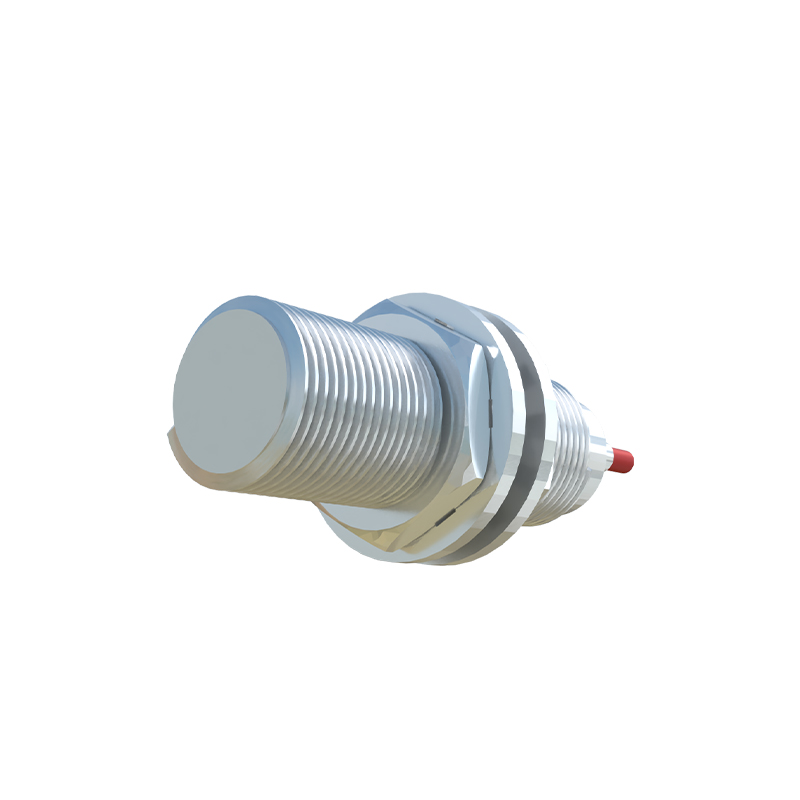
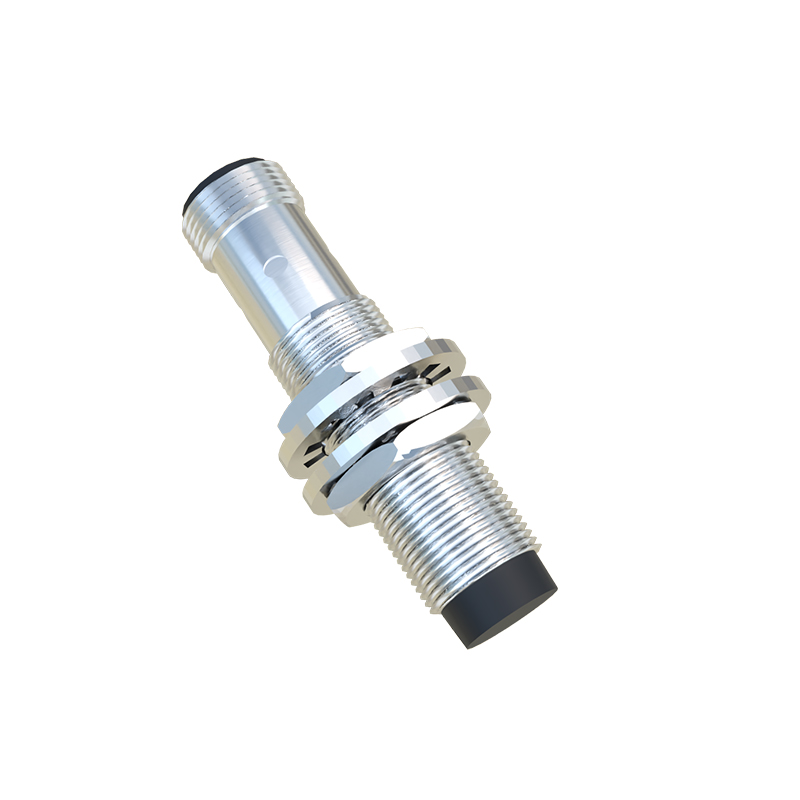
Before initiating any cleaning procedure, always adhere to the manufacturer's safety guidelines and disconnect power to the sensor and associated machinery to prevent electrical hazards or accidental activation. For inductive and capacitive sensors, begin by inspecting the active sensing face for buildup of ferrous or non-ferrous debris. Use a soft, lint-free cloth lightly dampened with isopropyl alcohol (IPA) or a specialized electronic-grade cleaner to gently wipe the surface. Avoid abrasive materials, harsh solvents like acetone, or high-pressure sprays that can damage protective coatings or housing seals. For stubborn contaminants, a soft-bristle brush may be used cautiously. Ensure the sensor is completely dry before re-energizing.
Photoelectric sensors, particularly those with lenses, require more delicate handling. Dust or grime on the lens can scatter or block light beams, causing unreliable detection. First, use dry, compressed air to blow away loose particles, directing the airflow at an angle to avoid embedding debris. For smudges or oily films, apply lens cleaning solution to a microfiber cloth—never directly spray liquid onto the lens—and wipe gently in a circular motion from the center outward. Inspect the emitter and receiver windows for clarity. Additionally, check the alignment of opposed or retro-reflective sensors post-cleaning, as even minor displacement during maintenance can affect accuracy.
Environmental factors greatly influence cleaning frequency. In high-particulate settings like foundries or woodworking shops, weekly inspections may be necessary, whereas cleaner assembly lines might require monthly checks. Implementing protective measures can reduce contamination: mounting sensors away from direct spray paths, using protective shrouds or baffles, and selecting sensors with appropriate IP (Ingress Protection) ratings for the environment (e.g., IP67 for dust and temporary immersion). For oil-heavy applications, sensors with stainless steel housings and PTFE-coated faces resist adhesion and simplify wiping.
Documentation is a key aspect of preventive maintenance. Maintain a log of cleaning dates, methods, and any performance anomalies observed before and after cleaning. This data helps identify patterns, predict failures, and optimize maintenance schedules. Training personnel on correct techniques is equally important; improper cleaning can void warranties or cause irreversible damage. Emphasize that sensors are precision instruments, not general hardware.
In summary, a proactive approach to proximity sensor cleaning enhances system reliability, reduces downtime, and avoids costly replacements. By integrating these practices into routine maintenance protocols, engineers can ensure consistent sensor operation, supporting overall productivity and quality control in industrial automation. Always consult specific sensor manuals for model-specific instructions, as materials and tolerances vary by design and manufacturer.