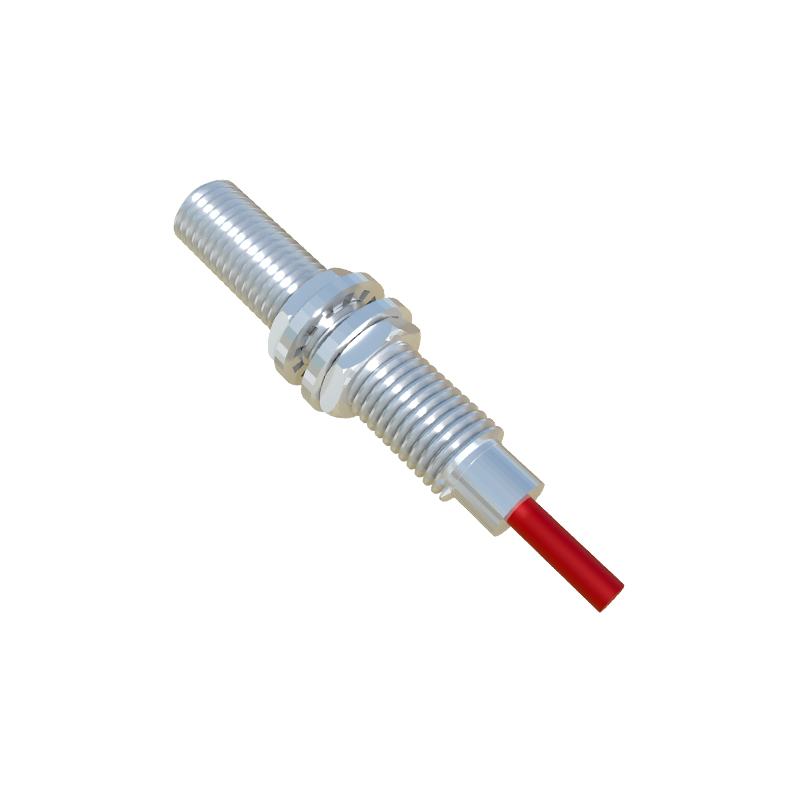
In the rapidly evolving landscape of industrial automation and machine design, proximity sensors stand as fundamental components for non-contact object detection. For engineers, sourcing and integrating these sensors efficiently hinges on access to accurate, manufacturer-standard technical documentation and CAD models. This guide details the essential resources and best practices for downloading proximity sensor standard parts, ensuring seamless integration into your designs and BOMs.
The primary source for standard part downloads is invariably the official website of the sensor manufacturer. Leading global suppliers such as Siemens, Omron, Schneider Electric, Pepperl+Fuchs, and Balluff maintain comprehensive online portals dedicated to product support. These portals typically feature a "Downloads," "Support," or "CAD Data" section. Here, engineers can find a wealth of resources. The most critical files are the 2D drawings (often in DWG or DXF format) and 3D CAD models. Common formats include STEP (ISO 10303), which is neutral and widely compatible across different CAD platforms like SolidWorks, Autodesk Inventor, and Siemens NX. Some manufacturers also provide native CAD files (e.g., SLDPRT for SolidWorks) for greater detail. Beyond geometry, the product datasheet is indispensable. This PDF document contains all electrical specifications (operating voltage, output type - PNP/NPN, NO/NC), sensing ranges, housing materials, temperature ratings, and connection diagrams. Installation manuals and certificates of conformity are also typically available.
To locate these files, use the precise manufacturer part number. This is the most reliable method. Enter the part number (e.g., SIEMENS 3RG7622-2AA00) into the website's search bar. The product page that loads will almost always host the downloadable files. If the part number is unknown, use the parametric search tools provided. You can filter by sensor type (inductive, capacitive, magnetic), housing shape (cylindrical, rectangular, ring-shaped), thread size (e.g., M8, M12, M18, M30), connection type (connector, cable), and output configuration. Once the correct product is identified, select your desired file format and download.
For broader project compatibility and library management, consider using third-party component supplier platforms and part community websites. Platforms like TraceParts, 3DContentCentral, and CADENAS offer aggregated libraries from hundreds of manufacturers. These sites allow you to search across multiple brands, compare dimensions, and download models in dozens of formats. They are particularly useful during the initial design phase when evaluating different suppliers. However, always cross-reference the downloaded model with the latest official datasheet before finalizing a design, as third-party libraries may not always be updated instantly.
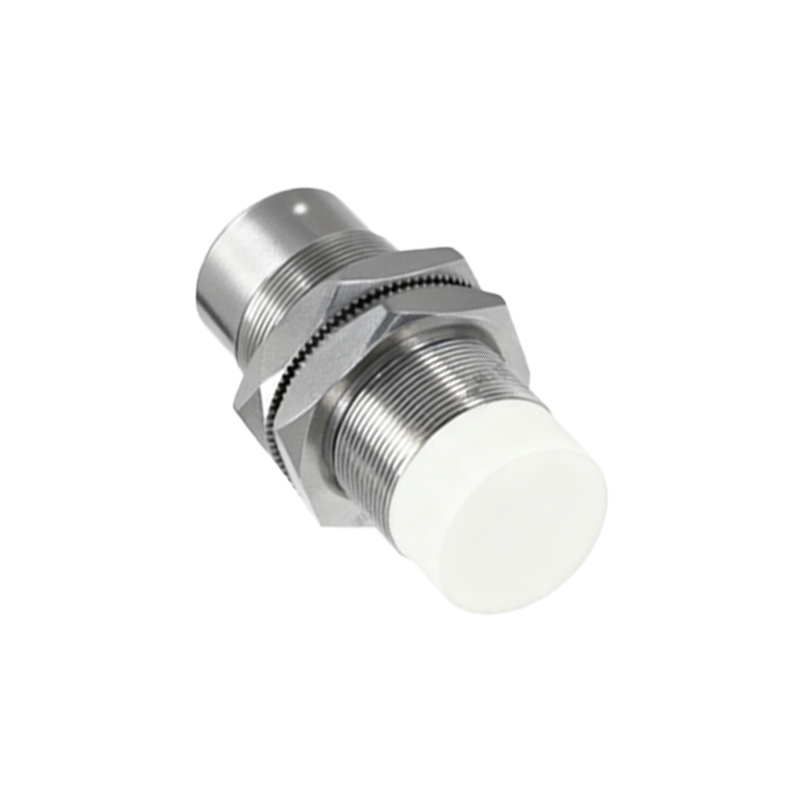
A critical step often overlooked is verifying the revision of the downloaded files. Manufacturers occasionally update product designs or documentation. Check the file version or revision date against the information on the product page. Implementing a version control system for your downloaded CAD library within your engineering team is a best practice to prevent errors from using obsolete models.
When integrating the downloaded 3D model into your assembly, pay close attention to the specified sensing range and the required installation clearances (lateral and frontal) as detailed in the datasheet. Incorrect mounting can lead to unreliable detection. The electrical characteristics from the datasheet must be correctly implemented in your control cabinet layout and PLC programming. Ensure the sensor's output type (sourcing vs. sinking) matches your PLC input card specifications.
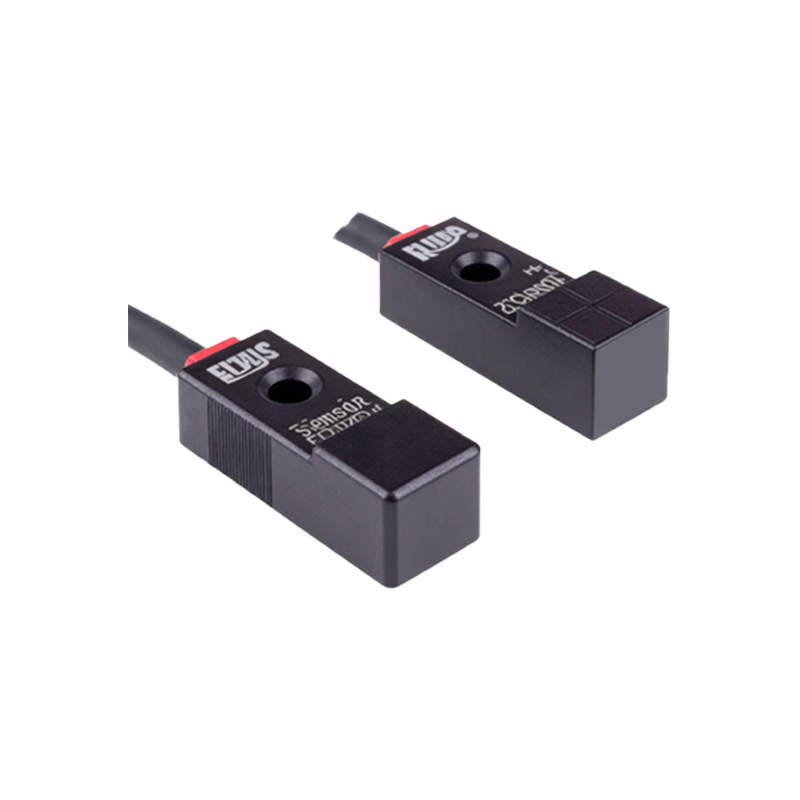
In summary, a systematic approach to downloading proximity sensor standard parts involves: identifying the precise part number, sourcing files from official manufacturer websites as the primary source, utilizing third-party platforms for comparison, meticulously checking file revisions, and rigorously applying the technical specifications from the datasheet to the mechanical and electrical design. This disciplined workflow minimizes integration errors, accelerates design cycles, and ensures reliable machine operation in the field. Bookmark the support pages of your most frequently used suppliers to streamline this process for future projects.