Proximity switch sensors are indispensable components in modern industrial automation, serving as non-contact detection devices for position sensing, object counting, and speed monitoring. Their reliability is paramount for maintaining continuous production flow. However, like all electronic components, they are susceptible to failure. Recognizing the symptoms of a faulty proximity switch is crucial for timely troubleshooting and preventing costly downtime. This article outlines the common phenomena indicating a malfunctioning proximity sensor.
One of the most frequent and clear-cut symptoms is a complete loss of signal. The sensor fails to detect a target within its specified sensing range, resulting in no output signal change. On the control panel, this may manifest as a machine stopping unexpectedly, a conveyor halting, or a counter not incrementing. The programmable logic controller (PLC) or other control system will typically register an input error or a "sensor fault" alarm. Before condemning the sensor, it is essential to verify basic conditions: ensure the target is present, is of the correct material (ferrous for inductive, any material for capacitive), and is within the rated sensing distance. Also, check for physical obstructions or heavy accumulation of debris, dust, or metal shavings on the sensor face, which can severely attenuate its effective range.
Conversely, a sensor may exhibit erratic or intermittent operation. The output signal may flicker on and off rapidly when a target is present and stationary, or it may trigger sporadically without any target in proximity. This "chattering" signal can cause erratic machine behavior, such as a robotic arm jittering or a process valve cycling unnecessarily. Intermittent faults are often the most challenging to diagnose. Common causes include loose wiring connections, damaged cables, internal component degradation due to vibration or thermal stress, or electrical noise interference from nearby high-power equipment like variable frequency drives (VFDs) or welding machines. Shielding integrity of the cable and proper grounding are critical checks in such scenarios.
Another telltale sign is a reduced sensing range. The sensor only detects a target when it is brought much closer than its datasheet specification. For instance, an inductive sensor rated for an 8mm range might only work at 2mm. This gradual degradation is often due to aging internal electronics, contamination of the sensing face (like a build-up of paint, grease, or epoxy), or physical damage to the coil or oscillator circuit inside the sensor. Environmental factors, such as extreme temperatures beyond the sensor's specification, can also cause permanent damage to components, leading to diminished performance.
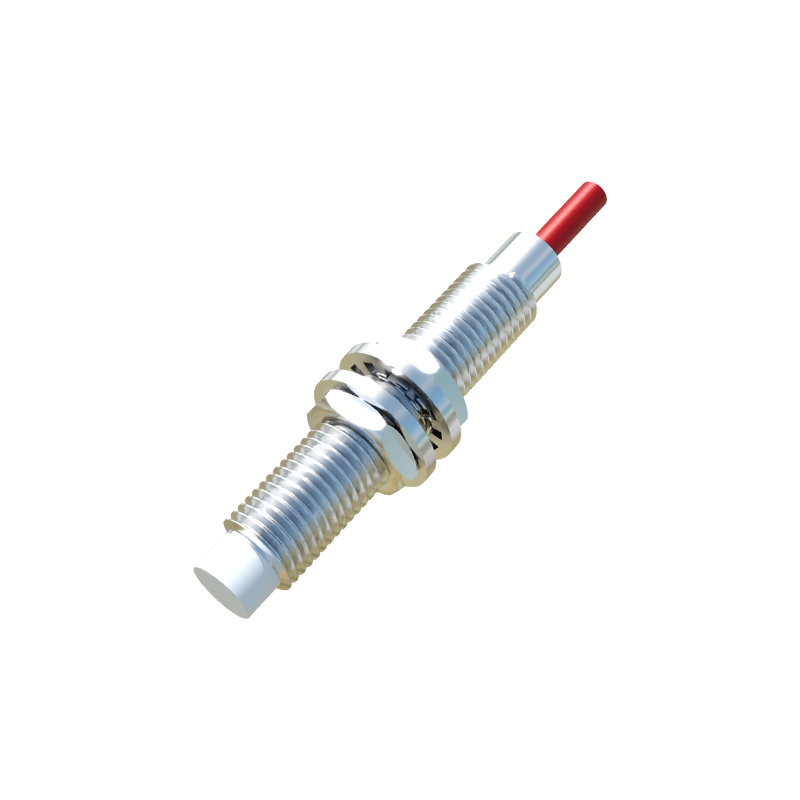
In some cases, the sensor output may become "stuck" in one state—either permanently ON or permanently OFF, regardless of target presence. A sensor stuck ON will continuously send a detection signal, potentially causing a machine to run indefinitely or a safety circuit to be bypassed. A sensor stuck OFF will never activate, halting a process. This can result from a catastrophic internal failure, such as a short circuit or an open circuit in the output transistor (for PNP/NPN types) or relay. It can also be caused by incorrect wiring, such as reverse polarity or an overload on the output that has damaged the switching element.
For sensors with LED indicators (a common feature), visual cues are invaluable. A normally functioning sensor's LED will illuminate when a target is detected. A faulty sensor might show a constantly lit LED, a constantly dark LED, or a dim/flickering LED irrespective of target position. This directly points to an internal power supply or oscillation circuit issue. However, note that some sensor failures may not affect the indicator LED, which might still operate normally while the output signal is faulty.
Electrical diagnostics are the next step. Using a multimeter to measure the output voltage (for DC sensors) in both triggered and non-triggered states can reveal problems. Compare the readings with the expected voltages listed in the datasheet. Unusual voltage levels, failure to switch between states, or excessive current draw are strong indicators of internal failure. Also, measure the supply voltage at the sensor's terminals to rule out problems with the power source.
Environmental damage presents specific symptoms. Sensors exposed to excessive moisture or chemical spills may show signs of corrosion on the housing or connector pins, leading to intermittent contact or short circuits. Physical impact can crack the housing, damaging internal components or allowing environmental contaminants inside. In high-vibration environments, internal solder joints can fracture over time.
Preventive maintenance and correct installation are key to longevity. Always select a sensor with an appropriate environmental rating (IP rating) for its location, ensure it is mounted securely to minimize vibration, use shielded cables in noisy environments, and protect it from mechanical damage and harsh chemicals. When symptoms point to an internal fault, replacement is often the most efficient solution, as most industrial proximity switches are sealed units not intended for repair. Keeping a log of failure symptoms can also aid in predictive maintenance and