In the intricate ecosystem of a modern smartphone, numerous sensors work in concert to deliver a seamless and intuitive user experience. Among these, the proximity sensor plays a crucial, though often underappreciated, role. But what exactly is its function, and how does it operate within the device's hardware and software framework?
Fundamentally, a proximity sensor is a non-contact device that detects the presence or absence of an object within a short range, typically a few centimeters. In smartphones, its primary purpose is to determine when the device is held close to the user's ear during a voice call. Upon detection, the sensor signals the system to deactivate the touchscreen display. This serves multiple critical functions: it prevents accidental screen touches from the cheek or ear that could disrupt the call (e.g., muting, activating speakerphone, or hanging up), conserves battery power by turning off the display backlight, and in some implementations, can also disable the capacitive touch digitizer for further power savings.
The most common technology employed in smartphone proximity sensors is the infrared (IR) sensor. A typical IR proximity sensor module consists of an IR LED (light-emitting diode) that emits an invisible infrared beam and an IR photodiode or phototransistor that detects the reflected light. When an object, such as the user's head, comes near the phone's earpiece area, the emitted IR light reflects off the object and is captured by the receiver. The sensor's integrated circuit then measures the intensity of the reflected signal. If the intensity exceeds a predefined threshold, the object is deemed "near," and the sensor triggers the appropriate system response. When the object moves away, the reflected signal weakens, and the sensor returns to a "far" state, reactivating the display.
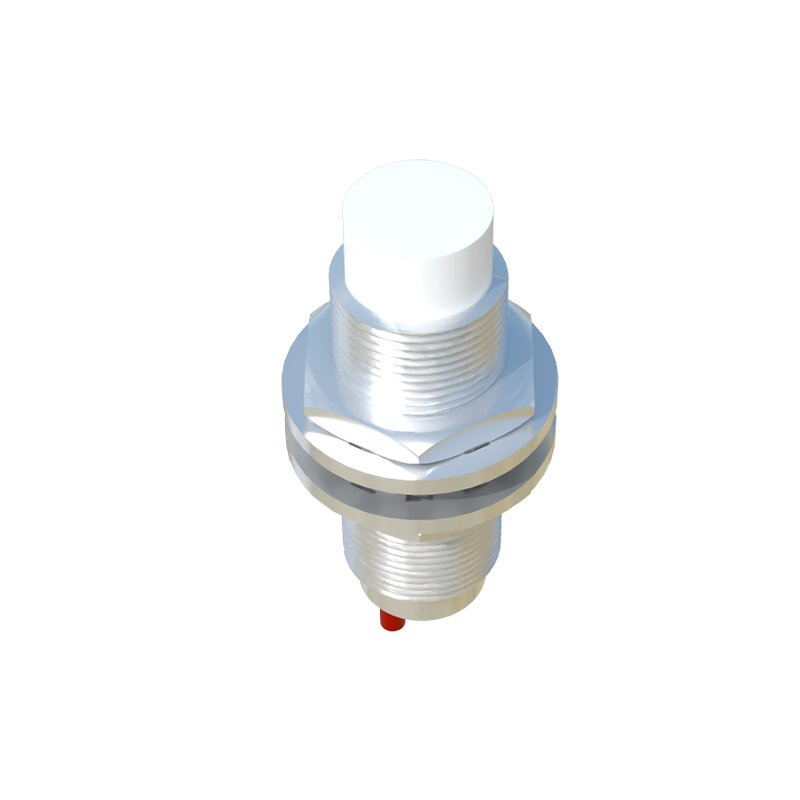
This technology must be carefully calibrated to distinguish between intentional proximity (a phone call) and incidental proximity (being in a dark pocket or purse). Modern sensors and algorithms are sophisticated enough to filter out ambient IR noise and adjust sensitivity thresholds dynamically. Some advanced systems may combine data from the proximity sensor with inputs from the ambient light sensor to make more accurate contextual decisions.
Beyond its classic telephony application, the proximity sensor's utility has expanded. It is integral to features like "Auto Screen On" in some UI skins, where waving a hand over the sensor while the phone is on a table can wake the display to show notifications. It also plays a role in power-saving modes and can prevent accidental activation of features when the phone is stored. In devices with minimal bezels, the sensor's placement and performance are critical engineering challenges, sometimes requiring innovative solutions like under-display sensor placement or the use of alternative technologies such as time-of-flight (ToF) sensors, which offer more precise distance measurement.
From a hardware engineering perspective, the design and integration of the proximity sensor involve considerations of component size, power consumption, optical window design (the small black dot near the earpiece), and immunity to external interference. Software integration involves precise driver development and calibration routines during manufacturing to ensure consistent performance across all units. Debugging proximity sensor issues is a common task in smartphone repair and quality assurance, often involving recalibration or checking for obstructions like poorly fitted screen protectors over the sensor window.
In summary, the smartphone proximity sensor is a vital component for enabling intelligent, context-aware behavior. It is a prime example of how a simple, single-purpose sensor, through precise engineering and software integration, significantly enhances usability, power efficiency, and overall device reliability. Its operation, while largely invisible to the end-user, is a fundamental part of the daily interaction with the device, ensuring that the sophisticated touch interface behaves appropriately in all scenarios.