In the world of industrial automation and electrical engineering, proximity sensors are indispensable components for detecting the presence or absence of objects without physical contact. However, navigating the myriad of model numbers and specifications can be daunting. Understanding how to decipher these codes is crucial for selecting the right sensor for your application, ensuring compatibility, and optimizing performance. This guide will walk you through the common elements found in proximity sensor model numbers, breaking down the typical structure and key parameters encoded within.
Most manufacturers follow a logical alphanumeric system to convey essential information through the model number. While formats vary by brand, certain patterns are widely adopted. Typically, the model number begins with a series of letters indicating the sensor family or type. For instance, "IN" might denote inductive sensors, "CA" could represent capacitive sensors, and "UL" may refer to ultrasonic sensors. These prefixes immediately inform you about the sensing principle, which is fundamental as it determines the material detection capabilities—inductive sensors detect metals, capacitive sensors handle both metallic and non-metallic materials, and ultrasonic sensors use sound waves for distance measurement.
Following the type prefix, numbers often specify critical dimensions or performance ratings. A common element is the sensor's diameter or housing size, such as "M12" or "M30," referring to metric thread sizes. This is vital for mechanical integration, ensuring the sensor fits into the designated mounting space. Additionally, you might encounter codes like "5mm" or "10mm," indicating the sensing range—the maximum distance at which the sensor can reliably detect an object. For example, a model with "M12-5mm" suggests a 12mm diameter sensor with a 5mm sensing range. Always verify the rated sensing distance under specified conditions, as factors like target material and environmental interference can affect real-world performance.
The model number also frequently includes output configuration details. Look for abbreviations like "NPN" or "PNP," which define the transistor output type, essential for compatibility with your control system (e.g., PLCs). NPN sensors sink current, while PNP sources it, and mismatching can lead to circuit issues. Similarly, "NO" (normally open) or "NC" (normally closed) denotes the switch logic, impacting the signal behavior when an object is detected. Some models incorporate this into codes like "NPN-NO" or "PNP-NC." Additionally, output variants such as analog (e.g., 4-20mA or 0-10V) or digital (switching) may be indicated by suffixes like "A" or "D."
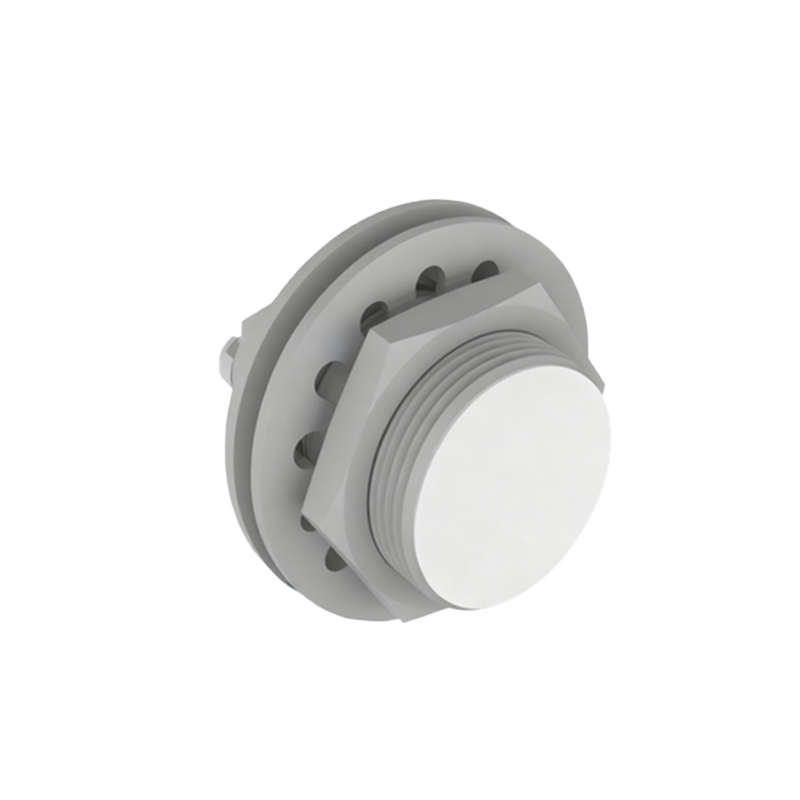
Environmental and electrical ratings are another key aspect embedded in model numbers. IP (Ingress Protection) ratings, such as "IP67" or "IP69K," highlight the sensor's resistance to dust and water, critical for harsh industrial environments. Voltage specifications, like "10-30VDC," specify the operating range, ensuring safe power supply connections. Some models include temperature ratings, e.g., "-25°C to 70°C," which is crucial for extreme conditions. Special features, such as short-circuit protection, reverse polarity protection, or LED indicators, might be abbreviated—for instance, "SCP" or "RP." Always cross-reference these with your application requirements to avoid premature failure.
To illustrate, consider a hypothetical model number: "IN-M18-8mm-PNP-NO-IP67." Breaking it down: "IN" signifies an inductive sensor; "M18" indicates an 18mm diameter; "8mm" is the sensing range; "PNP" denotes a sourcing output; "NO" means normally open; and "IP67" confirms dust and water resistance. This concise code provides a comprehensive snapshot, enabling quick evaluation. However, always consult the manufacturer's datasheet for full details, as some nuances—like response time, housing material, or certification marks (e.g., CE, UL)—may not be fully captured in the model number.
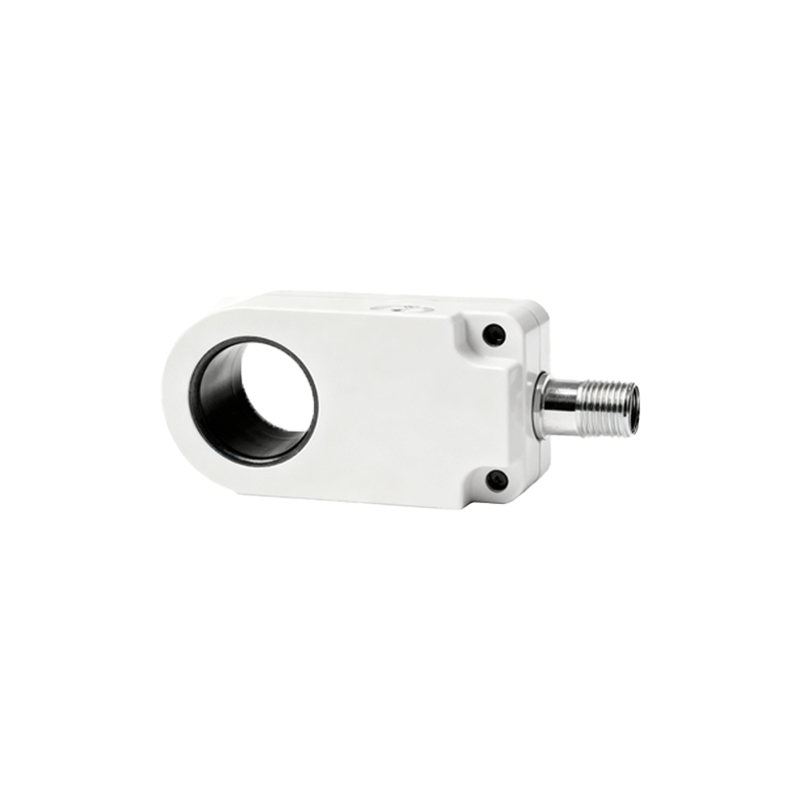
In practice, misinterpreting model numbers can lead to costly errors, such as installation delays or system malfunctions. When in doubt, reach out to suppliers or use online configurators offered by many brands. By mastering the art of reading proximity sensor model numbers, you empower yourself to make informed decisions, streamline procurement, and enhance operational efficiency. Remember, the model number is your first clue—decoding it accurately is a skill that bridges technical specifications with real-world application needs.