In industrial automation, proximity sensors play a critical role in detecting the presence or absence of objects without physical contact. These sensors, including inductive, capacitive, and photoelectric types, are essential for tasks such as positioning, counting, and safety monitoring. To fully leverage their capabilities, integrating them with a Programmable Logic Controller (PLC) is fundamental. This guide details the step-by-step process of connecting proximity sensors to PLCs, ensuring reliable operation in diverse industrial environments.
First, understand the sensor's output type. Proximity sensors typically provide either a digital (discrete) or analog output. Digital outputs, often in the form of NPN (sinking) or PNP (sourcing) configurations, deliver a simple ON/OFF signal. Analog outputs, such as 4-20 mA or 0-10 V, convey continuous data like distance or intensity. Most PLC applications utilize digital sensors for straightforward detection tasks. Confirm the sensor’s specifications, including voltage rating (commonly 10-30 V DC) and output current, to match the PLC input module requirements.
Wiring is the next crucial phase. For a DC-powered sensor, connect the positive wire (usually brown) to the DC power supply’s positive terminal and the negative wire (blue) to the negative terminal. The output wire (black or white) links to the designated PLC input point. Ensure proper grounding to minimize electrical noise, which can cause false triggers. When using an NPN sensor, the output acts as a switch to ground; thus, the PLC input must be configured for sinking input. Conversely, a PNP sensor switches positive voltage, requiring a sourcing input setup on the PLC. Always refer to the sensor and PLC manuals for precise wiring diagrams to prevent damage.
PLC configuration follows physical connections. Access the PLC programming software (e.g., Siemens TIA Portal, Allen-Bradley Studio 5000) and assign the connected input point to a memory address, such as I0.0 or X1. In the ladder logic program, use this address as a contact to control outputs or internal logic. For instance, a proximity sensor detecting a part on a conveyor might trigger a motor via a PLC output. Implement debouncing techniques in the program to filter out signal chatter, enhancing stability. For analog sensors, scale the input values in the PLC to convert raw data into meaningful engineering units, like millimeters or inches.
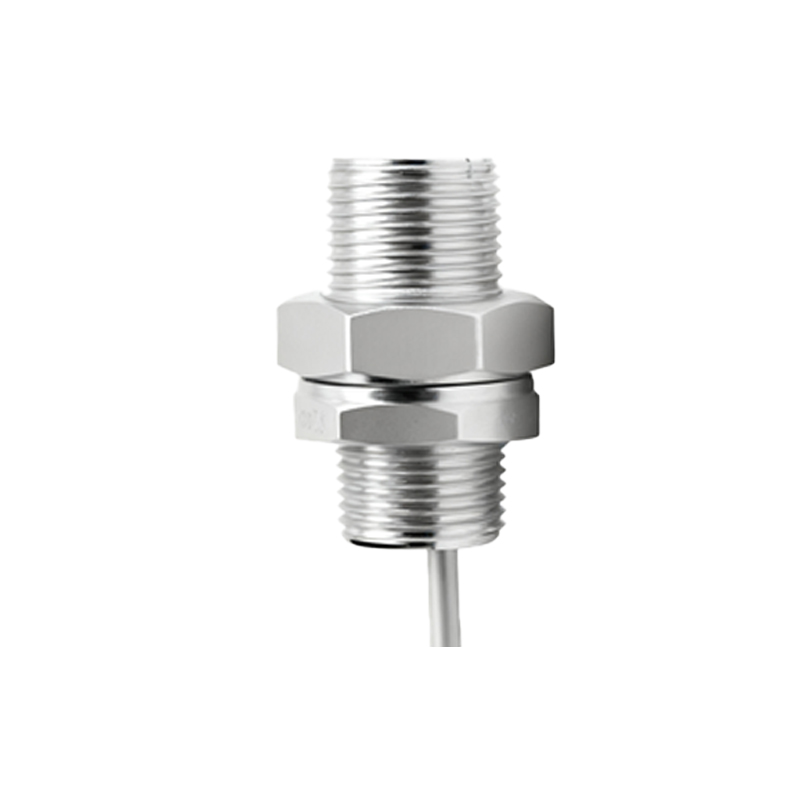
Testing and troubleshooting ensure optimal performance. After wiring and programming, power the system and observe the sensor’s indicator LED. Activate the sensor by introducing a target object; the PLC input status should change accordingly in the software’s monitoring mode. If issues arise, check for loose connections, incorrect power polarity, or mismatched voltage levels. Use a multimeter to verify output signals. In noisy environments, consider shielded cables and separate routing from high-voltage lines. Regular maintenance, including cleaning sensor faces and inspecting cables, prolongs system reliability.
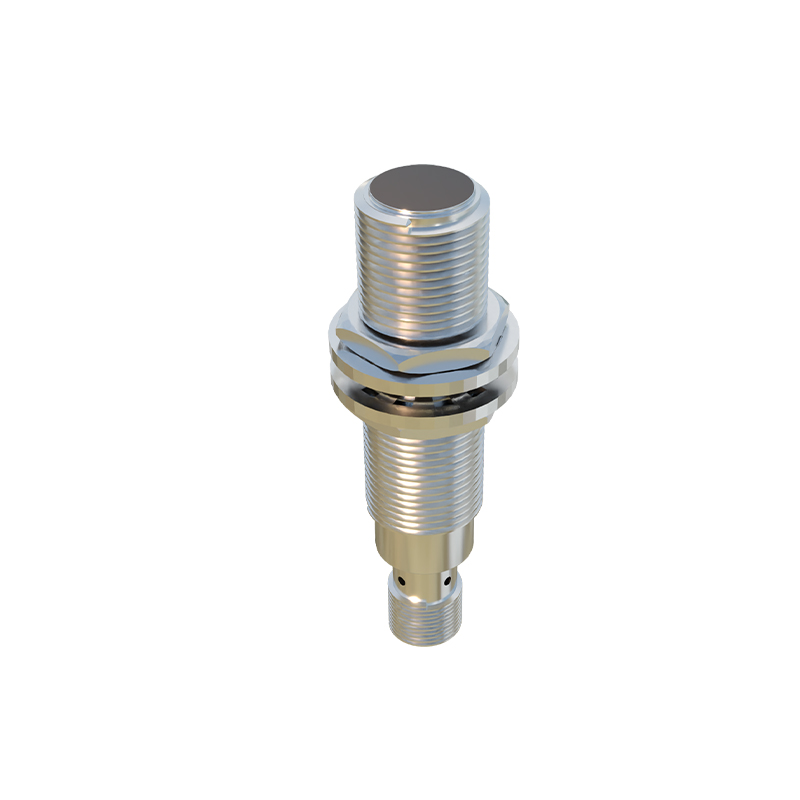
Advanced integration may involve networked systems. In modern setups, proximity sensors connect via IO-Link or Ethernet/IP to PLCs, enabling digital parameterization and diagnostics. This simplifies configuration and allows real-time data exchange for predictive maintenance. Always adhere to industry standards like IEC 61131 for programming and ISO 13849 for safety-related functions. By mastering these steps, engineers can seamlessly integrate proximity sensors with PLCs, boosting automation efficiency and reducing downtime in manufacturing, packaging, and robotics applications.
In summary, connecting proximity sensors to PLCs requires attention to electrical compatibility, precise wiring, and logical programming. With practice, this process becomes intuitive, forming the backbone of responsive and intelligent industrial control systems.