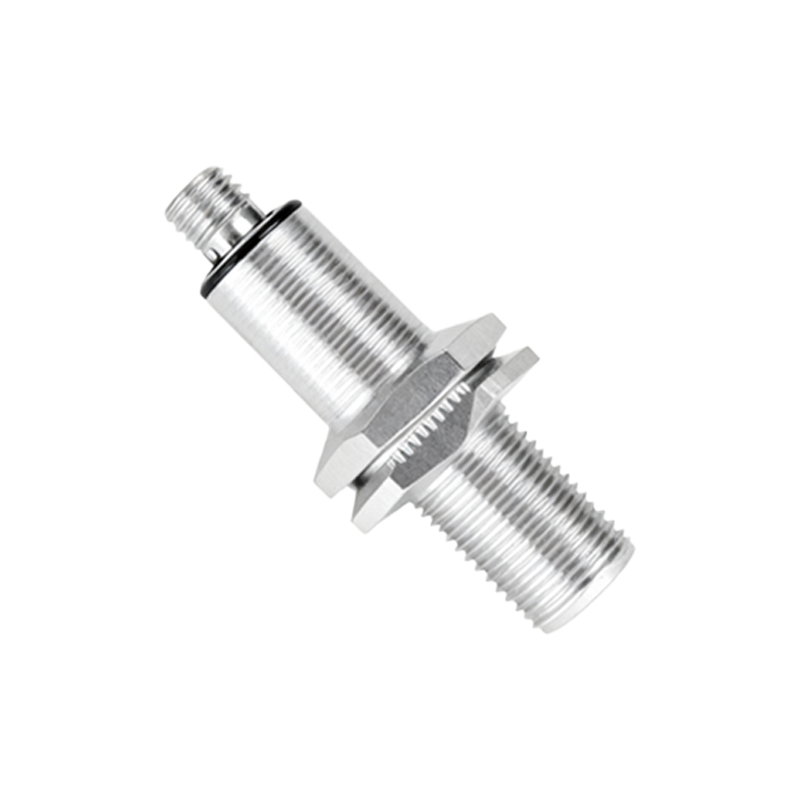
Proximity sensors are essential components in modern automation systems, enabling non-contact detection of objects and materials. Proper setup and configuration are critical to ensure reliable operation, accuracy, and longevity. This guide provides a comprehensive overview of the steps involved in setting up proximity sensors, covering key considerations for installation, adjustment, and troubleshooting.
The first step in proximity sensor setup is selecting the appropriate sensor type for the application. Inductive sensors detect metallic objects, capacitive sensors handle non-metallic materials, and photoelectric sensors use light beams for detection. Each type has specific operating principles and limitations. Consider factors such as sensing distance, target material, environmental conditions, and output requirements when making a selection. Incorrect sensor choice can lead to unreliable performance or premature failure.
Installation plays a vital role in sensor performance. Mount the sensor securely to minimize vibration or movement, which can affect sensing accuracy. Ensure proper alignment between the sensor and the target object. For inductive and capacitive sensors, maintain the recommended sensing distance, typically specified as a nominal range. Avoid mounting sensors near sources of electrical noise, such as motors or frequency drives, to prevent interference. Use shielded cables and proper grounding techniques to reduce electromagnetic interference.
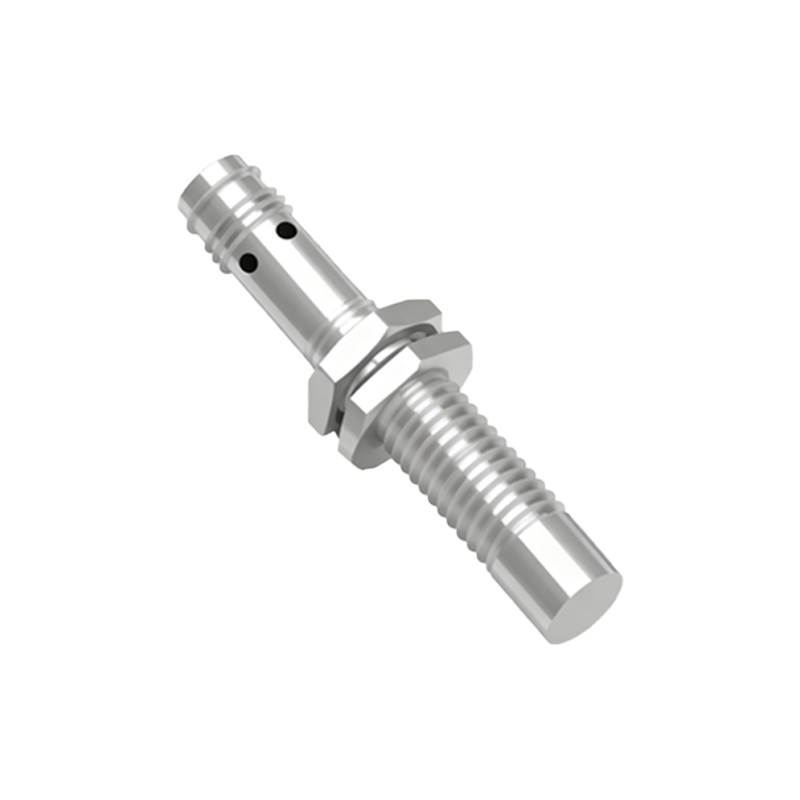
Wiring the sensor correctly is crucial for safe and effective operation. Most proximity sensors have three wires: power supply, ground, and output. Follow the manufacturer’s wiring diagram precisely. DC sensors commonly use brown (positive), blue (negative), and black (output) wires, while AC sensors may have different color codes. Ensure the power supply voltage matches the sensor’s rated voltage. Overvoltage can damage the sensor, while undervoltage may cause inconsistent operation. Use appropriate connectors and protect wires from abrasion or exposure to harsh chemicals.
Configuration involves adjusting the sensor to detect targets reliably. Many sensors feature sensitivity adjustments or teach-in functions. For adjustable sensors, use a small screwdriver to turn the potentiometer until the sensor activates at the desired distance. Some advanced sensors offer programmable parameters via push buttons or software interfaces. Set parameters such as switching frequency, hysteresis, and output delay based on application needs. Hysteresis prevents rapid switching when a target is near the detection threshold, enhancing stability.
Testing the sensor after setup verifies proper operation. Use the actual target material to check detection consistency. Measure the response time to ensure it meets process requirements. Monitor the sensor output with a multimeter or oscilloscope if possible. Environmental factors like temperature, humidity, and contamination can affect performance. For harsh environments, choose sensors with appropriate ingress protection ratings. Regularly clean the sensor face to prevent false triggers from dust or debris accumulation.
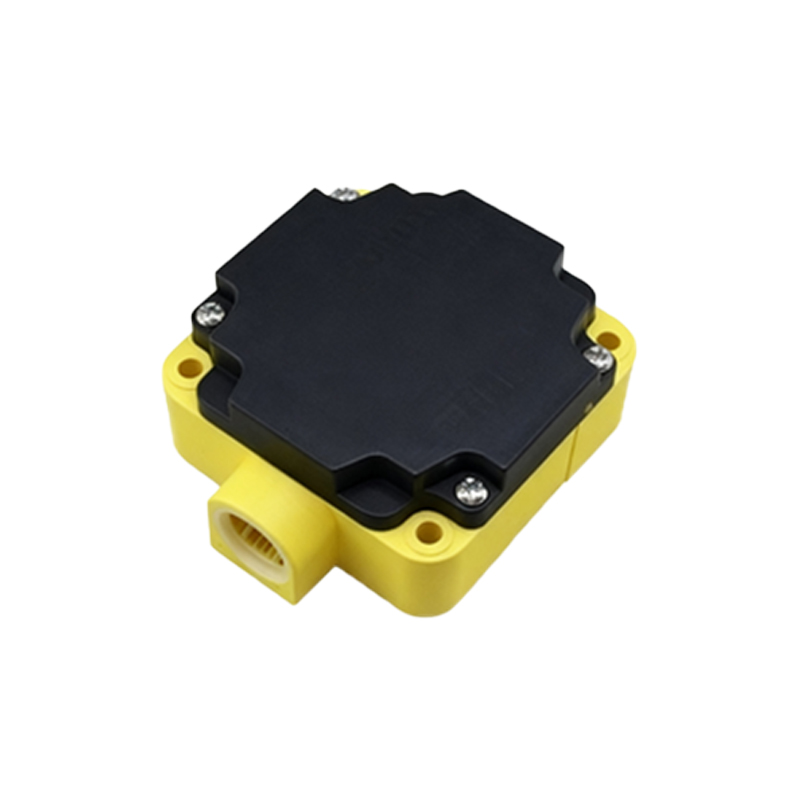
Troubleshooting common issues involves systematic checks. If the sensor fails to detect targets, verify power supply, wiring, and sensing distance. Check for obstructions or misalignment. Intermittent operation may indicate electrical noise or unstable mounting. LED indicators on the sensor provide visual feedback on power status and output activation. Consult the manufacturer’s manual for error codes or diagnostic procedures. Replacing a faulty sensor should follow the same setup steps to avoid repeating issues.
Maintenance ensures long-term reliability. Periodically inspect sensors for physical damage or wear. Calibrate adjustable sensors if drift occurs over time. Keep records of setup parameters for easy replacement or duplication. Training personnel on proper handling and configuration reduces setup errors and downtime.
In summary, successful proximity sensor setup requires careful planning, correct installation, precise configuration, and thorough testing. Adhering to manufacturer guidelines and industry best practices maximizes sensor performance and system efficiency. Whether in manufacturing, packaging, or material handling, well-configured sensors contribute to smoother operations and reduced maintenance costs.