In industrial automation and control systems, the integration of various sensor types with standardized connectors is a common yet critical task. One frequent scenario encountered on the factory floor involves connecting a 4-wire proximity sensor to a 3-pin plug or connector. This situation arises due to the prevalence of 3-pin (often M12 or M8) connectors in many control cabinets and on PLC input modules, designed for simpler 3-wire devices. A 4-wire sensor, typically providing two separate output signals (e.g., a Normally Open (NO) and a Normally Closed (NC) contact from a single sensing element), offers more flexibility but poses a wiring challenge when the destination has only three terminals: typically +V (supply voltage), 0V (common/ground), and Signal.
The fundamental difference lies in the output configuration. A standard 3-wire DC proximity sensor has three leads: brown (+V), blue (0V), and black (signal output). A 4-wire DC sensor usually has: brown (+V), blue (0V), black (NO output), and white (NC output). The sensor internally switches these outputs; when the target is present, the NO closes (connects to +V or 0V depending on sourcing/sinking), and the NC opens, and vice-versa.
The core question is: how to interface the four wires with a three-pin port? The answer depends entirely on the application's logical requirement. You must decide which output signal—NO or NC—is necessary for the control logic. The unused output wire will be insulated and capped, not connected.
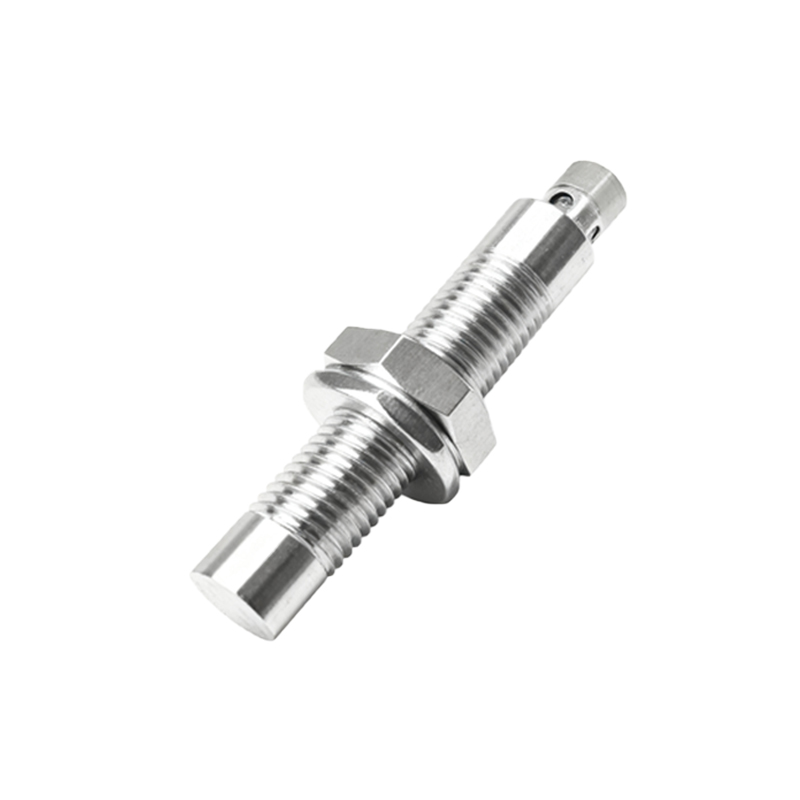
Procedure for Connecting to a 3-Pin Sinking Input:
Most PLC digital inputs are configured as sinking (PNP), meaning the common point is 0V, and the input card expects a +V signal to turn on. For this setup:
1. Connect the sensor's Brown (+V) wire to the DC power supply positive (e.g., +24VDC).
2. Connect the sensor's Blue (0V) wire to both the power supply negative and the common (0V) terminal of the 3-pin connector/PLC common.
3. Select the required output. If you need the NO function, connect the Black (NO) wire to the Signal terminal of the 3-pin plug. If you need the NC function, connect the White (NC) wire to the Signal terminal instead.
4. Carefully insulate and secure the unused output wire (White or Black) with a wire nut or heat-shrink tubing. Do not cut it short; leave it accessible for future reconfiguration.
5. The 3-pin plug now carries: Pin1 (typically): +V (not used from sensor, may be left disconnected or used for pass-through), Pin2: 0V/Common (Blue), Pin3: Signal (Black or White). Verify the pinout of your specific connector standard.
Key Considerations and Best Practices:
Voltage Compatibility: Ensure the sensor's operating voltage (e.g., 10-30VDC) matches your supply and the input module's rating.
Sourcing vs. Sinking: Confirm the input type (sinking/NPN or sourcing/PNP) of your controller. The above example is for a sinking input with a PNP-sensor configuration. For a sourcing input (common at +V), the wiring logic must be inverted, often requiring the sensor's 0V (blue) to be handled differently. Always consult the sensor and PLC manuals.
Load Current: The connected load (the PLC input's internal circuit) must be within the sensor's rated switching capacity.
Shield Connection: If the sensor cable has a shield/drain wire, it should be grounded at the control panel end only, typically to a functional earth terminal, not carried through the 3-pin connector.
Documentation: Clearly label the modification on both electrical drawings and the sensor itself. Note which output (NO or NC) is actively connected.
Alternative Solutions: For applications requiring both NO and NC signals simultaneously, using a 4-pin connector and splitting the signals to two separate 3-pin inputs or a dedicated 4-pin input card is the correct, safer approach. Adapter cables are commercially available but must be wired correctly for the intended logic.
Why Not Just Use All Four Wires?
Attempting to connect both the NO and NC wires to a single signal pin will cause a short circuit within the sensor's output stage when it switches, potentially destroying the sensor. Only one