In industrial automation and electronic control systems, proximity sensors are indispensable components for non-contact detection. A key feature of many modern proximity sensors is the integrated Light Emitting Diode (LED) indicator. This small but crucial light provides immediate visual feedback on the sensor's operational status. Understanding what the LED being illuminated (ON) or extinguished (OFF) signifies is fundamental for installation, troubleshooting, and daily operation. This article delves into the typical meanings behind these two states, aligned with common industry practices.
When the LED on a proximity sensor is steadily illuminated or ON, it generally indicates one of two primary conditions. The most common interpretation is that the sensor has detected a target object within its specified sensing range. The sensor's output circuit is activated, and the LED lights to provide a clear, at-a-glance confirmation of detection. This is critical in automated processes where visual verification of part presence or machine position is necessary. For instance, on a conveyor line, a lit sensor LED confirms a part has reached the correct position for the next operation, such as robotic picking or assembly.
The second common reason for a steady ON LED is a power-on or standby state. Many proximity sensors are designed with the LED illuminated when power is correctly applied, even without a target present. This confirms that the sensor is receiving the proper supply voltage and its internal electronics are functional. It serves as a ready indicator, showing the sensor is online and awaiting a target. The specific behavior—whether the LED is on during standby or only upon detection—varies by sensor model and manufacturer. Consulting the specific datasheet is always imperative.
Conversely, an OFF or unlit LED typically signals that no target is within the active sensing range. The sensor's output is in its normal, non-activated state. In a system where the sensor monitors for part arrival, a dark LED simply means the detection zone is clear. This is a normal operational state. However, an OFF LED can also indicate a problem, which requires systematic diagnosis. The most frequent issue is a lack of power. If the sensor is wired but the LED remains off, the first check should be the power supply connections, voltage level, and polarity.
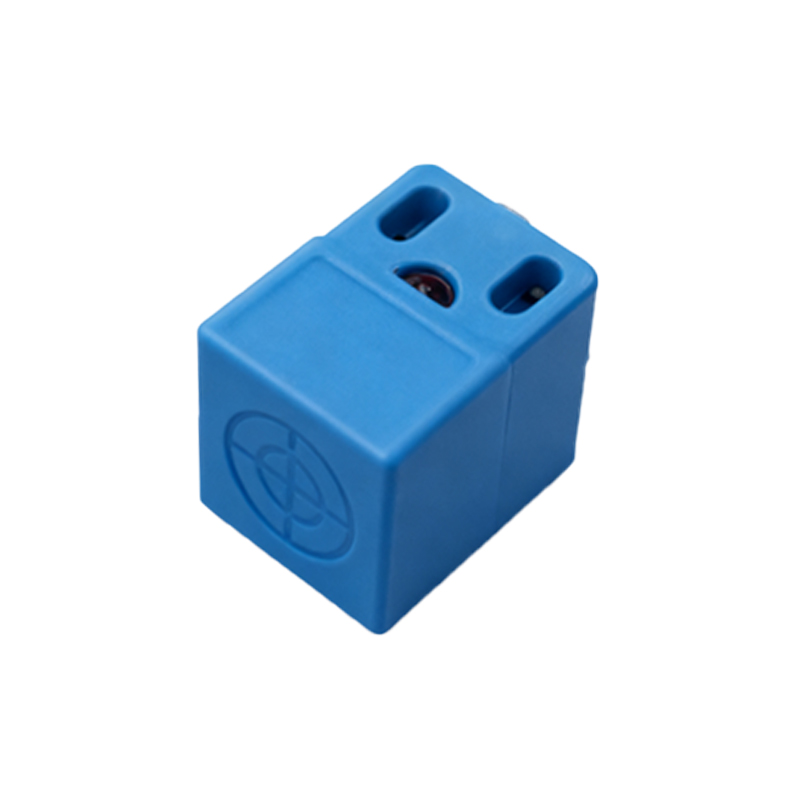
Another potential cause for an OFF LED, despite the presence of a target, is misalignment or excessive distance. If the target is not passing directly through the sensor's effective sensing field or is beyond its rated range, the sensor will not activate, and the LED will stay off. Environmental factors can also be culprits. Accumulation of metal chips, dust, or other debris on the sensor face can attenuate or block its electromagnetic or optical field, preventing proper detection. In harsh environments, chemical contamination or physical damage to the sensing face can lead to permanent failure, indicated by a lack of LED response.
Some advanced sensors feature bi-color LEDs (e.g., red/green) or different blinking patterns to convey more detailed status information beyond simple on/off. A rapidly blinking LED might indicate a short-circuit condition, an overload on the output, or a wiring error. A slow blink could signify that the sensor is operating but in a teach-in or configuration mode. Always refer to the product manual to decode these specific signals accurately.
For maintenance personnel, the LED is the first diagnostic tool. A simple sequence is recommended: 1) Observe the LED with a known target presented. Does it turn on? 2) If not, verify power and wiring. 3) Check for environmental obstructions and ensure the target material and size are suitable for the sensor type (inductive, capacitive, photoelectric). 4) Confirm the sensing distance and alignment. Misinterpretation of the LED state can lead to unnecessary downtime or part replacement.
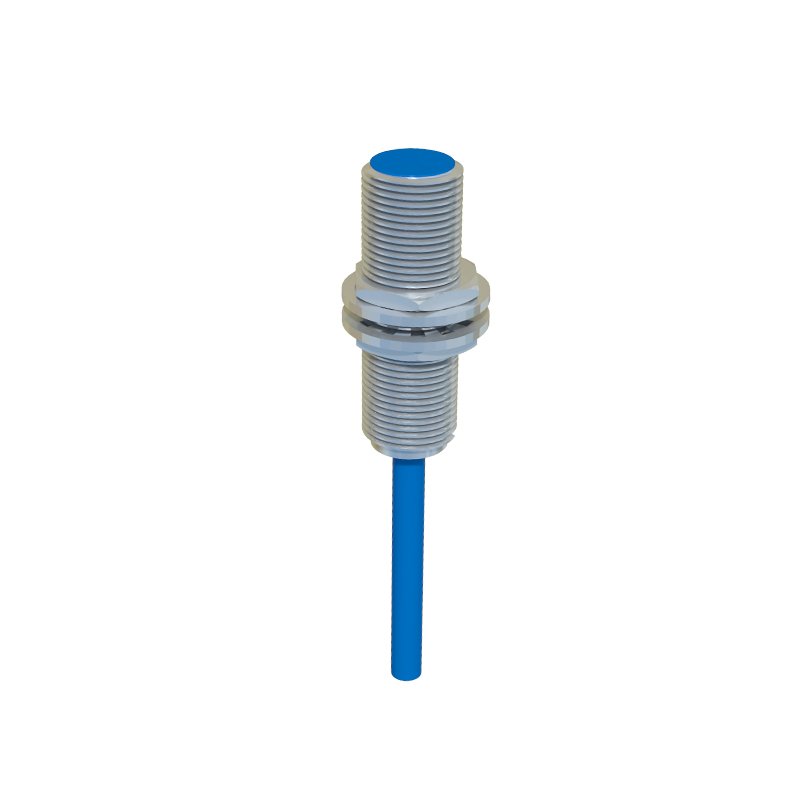
In conclusion, the LED indicator on a proximity sensor is a direct window into its operational health. A steady ON light most often means successful target detection or confirmed power-on readiness. A steady OFF state usually means no target is present, but it can also be the primary symptom of power, alignment, or environmental issues. Recognizing these basic interpretations, while always cross-referencing the manufacturer's documentation, empowers engineers and technicians to ensure robust system performance and implement efficient, targeted troubleshooting strategies, thereby maximizing uptime and productivity in automated systems.