In industrial automation and machinery, proximity sensors are critical components that detect the presence or absence of objects without physical contact. However, a common issue faced by engineers and technicians is a proximity sensor that remains constantly illuminated or activated, even when no target is present. This persistent "on" state can lead to machine malfunctions, production downtime, and safety hazards. Understanding the root causes and implementing effective troubleshooting steps is essential for maintaining operational efficiency.
Proximity sensors, including inductive, capacitive, and photoelectric types, operate based on electromagnetic fields, capacitance changes, or light beams. When a sensor stays on, it typically indicates an anomaly in its detection circuit or environment. One primary cause is sensor misalignment or incorrect installation. For instance, if an inductive proximity sensor is mounted too close to a metal surface or another sensor, it may continuously detect interference, causing it to remain activated. Similarly, photoelectric sensors can be affected by ambient light, dust, or reflective surfaces, leading to false triggers.
Electrical issues are another frequent culprit. Voltage fluctuations or improper power supply can cause sensors to behave erratically. A sensor rated for 24V DC might stay on if subjected to higher voltages, damaging its internal circuitry. Additionally, wiring problems such as short circuits, ground faults, or loose connections can create continuous signal paths, keeping the sensor in an active state. In some cases, electromagnetic interference (EMI) from nearby motors, drives, or high-frequency equipment can induce false signals, mimicking target presence.
Environmental factors also play a significant role. Contaminants like oil, coolant, or metal shavings can accumulate on sensor faces, particularly in harsh industrial settings. For capacitive sensors, changes in humidity or material composition nearby may alter capacitance, causing constant activation. Temperature extremes can affect sensor components, leading to drift or failure. Regular maintenance, including cleaning and inspection, is vital to prevent such issues.
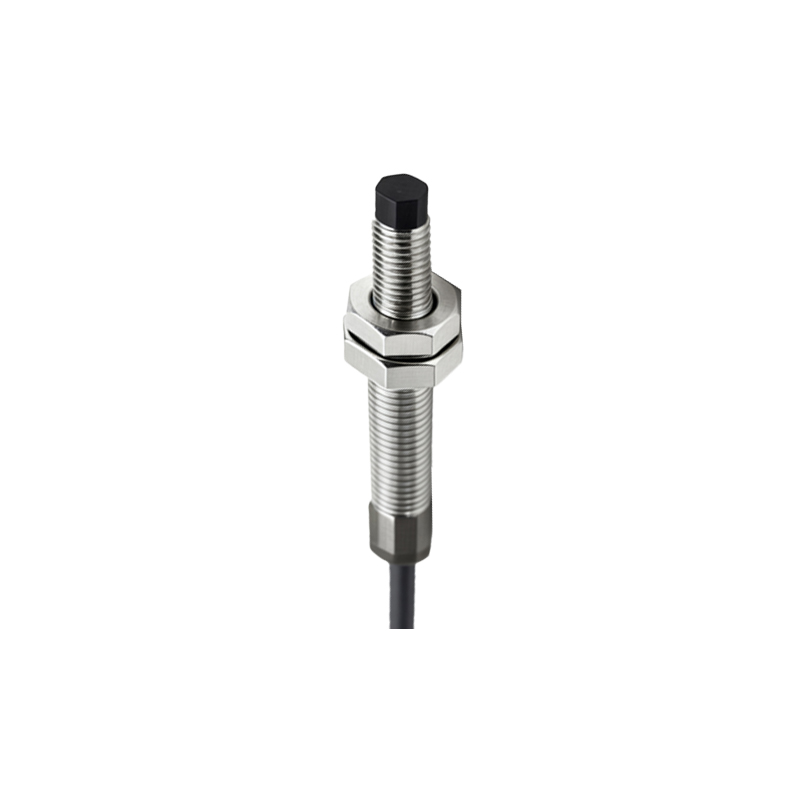
Troubleshooting a proximity sensor that stays on requires a systematic approach. Begin by verifying the sensor's specifications and installation against manufacturer guidelines. Ensure proper mounting distance, alignment, and environmental conditions. Use a multimeter to check voltage levels and signal outputs, comparing them to expected values. If the sensor outputs a continuous signal, try isolating it from the control system to determine if the issue lies in the sensor itself or external wiring. Replacing the sensor with a known working unit can help identify hardware failures.
For photoelectric sensors, adjust sensitivity settings and shields to block ambient light. Inductive sensors may require recalibration or shielding from metal interference. In cases of EMI, consider relocating the sensor, using shielded cables, or installing ferrite cores. Implementing surge protectors and stable power supplies can mitigate electrical problems. Documenting incidents and solutions aids in predictive maintenance, reducing future downtime.
In summary, a proximity sensor staying on is often a symptom of installation errors, electrical faults, or environmental challenges. By applying methodical troubleshooting and adhering to best practices, engineers can restore sensor functionality and ensure reliable operation. Proactive measures, including regular checks and proper selection of sensor types for specific applications, further enhance system resilience. As automation evolves, understanding these nuances becomes increasingly important for sustaining industrial productivity and safety.