In industrial automation and process control systems, proximity sensors play a critical role in detecting the presence or absence of objects without physical contact. A common yet perplexing issue encountered by engineers is when a sand timer (or hourglass) mechanism—often used in timing or batching processes—fails to recognize signals from a proximity sensor. This malfunction can disrupt entire production lines, leading to downtime and inefficiency. Understanding the root causes and implementing systematic troubleshooting steps is essential for swift resolution.
First, verify the basic electrical connections. Ensure that the proximity sensor is properly wired to the power supply and the sand timer's control unit. Loose terminals, corroded contacts, or incorrect wiring (such as mixing up PNP and NPN configurations) are frequent culprits. Use a multimeter to check voltage levels at the sensor output and the input terminal of the sand timer. The sensor should provide a clear signal (e.g., 24V DC for high state) when activated. If the voltage is absent or unstable, inspect cables for damage or interference from nearby high-voltage equipment.
Next, assess the sensor's alignment and sensing range. Proximity sensors, whether inductive, capacitive, or ultrasonic, require precise positioning relative to the target—in this case, the sand flow or a moving part within the timer mechanism. Misalignment can prevent the sensor from detecting the sand particles or the timer's internal components. Adjust the sensor's angle and distance according to the manufacturer's specifications. For instance, inductive sensors may need to be within millimeters of a metallic target, while capacitive sensors might require calibration for non-metallic materials like sand.
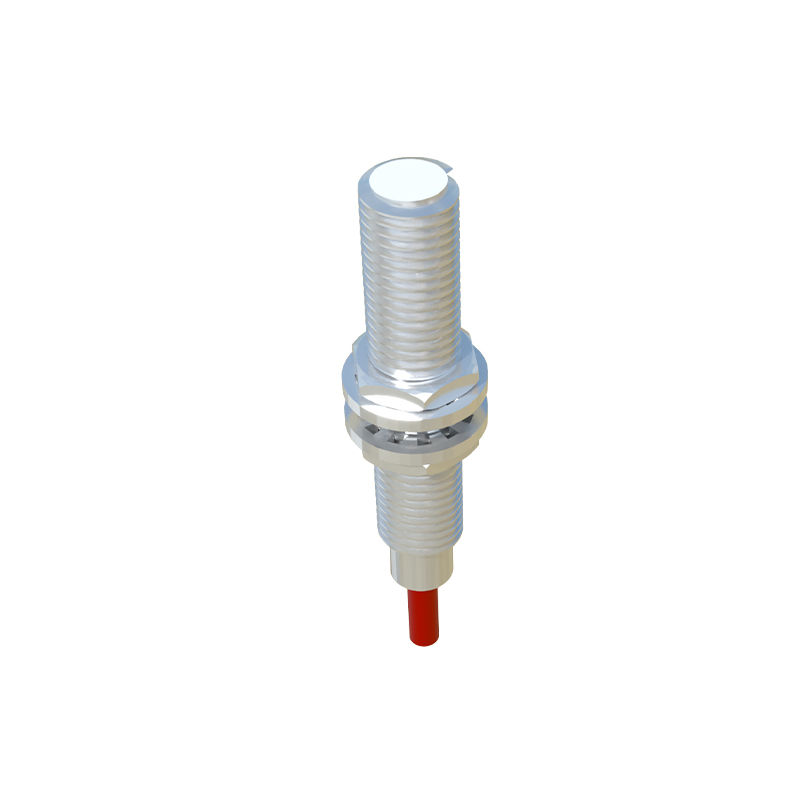
Environmental factors often contribute to recognition failures. Dust, moisture, or temperature extremes can impair sensor performance. In sand timer applications, airborne particles may accumulate on the sensor face, reducing sensitivity. Regularly clean the sensor lens or housing using appropriate methods (e.g., compressed air or soft cloths). Additionally, ensure the operating environment stays within the sensor's rated temperature and humidity ranges. If conditions are harsh, consider upgrading to sensors with higher IP ratings or specialized coatings.
The sand timer's control logic or programming may also be at fault. Review the programmable logic controller (PLC) or timer settings to confirm that the input channel corresponding to the proximity sensor is correctly configured. Check for any software glitches, such as incorrect debounce times or threshold settings that filter out valid signals. In some cases, resetting the control unit or updating firmware can resolve communication issues. It's advisable to cross-reference the sensor's datasheet with the timer's technical manual to ensure compatibility in signal types (e.g., digital vs. analog) and response times.
Interference from electromagnetic noise is another common challenge, especially in facilities with multiple motors or frequency drives. Shielded cables and proper grounding can mitigate this. Route sensor cables away from power lines and install ferrite cores if necessary. Test the system in a "quiet" state by temporarily shutting down adjacent equipment to see if recognition improves.
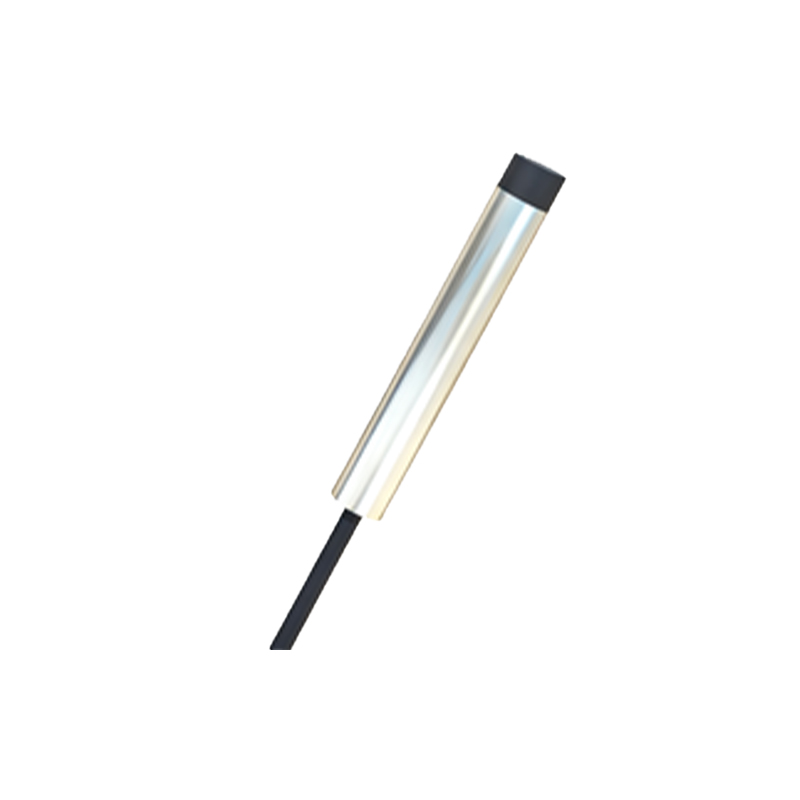
If the problem persists, consider the possibility of sensor degradation or hardware failure. Proximity sensors have finite lifespans, particularly in abrasive environments like sand handling. Perform a substitution test by replacing the sensor with a known-working unit. Similarly, test the sand timer with a different sensor to isolate the issue. Document all findings, including voltage readings, environmental conditions, and any error codes displayed by the control system.
Preventive maintenance is key to avoiding recurrence. Establish a schedule for inspecting sensors, cleaning components, and verifying calibration. Train personnel on correct installation practices and early warning signs of sensor issues. By adopting a proactive approach, engineers can minimize downtime and ensure reliable operation of sand timer systems integrated with proximity sensing technology.
In summary, troubleshooting a sand timer not recognizing a proximity sensor involves a methodical process: checking electrical connections, verifying alignment, addressing environmental impacts, reviewing control settings, reducing interference, and testing hardware. With attention to detail and adherence to technical guidelines, most issues can be resolved efficiently, restoring optimal functionality to industrial processes.