In industrial automation and electrical systems, proximity sensors are indispensable components for detecting the presence or absence of objects without physical contact. A common and persistent issue encountered by maintenance engineers and technicians is the phenomenon of a proximity sensor's indicator light remaining constantly illuminated. This condition, often signaling a malfunction, can disrupt automated processes, cause machine downtime, and lead to production losses. Understanding the root causes and systematic troubleshooting methods is crucial for efficient resolution.
A proximity sensor light staying solidly on typically indicates that the sensor is continuously detecting a target within its sensing range, or it is in a fault state where it cannot switch off. The first and most straightforward cause is the physical presence of an object within the sensor's nominal sensing distance. This might seem obvious, but it is often overlooked. The object could be misaligned, debris buildup, or a fixture that has shifted into the detection field. For inductive sensors, even metallic dust accumulation on the face can cause activation. For capacitive sensors, changes in humidity or material density of non-target objects can trigger detection.
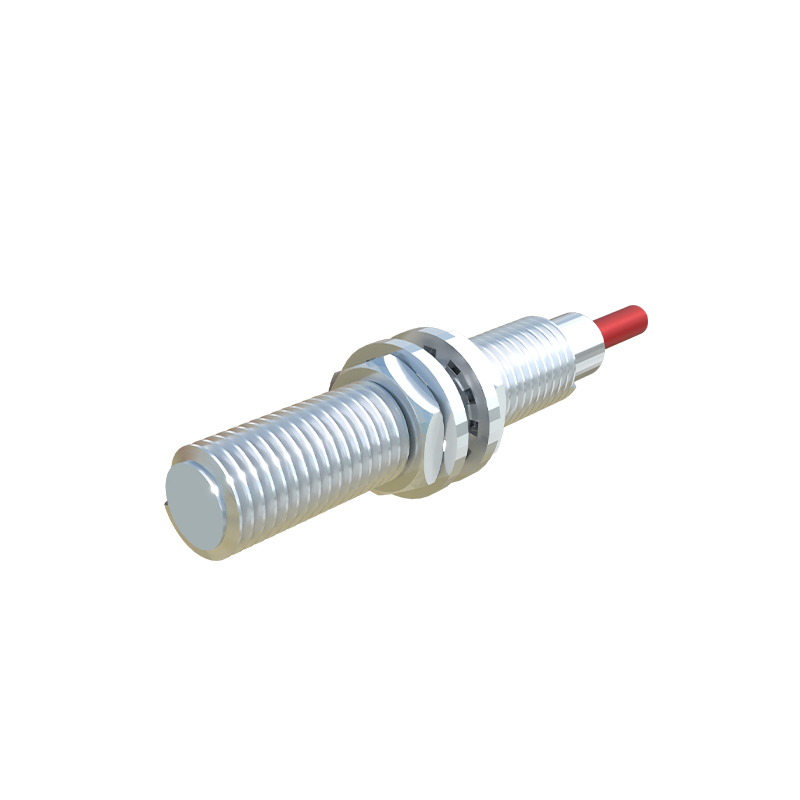
Electrical issues constitute a significant portion of the causes. A wiring fault is a primary suspect. A short circuit in the load line (typically the brown/blue or black/white wires, depending on the sensor type and region) can bypass the sensor's switching mechanism, causing the connected load and the sensor's indicator light to remain energized permanently. Similarly, internal damage to the sensor's output transistor (for DC PNP/NPN types) or triac (for AC types) can fail in the "ON" state. Power supply problems, such as voltage spikes or incorrect voltage levels, can also damage internal circuitry, leading to a latched output.
Environmental factors play a critical role. Excessive ambient temperature can push the sensor beyond its specified operating range, causing erratic behavior, including a permanently active state. For photoelectric sensors, intense ambient light (sunlight or powerful workshop lighting) can swamp the receiver, making it perceive a constant signal. Contamination is another major factor; oil, coolant, or metal shavings can coat optical windows or capacitive sensor faces, altering their characteristics and causing false triggering.
Sensor selection and configuration errors can also lead to this issue. Using a Normally Closed (NC) sensor in a circuit designed for a Normally Open (NO) sensor will result in the light being on when no target is present and off when a target is detected—which can be misinterpreted as a light "staying on" in the wrong condition. Incorrect adjustment of the sensitivity potentiometer, especially on analog or adjustable sensors, can set the threshold too low, causing the sensor to detect background or noise as a valid target.
A systematic troubleshooting approach is essential. Begin with a visual and physical inspection. Power down the system, lock out/tag out (LOTO) procedures permitting. Check for obstructions, alignment, and cleanliness. Measure the distance between the sensor and the intended target against the sensor's datasheet specifications. For inductive sensors, ensure the target material and size are adequate.
Next, proceed with electrical diagnostics. With the power safely restored, use a multimeter to check the voltage at the sensor's power terminals to confirm it is within the specified range. For a three-wire DC sensor, if the light is on, measure the voltage between the output wire (black for PNP) and the negative (blue) wire. If it reads near the supply voltage (e.g., 24V) regardless of target presence, the output is likely shorted internally or in the wiring. Isolate the sensor by disconnecting it from the load and control system. If the light turns off when disconnected, the fault lies downstream in the wiring or the load (e.g., a PLC input module). If the light remains on while the sensor is disconnected from everything except power, the sensor is definitively faulty.
For two-wire AC/DC sensors, checking the voltage drop across the sensor when it should be off can indicate an internal short. Environmental testing involves verifying operating temperature and, for photoelectric sensors, shielding the sensor from ambient light to see if the condition changes.
Preventive measures include proper sensor selection for the environment (e.g., high-temperature rating, rugged housing), correct installation with adequate clearance, implementing protective circuitry against voltage transients, and establishing regular maintenance schedules for cleaning and inspection. Understanding that a constantly illuminated sensor light is a symptom, not the problem itself, directs the focus toward identifying and rectifying the underlying electrical, physical, or environmental cause, thereby restoring system reliability and operational efficiency.