In the realm of modern smartphones, the Huawei Mate 30 series stands out for its sophisticated integration of hardware and software. Among its many sensors, the proximity sensor plays a crucial, yet often overlooked, role in enhancing user experience and device longevity. This article delves into the technical specifics of the proximity sensor employed in the Huawei Mate 30, explaining its function, underlying technology, and practical implications.
Fundamentally, a proximity sensor is a device that detects the presence or absence of nearby objects without any physical contact. In the context of the Huawei Mate 30, this sensor is typically located near the earpiece at the top of the display. Its primary function is to determine when the phone is held close to the user's ear during a call. Upon detection, it signals the system to automatically turn off the touchscreen display. This serves a dual purpose: it prevents accidental touch inputs from the cheek or ear (such as muting the call or pressing dial pad buttons) and conserves battery power by disabling the display backlight when it is not needed.
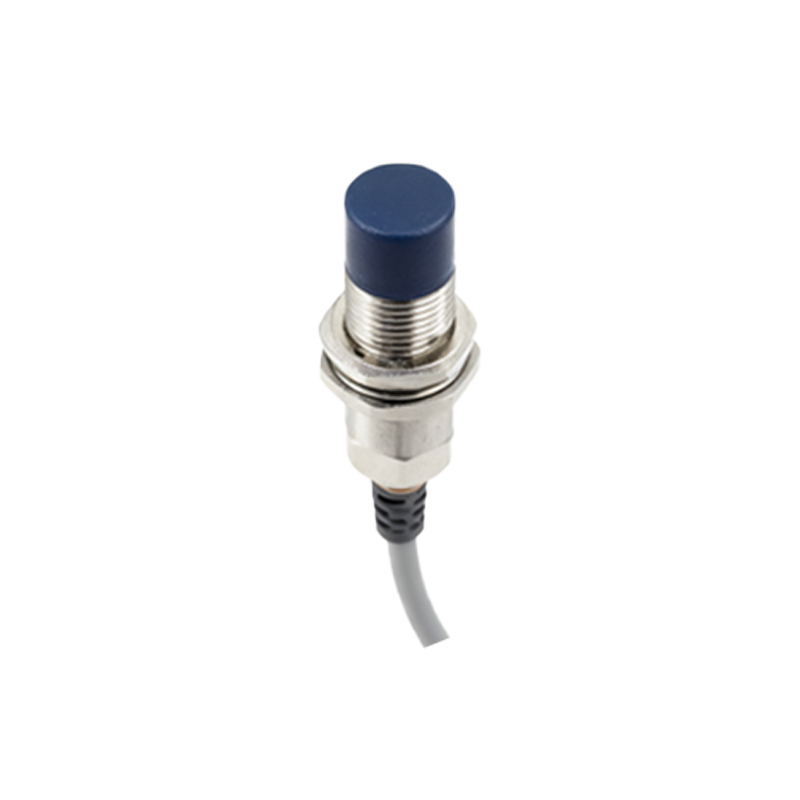
The Huawei Mate 30 likely utilizes an infrared (IR) based proximity sensor, a common and reliable technology in smartphones. This system consists of two main components: an IR LED emitter and an IR photodiode receiver. During operation, the IR LED emits a beam of infrared light. If an object is close to the phone—typically within a few centimeters—this light reflects off the object and is captured by the IR photodiode. The sensor's integrated circuit then measures the intensity of the reflected light. A significant amount of reflected IR light indicates a nearby object, triggering the proximity event. The specific threshold for this detection is calibrated during manufacturing to account for the phone's exact form factor and materials.
The integration of this sensor is seamless within the Mate 30's design, particularly considering its curved display. Huawei's engineering ensures the sensor works accurately even with the sleek screen contours. The sensor operates with minimal latency, providing an instantaneous response that is critical for a natural calling experience. Users never perceive a lag between bringing the phone to their ear and the screen turning off.
Beyond voice calls, the proximity sensor in the Mate 30 interacts with other system functions. For instance, it can prevent the screen from waking up when the phone is in a pocket or bag, again saving battery and preventing unintended operations. Some applications may also leverage the sensor for gesture-based controls, although this is more commonly the domain of a dedicated Time-of-Flight (ToF) sensor, which the Mate 30 Pro also features for more advanced spatial sensing.
From a maintenance and troubleshooting perspective, issues with the proximity sensor are rare but can occur. Symptoms might include the screen not turning off during calls or remaining off when pulled away from the ear. This can sometimes be caused by a poorly fitted screen protector that obstructs the sensor's IR window, accumulation of dust or debris, or, in rare cases, a software glitch. Ensuring the sensor area at the top of the screen is clean is the first step in troubleshooting. Huawei's EMUI software includes diagnostic tools to test sensor functionality, which can be accessed through secret service codes or the support app.
In conclusion, the proximity sensor in the Huawei Mate 30 is a quintessential example of a simple, robust technology delivering significant functional benefits. Its IR-based operation is energy-efficient, fast, and reliable. By intelligently managing the display state based on the user's context, it directly contributes to the device's polished usability and power efficiency. While it operates silently in the background, its role is indispensable for the core telephony function and overall smart device management, embodying the thoughtful engineering that defines the Mate 30 series.