In the rapidly evolving world of unmanned aerial vehicles (UAVs), proximity sensors serve as the critical eyes and ears, enabling safe navigation, obstacle avoidance, and autonomous operations. However, when these sensors malfunction or report errors, it can ground operations, compromise safety, and lead to costly downtime. For engineers and operators, a systematic approach to diagnosing and resolving these errors is paramount.
Proximity sensors in drones, including LiDAR, ultrasonic, time-of-flight (ToF) cameras, and infrared sensors, function by emitting signals and measuring the reflected response to calculate distance to objects. An error typically indicates a discrepancy between the sensor's reading and the actual environment, or a failure in the sensor's internal diagnostics. Common manifestations include persistent false-positive obstacle warnings, failure to detect actual obstacles, erratic distance readings, or complete sensor dropout reported in the ground control station (GCS) software.
The root causes of these errors are multifaceted and can be categorized into environmental, hardware, software, and integration issues.
Environmental Interference is a primary culprit. Ultrasonic sensors can be confused by highly absorbent surfaces (like carpets) or turbulent air from the drone's own propellers. LiDAR and ToF sensors may struggle in direct sunlight or with highly reflective surfaces. Adverse weather conditions such as rain, fog, or dust can scatter or absorb the emitted signals, leading to inaccurate data or sensor timeouts.
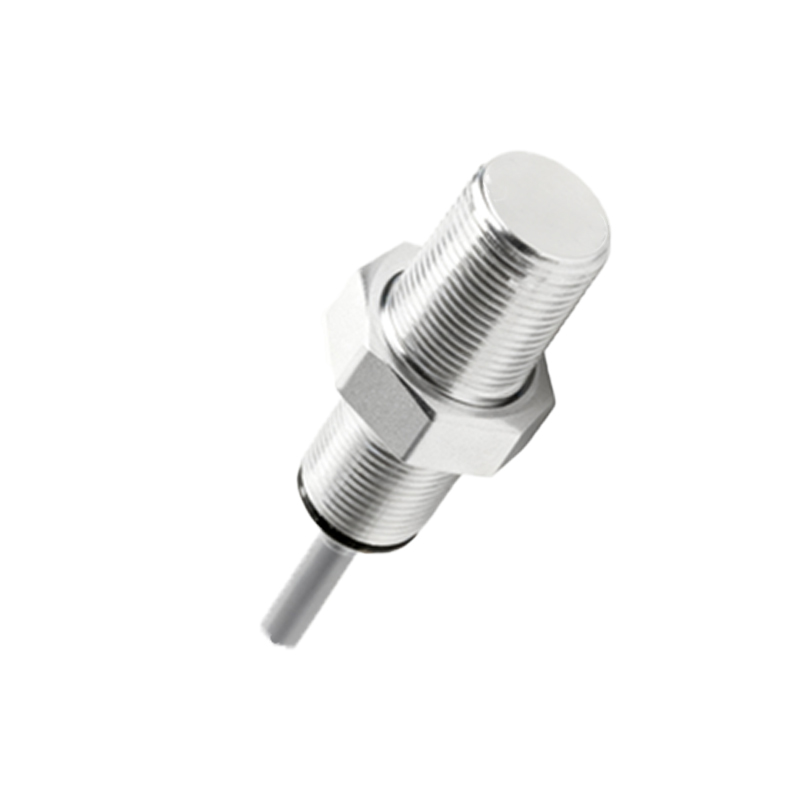
Hardware Failures range from gradual degradation to sudden damage. Physical obstructions like dirt, mud, or debris on the sensor lens or emitter are common. Internal component failure due to vibration, shock from hard landings, or moisture ingress can corrupt the sensor's circuitry. Power supply issues, such as voltage spikes or drops on the sensor's rail, can also cause erratic behavior or shutdowns.
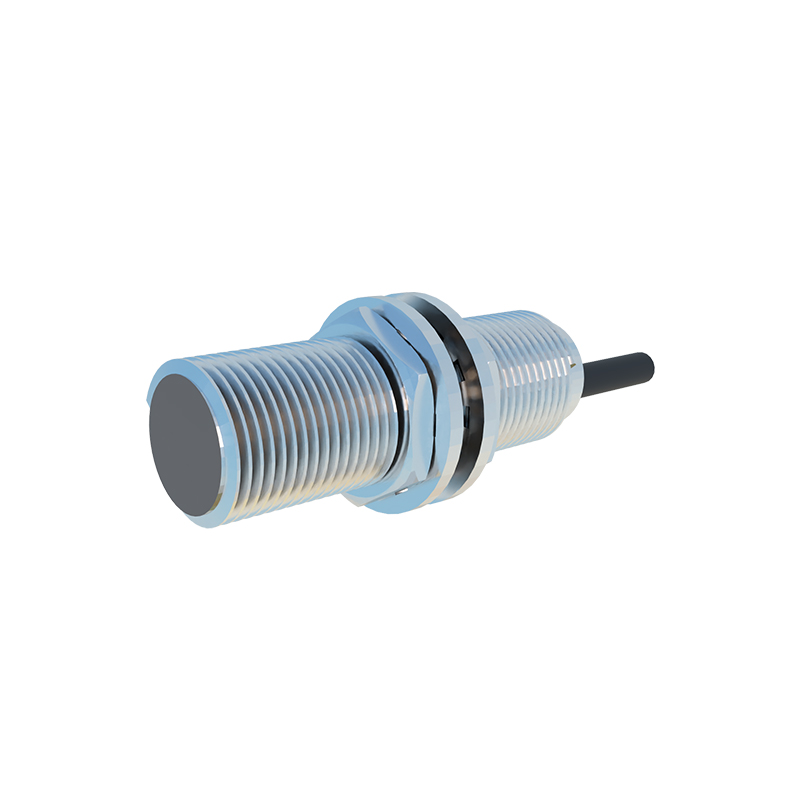
Software and Calibration problems are equally critical. Firmware bugs in the sensor module or the flight controller can lead to incorrect data processing. Improper calibration—where the sensor's zero-point or distance coefficients are misaligned—will yield consistently biased readings. Incompatibilities after a software update for either the sensor driver or the autopilot system are frequent post-maintenance issues.
Integration and EMI Challenges often present complex diagnostics. Poor electrical connections, loose cabling, or damaged wiring harnesses can cause intermittent faults. Electromagnetic interference (EMI) from the drone's powerful Electronic Speed Controllers (ESCs) or video transmitters can swamp the sensitive analog or digital signals from the sensor, introducing noise and false readings.
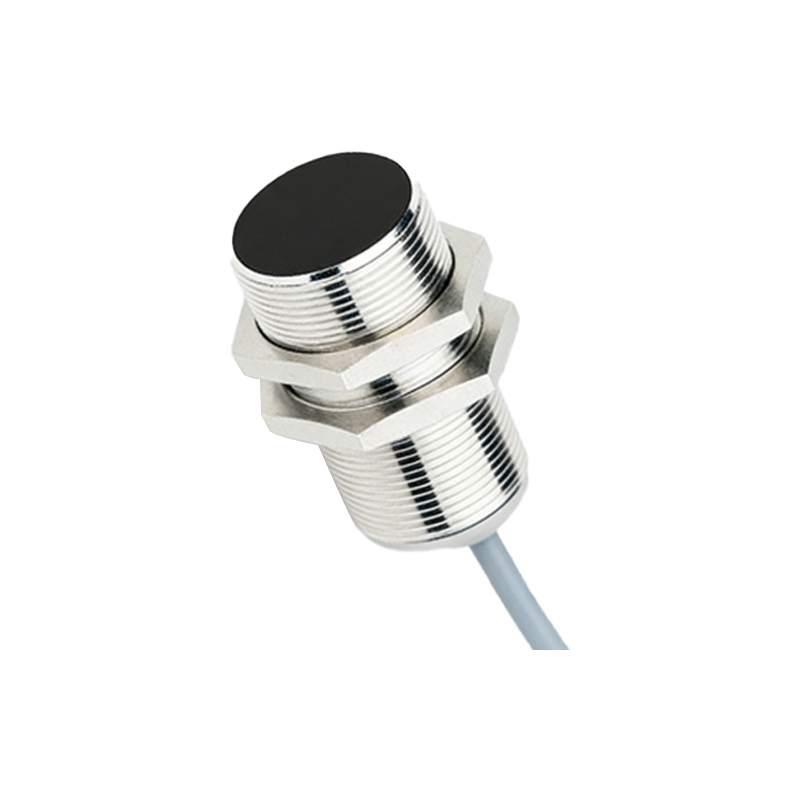
A structured troubleshooting methodology is essential. Begin by consulting the specific error code in the drone's manual or the sensor manufacturer's documentation. This can immediately narrow the focus. Visually inspect all sensors for physical damage or contamination. Clean lenses and emitters carefully with appropriate materials.
Utilize the GCS to monitor the raw sensor data streams. Observe if the readings are stable when the drone is powered on in a known, controlled environment (e.g., facing a wall at a fixed distance). Test each sensor individually if possible. Check all physical connections, including connectors and solder joints, for integrity.
For suspected EMI, consider relocating sensor wiring away from power lines, adding ferrite cores, or ensuring proper shielding is intact. Verify the power quality at the sensor connector using an oscilloscope to rule out noise or sags.
Calibration should be performed following the manufacturer's exact procedure, often involving specific targets at defined distances. If available, re-flash or update the sensor and flight controller firmware to the latest stable versions, ensuring compatibility.
If hardware failure is confirmed, component replacement is usually necessary. Source genuine or high-quality certified replacements. After any repair, comprehensive functional testing in a safe, enclosed area is mandatory before resuming normal flight operations.
Preventive maintenance is the best defense against proximity sensor errors. Implement regular inspection and cleaning schedules. Handle drones with care to avoid physical shocks. Store equipment in a clean, dry environment. Keep firmware updated and maintain detailed logs of all errors and maintenance actions to identify recurring patterns.
In conclusion, drone proximity sensor errors are diagnostic puzzles that require a blend of technical knowledge and logical procedure. By understanding the sensor principles, systematically isolating variables from environment to hardware to software, and adhering to rigorous maintenance practices, engineers can ensure these vital systems function reliably, safeguarding both the aircraft and its mission.