In industrial automation and control systems, proximity sensors are indispensable components for non-contact detection, object counting, and position sensing. A common yet perplexing issue encountered by maintenance engineers and technicians is an unexpected or gradual increase in the count registered by a proximity sensor-based system. This phenomenon, where the sensor records more counts than the actual number of objects passing by, can lead to significant errors in production data, inventory management, and process control. Understanding the root causes is crucial for effective troubleshooting and maintaining system integrity.
The primary function of a proximity sensor, whether inductive, capacitive, or photoelectric, is to detect the presence or absence of a target object without physical contact. In counting applications, each detection event should correspond to a single object. When the count becomes inflated, it indicates that the sensor is triggering multiple times for a single object or is being activated by unintended stimuli. The reasons are often multifaceted, stemming from electrical, mechanical, environmental, or programming factors.
One of the most prevalent causes is improper sensor installation and mounting. If the sensor is not securely fixed, vibration from machinery can cause minute movements. This movement might change the sensing distance relative to the target or the background, leading to erratic triggering. For instance, an inductive sensor might detect the vibrating mounting bracket itself or a nearby metal part intermittently. Similarly, for photoelectric sensors, misalignment due to vibration can cause the beam to flicker on and off as an object passes, registering multiple counts. Ensuring rigid mounting using appropriate brackets and checking for looseness during preventive maintenance is the first corrective step.
Environmental interference is another major contributor. Electrical noise from adjacent high-power equipment like variable frequency drives (VFDs), motors, or welding machines can induce spurious signals in the sensor's output circuit. This noise can be misinterpreted by the controller (PLC or counter) as valid detection pulses. Shielding sensor cables, using twisted-pair wires, maintaining proper separation from power lines, and employing sensors with robust noise immunity are standard countermeasures. For capacitive sensors, changes in ambient humidity or the presence of dust, chips, or conductive fluids on the sensor face can alter its dielectric constant, causing false triggering. Regular cleaning and selecting a sensor with environmental sealing (IP rating) suitable for the application are essential.
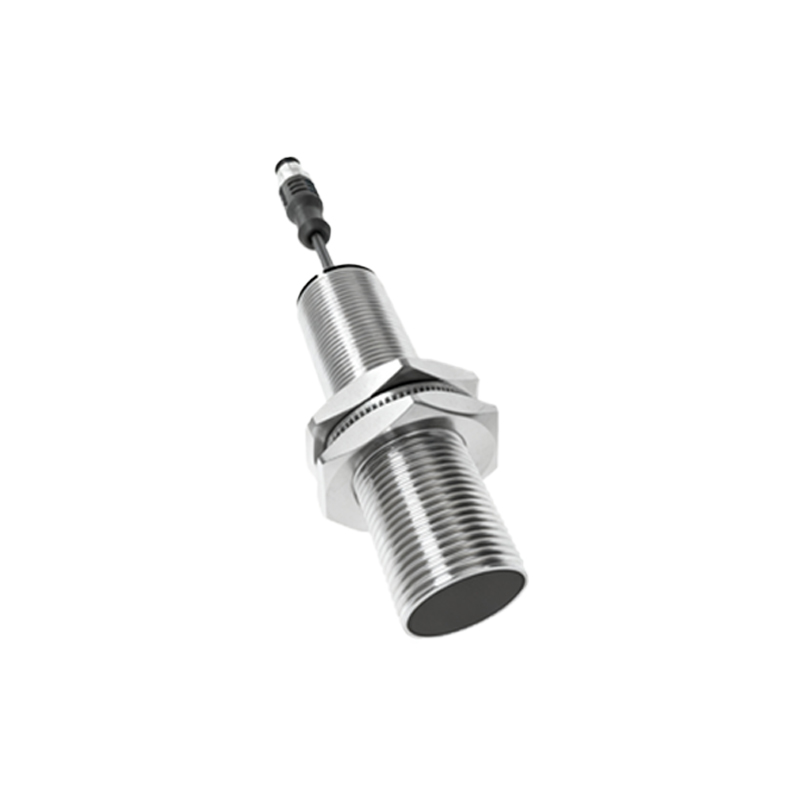
The characteristics of the target object itself can induce multiple counts. If an object has an irregular surface, holes, or varying material composition, it may break the sensor's detection field multiple times during a single pass. A classic example is counting cardboard boxes with gaps or metal containers with handles. The sensor may see the handle and then the main body as separate objects. Adjusting the sensor's sensitivity, if available, or switching to a sensor type with a different sensing field shape (e.g., a focused beam photoelectric instead of a diffuse one) can resolve this. The speed of the object is also critical. If an object moves very slowly through the sensing field, it might dwell within the hysteresis zone, causing the output to oscillate. Conversely, extremely high speeds might cause bounce or vibration upon detection. Verifying that the object speed is within the sensor's specified response frequency is necessary.
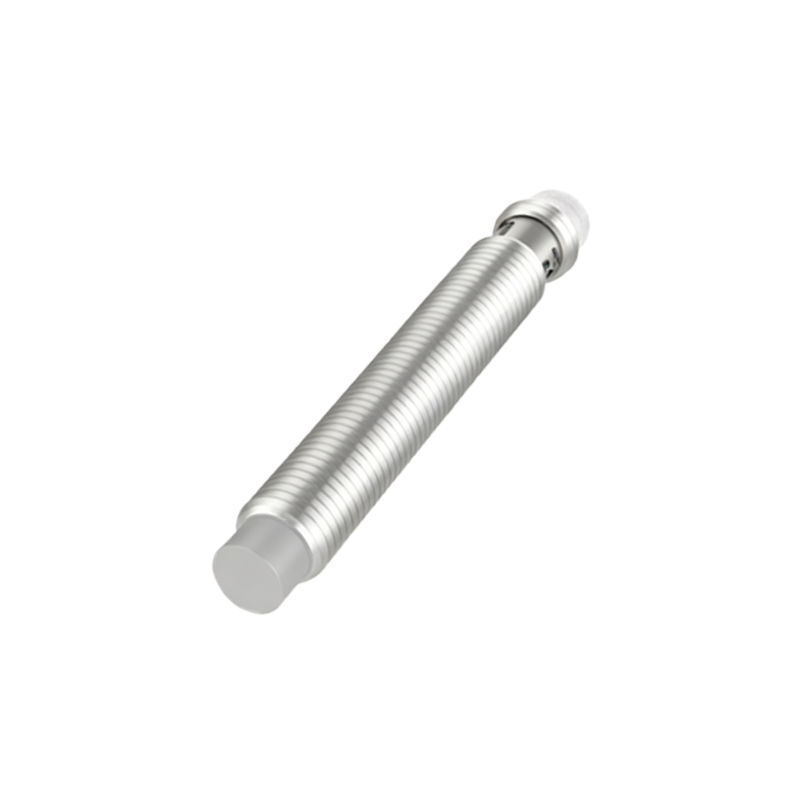
Sensor parameter settings and system configuration errors are frequent culprits. Many modern programmable sensors have adjustable parameters like response time, on-delay, and off-delay. An incorrectly set short response time might make the sensor overly sensitive to minor fluctuations. Furthermore, the logic in the programmable logic controller (PLC) or the counter module might be flawed. A common programming error is the lack of proper debounce logic. Without a debounce timer, a single physical detection event with electrical contact bounce or a shaky signal can be registered as several rapid counts. Implementing a debounce or filter time in the software, typically between 10 to 50 milliseconds, can effectively eliminate these false counts.
Finally, hardware degradation can lead to this issue. As sensors age, internal components may wear out. For inductive sensors, the oscillator circuit can become unstable. The sensing face of any sensor can get scratched or coated, affecting performance. Damaged cabling or poor connections can create intermittent signals. Regular calibration checks and scheduled replacement of sensors in critical, high-cycle applications are part of a robust maintenance strategy.
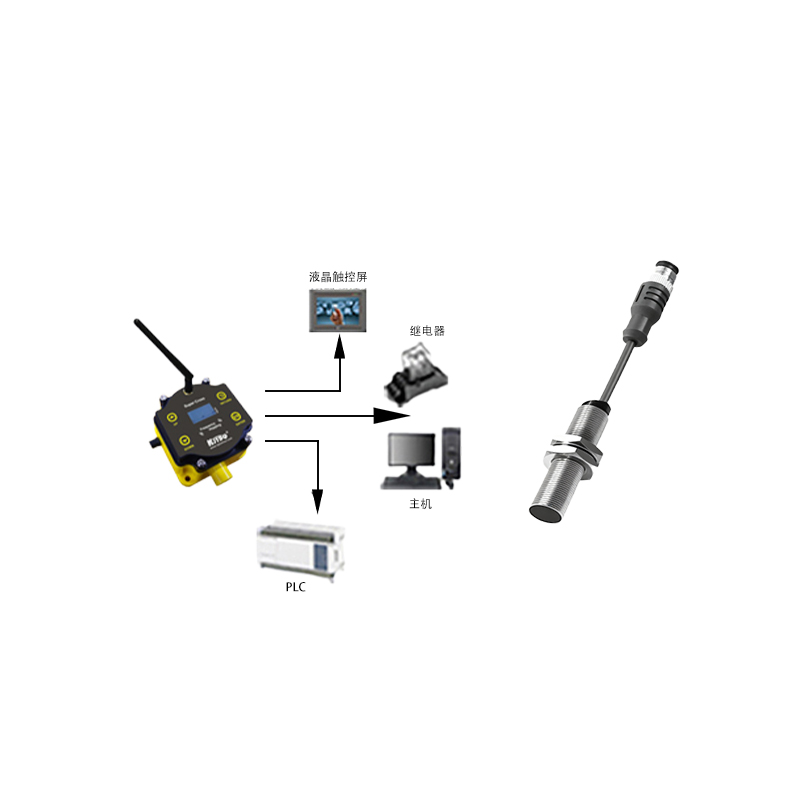
Troubleshooting should follow a systematic approach. Begin by observing the process visually to confirm the discrepancy. Use an oscilloscope or a PLC programming software's trace function to monitor the raw sensor output signal. This will reveal if multiple pulses are indeed coming from the sensor or if the issue is in the downstream processing. Isolate variables: test with a single, standardized object; check for environmental changes; and inspect the physical setup. Always refer to the sensor's datasheet for its specific operating conditions and limitations.
In conclusion, an increasing count from a proximity sensor is a symptom with several potential diagnoses. It rarely points to a single fault but is often the result