In the rapidly evolving landscape of industrial automation and IoT integration, proximity sensors have become indispensable components. Their ability to detect the presence or absence of objects without physical contact is crucial for countless applications, from assembly line monitoring to machine safety systems. For engineers and technicians, the ability to interface with these sensors via mobile devices, particularly Android platforms, offers unprecedented flexibility for configuration, diagnostics, and data monitoring in the field. This guide provides a comprehensive overview of downloading, installing, and utilizing Android applications designed for proximity sensor management.
The first step is identifying the correct application. It is paramount to source software directly from the sensor manufacturer's official website or their verified partner portals. Major industrial brands like Siemens, Omron, Schneider Electric, and Pepperl+Fuchs often provide dedicated mobile tools. Avoid third-party app stores for such critical industrial software to mitigate security risks and ensure compatibility. Search using precise terms like "[Manufacturer Name] Proximity Sensor Configurator" or "[Sensor Series] Android Tool." Once the correct APK file or Google Play Store link is located, proceed with the download. Ensure your Android device meets the minimum OS version and hardware requirements specified by the developer.
Installation is typically straightforward. If downloading from the Play Store, the process is automatic. For APK files sourced from manufacturer websites, you must enable "Installation from Unknown Sources" in your device's security settings temporarily. Grant the necessary permissions the app requests, such as Bluetooth or location services (often required for Bluetooth scanning), to ensure full functionality. Post-installation, launch the application. The initial setup usually involves creating a profile or registering the device, though many diagnostic tools function immediately.
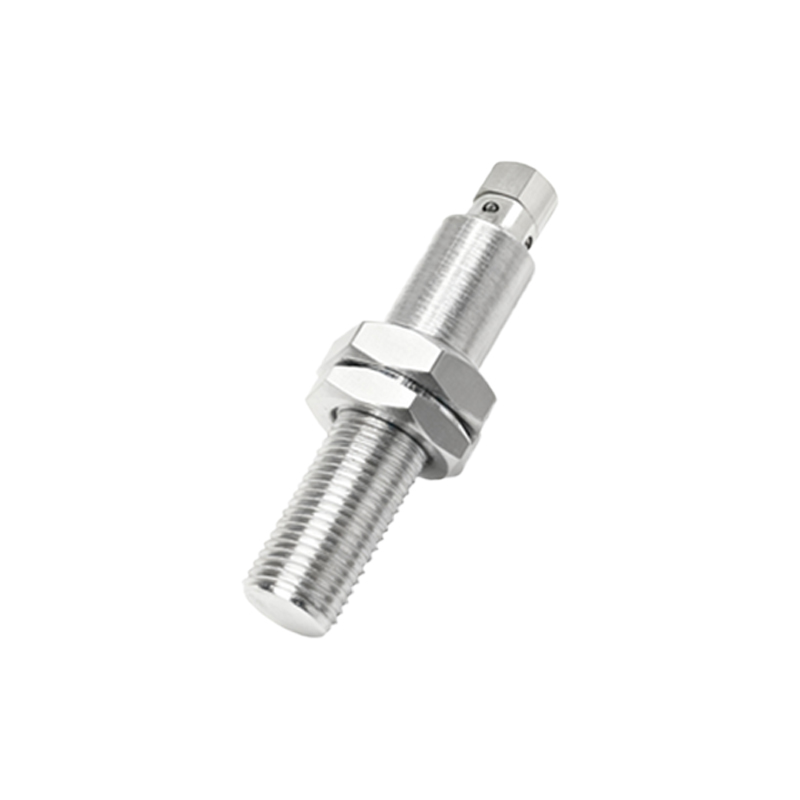
Core functionality of these specialized Android apps varies but generally encompasses several key areas. Parameter Configuration: Adjust sensor settings like sensing distance, output logic (NO/NC), response time, and operating mode directly from your tablet or phone. This is invaluable for on-the-fly adjustments during machine commissioning. Real-time Monitoring: View the live status of the sensor, including its detection state, signal strength, and health metrics. Some apps provide oscilloscope-like waveforms for advanced diagnostics. Diagnostics and Troubleshooting: Receive detailed error codes, maintenance alerts, and performance degradation warnings. This predictive maintenance capability can prevent costly unplanned downtime. Data Logging: Record sensor events over time for analysis, which can be exported as reports for audit trails or process optimization.
For a successful connection, ensure your proximity sensor supports a communication interface compatible with mobile connectivity. Modern sensors often feature Bluetooth Low Energy (BLE), NFC, or Wi-Fi capabilities. The classic method involves using a USB OTG (On-The-Go) adapter to connect a sensor's programming cable to the Android device. Follow the in-app connection wizard, which will guide you through pairing or establishing a communication session. A stable connection is foundational for reliable parameter transfer and monitoring.
Security and reliability are non-negotiable in an industrial context. Always use these apps within secure network environments, especially when updating firmware. Regularly update the application itself to patch vulnerabilities and access new features. It is highly recommended to test any configuration changes in a controlled, offline environment before deploying them to a live production system. Furthermore, maintain traditional programming methods (like handheld programmers) as a backup.
The integration of Android applications into proximity sensor management signifies a shift towards more agile and connected industrial practices. It empowers maintenance teams with powerful diagnostic tools in their pockets, reduces dependency on dedicated programming hardware, and facilitates faster response times. As Industry 4.0 progresses, expect these apps to incorporate more advanced features like cloud synchronization, augmented reality (AR) overlays for installation guidance, and AI-driven predictive analytics. By mastering the download, setup, and application of these tools today, electrical professionals position themselves at the forefront of efficient and intelligent industrial maintenance.