Proximity and ambient light sensors are integral components in modern mobile devices, enhancing user experience and optimizing power consumption. As an electrical engineer specializing in consumer electronics, I will provide a comprehensive guide on configuring these sensors, covering hardware integration, software calibration, and troubleshooting common issues.
The proximity sensor typically consists of an infrared (IR) LED and an IR photodetector. When an object, such as the user's ear during a call, approaches the screen, the IR light reflects back to the detector, triggering the system to turn off the display. This prevents accidental touch inputs and saves battery life. The ambient light sensor (ALS), often a photodiode or phototransistor, measures environmental light intensity to automatically adjust screen brightness, improving visibility while conserving energy.
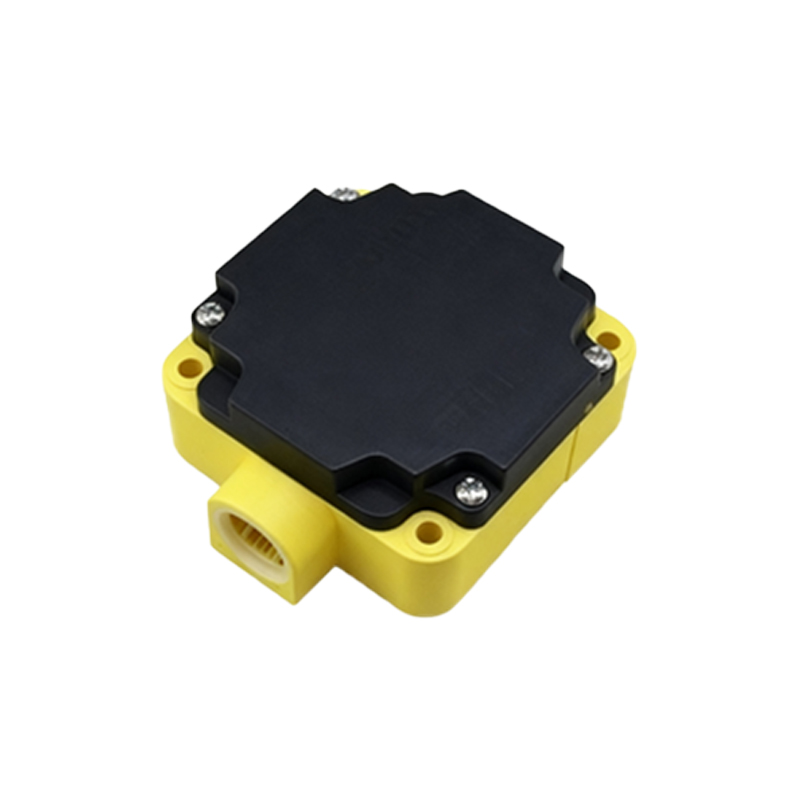
Hardware Configuration:
Begin by selecting appropriate sensor modules. For proximity sensing, consider factors like detection range (usually 1-10 cm), response time, and power consumption. Common ICs include the Vishay VCNL4040 or the AMS TMD3702. For ALS, key parameters are spectral response matching human eye sensitivity (close to CIE photopic curve) and dynamic range (0.1 to 100,000 lux). Ensure proper placement on the PCB—away from heat sources and direct interference from other components. Use a dark-colored bezel or window material that allows IR and visible light transmission while minimizing cross-talk.
Electrical interfacing typically involves I2C or SPI communication. Connect VCC (usually 1.8V or 3.3V), GND, SDA, and SCL pins, with pull-up resistors on the bus lines as per datasheet specifications. Decoupling capacitors (e.g., 100 nF) near the sensor's power pin are essential to reduce noise. For the IR LED in proximity sensors, drive it with a constant current source to maintain consistent emission intensity, adjusting via PWM if needed.
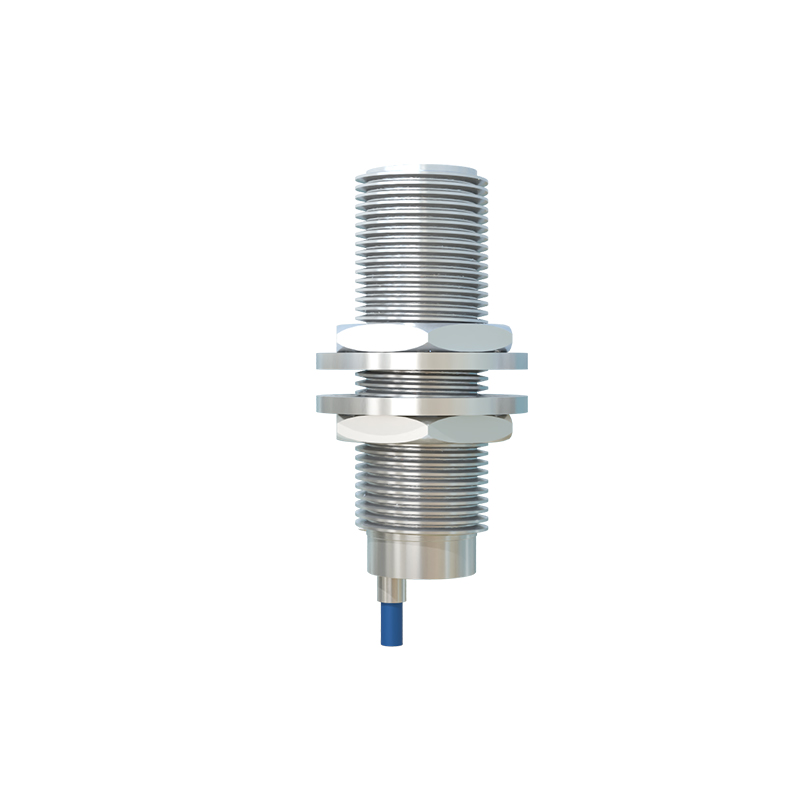
Software Calibration:
After hardware assembly, calibrate the sensors through firmware. For proximity sensors, establish baseline readings in an open environment (no obstructions). Use a calibrated target at known distances to map ADC output to distance values. Implement hysteresis to avoid rapid toggling when an object is near the threshold. For ALS, take readings under various lighting conditions (dark room, office light, sunlight) and create a lookup table to map raw data to lux values. Many sensors offer digital integration time and gain settings—adjust these to optimize resolution without saturation.
Enable interrupt features to reduce CPU load. For example, set thresholds for proximity detection or light level changes; the sensor will then trigger an interrupt only when these thresholds are crossed. In the device driver, ensure proper initialization sequences as per manufacturer guidelines, and implement power management to shut down sensors during sleep modes.
Common Issues and Solutions:
1. False triggering in proximity sensors: This often results from IR leakage or reflections from the device's own components. Use mechanical barriers (like rubber gaskets) between the IR LED and detector, and apply firmware filters (moving average or median filters) to smooth data.
2. Inaccurate ALS readings: Ensure the sensor window is clean and free of coatings that might alter light transmission. Cross-calibrate with a certified lux meter, and compensate for non-linear responses at extreme light levels.
3. Interference with other RF components: Keep sensor traces away from antennas or high-speed digital lines. Use shielded cables if necessary, and add ferrite beads on power lines to suppress high-frequency noise.
Testing and Validation:
Perform environmental tests across temperature ranges (e.g., -20°C to 60°C) to ensure stability. Validate proximity detection with different materials (skin, fabric, plastic), as reflectivity varies. For ALS, test under diverse light sources (LED, fluorescent, natural) to account for spectral differences. Use automated test suites to verify response times and power consumption, ensuring compliance with industry standards like IEEE 1621.
In summary, proper configuration of proximity and ambient light sensors requires attention to both hardware design and software algorithms. By following these engineering practices, you can achieve reliable performance that enhances device usability and efficiency. Regular updates to calibration parameters via OTA (over-the-air) updates can further adapt to long-term degradation or user-specific preferences.