In industrial automation and electronic control systems, proximity sensors are ubiquitous components, prized for their non-contact detection capabilities. However, a common point of confusion, especially for those new to the field, arises when a sensor labeled as "proximity" seems to require physical pressure or direct contact—a press—to trigger a response. This article delves into the technical reasons behind this phenomenon, clarifying the operational principles and application contexts that lead to such behavior.
Firstly, it is crucial to distinguish between the ideal theoretical operation and practical implementation. True non-contact proximity sensors, such as inductive, capacitive, or ultrasonic types, detect the presence of an object within a defined sensing range without any physical contact. Their output should change state as an object enters this field. The expectation is instantaneous, automatic detection.
So, why might pressing be necessary? Several technical and application-specific factors are at play.
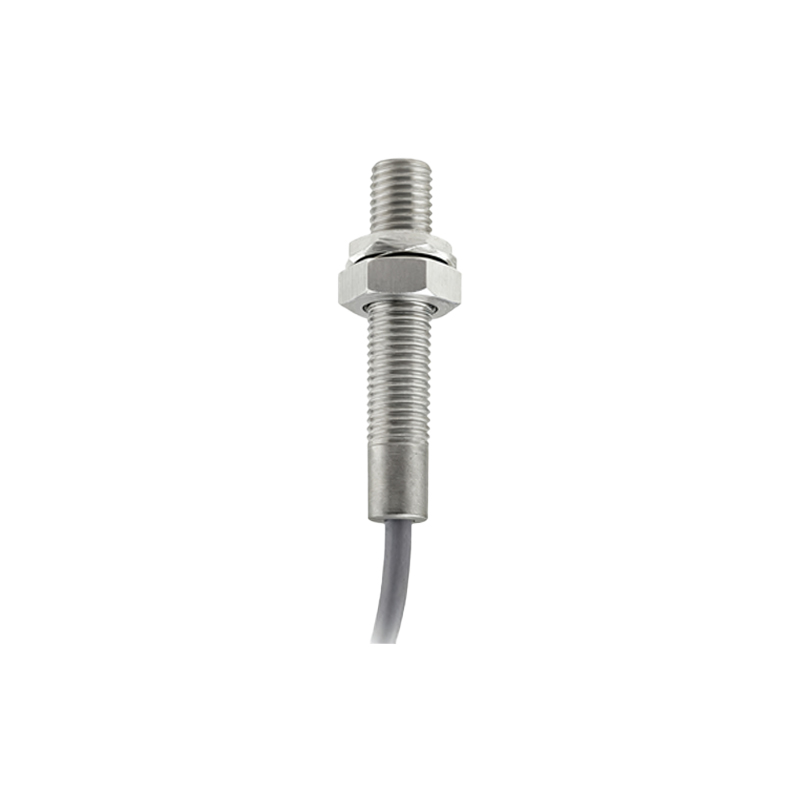
1. Sensing Distance and Object Characteristics: Every proximity sensor has a rated nominal sensing distance (Sn). This is the ideal detection range under standardized conditions. In real-world applications, the effective sensing distance can be significantly reduced. Factors include:
Material: An inductive sensor tuned for steel may have a drastically reduced range for aluminum or stainless steel.
Size and Shape: The target object might be smaller than the sensor's active face, requiring it to be brought closer—sometimes to the point of contact—to reliably interrupt or influence the sensor's field.
Environment: Accumulation of dirt, dust, or metallic shavings on the sensor face can dampen its electromagnetic or electrostatic field, effectively blinding it until an object presses through the layer or cleans the face upon contact.
2. Hysteresis and Switching Thresholds: Proximity sensors incorporate hysteresis to prevent output oscillation when an object is positioned at the exact edge of the sensing range. This means the "switch-on" point (object approaching) and "switch-off" point (object receding) are different. If an object is placed very close to the switch-on threshold, a slight movement—which can be perceived as a press—might be needed to cross the hysteresis band and definitively activate the sensor.
3. Misapplication or Sensor Type Misidentification: What is colloquially called a "proximity sensor" in some contexts might actually be a tactile or force-sensing device. Examples include:
Tactile (Touch) Sensors: These are often simple mechanical limit switches with a plunger or lever. They require physical displacement (a press) to activate an internal electrical contact. Their housing might resemble a cylindrical proximity sensor, leading to confusion.
Membrane Switches or Force-Sensitive Resistors (FSRs): These are explicitly designed to respond to applied pressure. Their output is often analog, varying with the degree of force.
4. Debounce and Response Time Circuitry: Many digital sensor outputs include signal conditioning circuits to "debounce" the signal, filtering out rapid, spurious transitions. In some low-quality sensors or under electrically noisy conditions, the initial detection signal might be weak or noisy. A firm, sustained press ensures the signal stabilizes above the detection threshold for a duration longer than the debounce time, resulting in a clean, recognized activation.
5. Power and Load Considerations: A sensor might be operating at the lower limit of its voltage supply range, or the connected load (e.g., a PLC input, relay coil) might have a high inrush current requirement. A weak detection signal might not be sufficient to drive the output stage reliably. Pressing the object closer can sometimes create a stronger signal from the sensor, providing the necessary energy to switch the load cleanly.
6. User Interface Design and Safety: In human-machine interface (HMI) applications, a deliberate "press" is often a design requirement, not a flaw. For instance, a capacitive touch button designed to mimic a mechanical switch may require a firm touch (applying finger pressure increases the capacitive coupling) to register an input. This prevents accidental activation from a stray hand movement near the sensor, enhancing operational safety and intentionality.
Troubleshooting Steps if Pressing is Required:
If a sensor designed for non-contact operation requires pressing, consider these actions:
1. Verify the Sensor Type: Check the datasheet and model number. Is it truly an inductive/capacitive proximity switch, or is it a mechanical limit switch?
2. Check Alignment and Distance: Ensure the target object is correctly aligned with the sensor's active face and is within the actual effective sensing distance for its material.
3. Inspect for Contamination: Clean the sensor face thoroughly.
4. Review Electrical Connections: Verify supply voltage,