Bluetooth proximity sensors have become integral components in modern industrial automation, smart infrastructure, and IoT ecosystems. As an electrical engineer, understanding their practical implementation is crucial for optimizing system performance and ensuring reliable operation. This guide delves into the core principles, setup procedures, and application scenarios of Bluetooth proximity sensors, tailored for professionals in the field.
Bluetooth proximity sensors operate by detecting the presence or absence of objects within a specified range using Bluetooth Low Energy (BLE) technology. Unlike traditional sensors, they leverage wireless communication to transmit data, eliminating the need for complex wiring and reducing installation costs. The typical working range varies from a few centimeters to over 100 meters, depending on the sensor model and environmental conditions. Key components include a BLE transmitter/receiver, a sensing element (often based on RF signal strength or RSSI), and an embedded microcontroller for data processing.
To use a Bluetooth proximity sensor effectively, start with proper selection based on application requirements. Consider factors such as detection range, power consumption, accuracy, and compatibility with existing systems. For instance, in warehouse inventory management, sensors with long-range capabilities and low battery usage are preferred. Once selected, follow these steps for deployment:
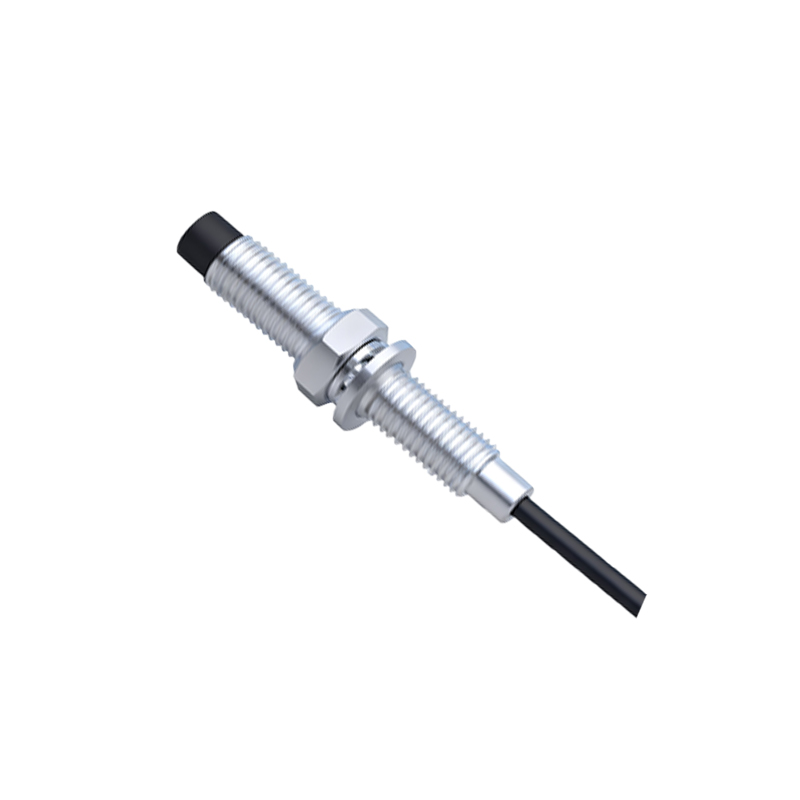
1. Hardware Setup: Mount the sensor in a location free from obstructions that could interfere with Bluetooth signals, such as metal surfaces or dense materials. Ensure the sensor is securely fixed and oriented correctly toward the target area. Connect it to a power source, which may include batteries, USB, or PoE, depending on the model.
2. Configuration and Calibration: Use the manufacturer's software or a dedicated mobile app to configure the sensor parameters. This includes setting the detection threshold, adjusting the RSSI sensitivity, and defining the broadcast interval. Calibration is essential to minimize false triggers; perform it by testing the sensor with objects at known distances and fine-tuning the settings accordingly.
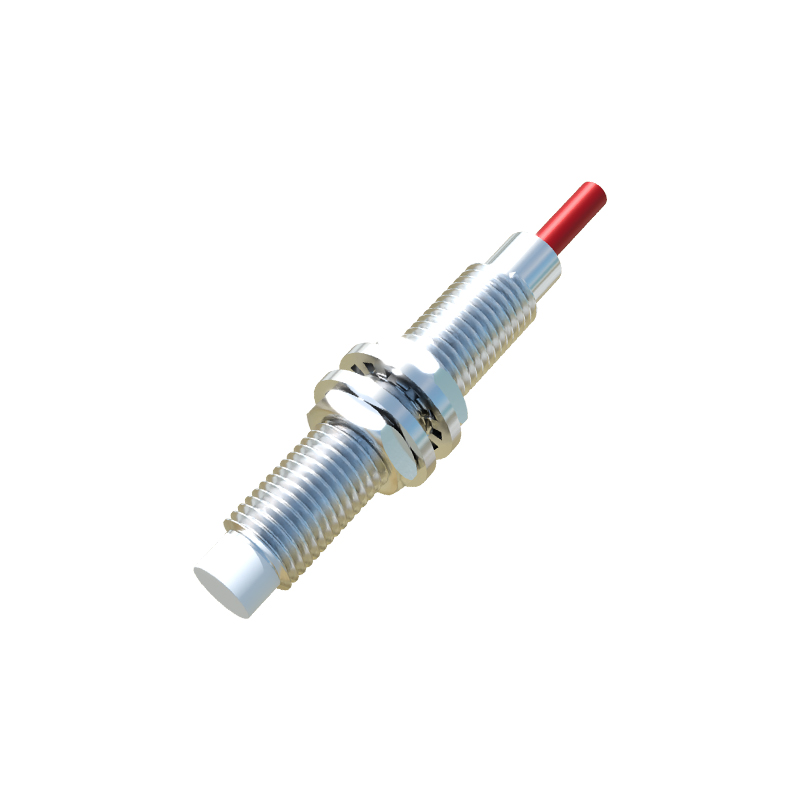
3. Integration with Systems: Pair the sensor with a central hub, gateway, or microcontroller (e.g., Arduino or Raspberry Pi) via BLE protocols. Implement communication protocols like MQTT or HTTP for data transmission to cloud platforms or local servers. For industrial applications, ensure compatibility with PLCs or SCADA systems using appropriate adapters or middleware.
4. Data Monitoring and Analysis: Once operational, monitor the sensor data through dashboards or logging tools. Analyze metrics such as proximity events, signal strength, and battery levels to optimize performance. In smart building scenarios, for example, data can trigger automated lighting or HVAC adjustments based on occupancy.
Common applications include asset tracking in logistics, where sensors attached to items provide real-time location updates; safety systems in manufacturing, alerting workers to hazardous zones; and retail analytics, measuring customer dwell times near displays. Challenges like signal interference from other wireless devices or multipath propagation can be mitigated by using frequency hopping, shielding, or deploying multiple sensors for redundancy.
Maintenance involves regular battery checks, firmware updates, and periodic recalibration to ensure long-term accuracy. As Bluetooth technology evolves, newer standards like Bluetooth 5.2 offer enhanced features such as direction finding and improved range, opening up possibilities for more precise proximity sensing in complex environments.
In summary, Bluetooth proximity sensors offer a versatile and cost-effective solution for wireless detection. By following best practices in selection, setup, and integration, engineers can leverage their full potential to drive efficiency and innovation across various industries. Always refer to the specific datasheet and guidelines provided by the manufacturer for detailed technical specifications.