In industrial automation and machinery, proximity sensors play a critical role in detecting the presence or absence of objects without physical contact. When a proximity sensor malfunctions, it often triggers an indicator light—commonly an alarm or status LED—to alert operators. Understanding why this happens and how to address it is essential for maintaining operational efficiency and preventing downtime.
A proximity sensor operates based on electromagnetic fields, capacitive changes, or ultrasonic waves, depending on its type. Common variants include inductive, capacitive, and magnetic proximity sensors. When functioning correctly, these sensors provide reliable, non-contact detection. However, failure can occur due to various factors, leading to erroneous signals that activate warning lights.
One primary cause of proximity sensor failure is environmental contamination. Dust, oil, metal shavings, or moisture can accumulate on the sensor's surface, interfering with its detection capabilities. For instance, in a manufacturing setting, inductive sensors may fail if metallic debris alters the electromagnetic field. This can cause the sensor to output a false signal, triggering the indicator light even when no target is present. Regular cleaning and maintenance are crucial to prevent such issues.
Electrical problems are another common culprit. Voltage spikes, wiring faults, or power supply inconsistencies can damage the sensor's internal circuitry. If the sensor receives incorrect voltage, it might enter a fault state, illuminating the indicator light. Additionally, loose connections or damaged cables can lead to intermittent signals, causing the light to flicker or stay on persistently. Using a multimeter to check voltage levels and continuity can help diagnose these electrical issues.
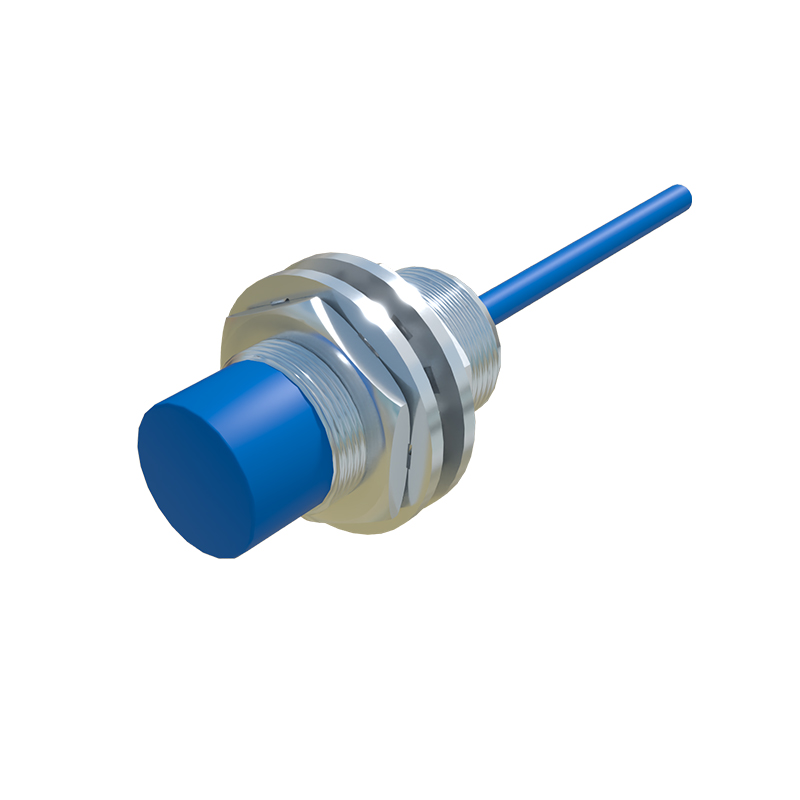
Sensor misalignment or mechanical damage can also result in failure. If a proximity sensor is knocked out of position, it may not detect targets accurately, leading to false triggers. Physical impacts or vibrations in harsh industrial environments can crack casings or dislodge internal components, compromising functionality. Ensuring proper installation and using protective housings in high-vibration areas can mitigate these risks.
Wear and tear over time is inevitable. Proximity sensors have a finite lifespan, often specified by manufacturers in terms of operation cycles. As components degrade, the sensor may become less sensitive or unresponsive, causing the indicator light to activate erroneously. In such cases, replacement is usually the most effective solution. Keeping track of sensor usage and scheduling preventive replacements can avoid unexpected failures.
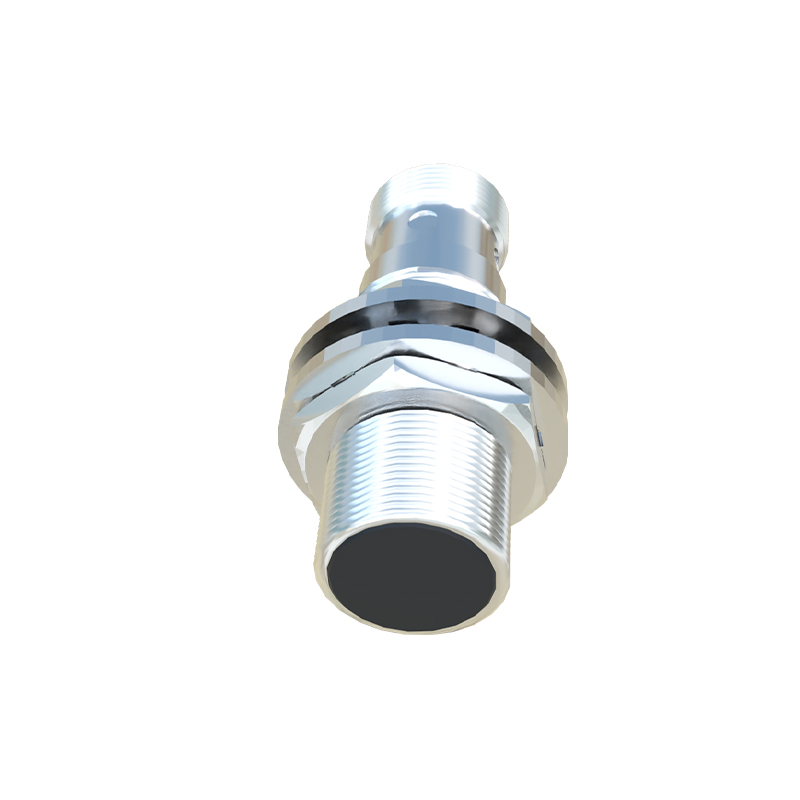
Diagnosing a faulty proximity sensor involves systematic troubleshooting. Start by observing the indicator light pattern—whether it's steady, blinking, or intermittent. Consult the sensor's manual to interpret these signals, as manufacturers often code different light patterns to indicate specific faults. Next, inspect the sensor for visible damage or contamination. Test the electrical connections and power supply to rule out external factors. If possible, use a known working sensor to swap and isolate the problem.
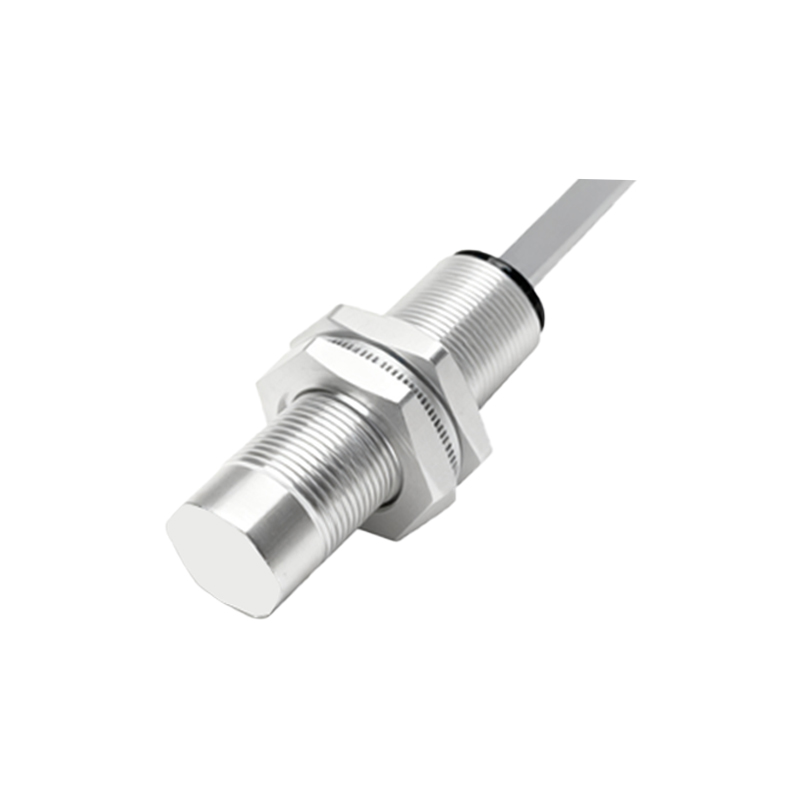
In many systems, proximity sensors interface with programmable logic controllers (PLCs) or other control units. A failure might not always stem from the sensor itself but from issues in the control logic or wiring to the PLC. Checking the PLC input status and ladder logic can reveal if the sensor signal is being misinterpreted. Software diagnostics tools can also help identify communication errors between the sensor and the control system.
Preventive measures are key to minimizing proximity sensor failures. Implement routine maintenance schedules that include cleaning, inspection, and calibration. Choose sensors rated for the specific environmental conditions, such as waterproof or high-temperature models. Ensure proper installation with secure mounting and correct alignment. Additionally, consider using surge protectors or stable power supplies to safeguard against electrical disturbances.
When replacement is necessary, select a sensor compatible with the existing system. Note the specifications, such as sensing range, output type (e.g., NPN or PNP), and voltage requirements. Upgrading to more robust or advanced sensors, like those with self-diagnostic features, can enhance reliability. Always follow manufacturer guidelines during installation to avoid recurring issues.
In summary, a proximity sensor triggering an indicator light is a common symptom of underlying problems ranging from environmental factors to electrical faults. By understanding the causes and applying methodical diagnostics, engineers can quickly resolve issues and restore functionality. Proactive maintenance and appropriate sensor selection further contribute to long-term system stability, ensuring smooth operations in industrial settings.