Proximity sensors are integral components in modern industrial automation, designed to detect the presence or absence of objects without physical contact. However, there are scenarios where deactivating these sensors becomes necessary—whether for maintenance, safety protocols, or system reconfiguration. This article outlines professional methods to safely and effectively disable proximity sensors, ensuring operational integrity and compliance with industry standards.
First, understand the sensor type. Inductive, capacitive, and optical proximity sensors each have distinct operating principles. Inductive sensors detect metallic objects via electromagnetic fields, capacitive sensors respond to non-metallic materials by measuring capacitance changes, and optical sensors use light beams. Knowing the type is crucial, as deactivation procedures may vary. For instance, optical sensors might require interrupting the light path, while inductive ones need shielding from metallic interference.
To deactivate a proximity sensor, follow a systematic approach. Begin by consulting the manufacturer’s documentation. Most sensors come with technical manuals specifying shutdown protocols, including wiring diagrams and safety warnings. Ignoring these can lead to equipment damage or safety hazards. Next, isolate the sensor from the power source. In industrial settings, this typically involves locking out and tagging out (LOTO) the electrical circuit to prevent accidental reactivation. Use a multimeter to verify zero voltage before proceeding.
For hardwired sensors, physical disconnection is often the simplest method. Locate the sensor’s wiring—usually connected to a programmable logic controller (PLC) or relay. Disconnect the wires according to the manual, ensuring proper insulation to avoid short circuits. In systems with networked sensors, such as those using IO-Link or Ethernet/IP, software deactivation might be preferable. Access the control software (e.g., Siemens TIA Portal or Rockwell Studio 5000) and disable the sensor’s input channel. This allows temporary shutdown without physical tampering, useful in automated production lines.
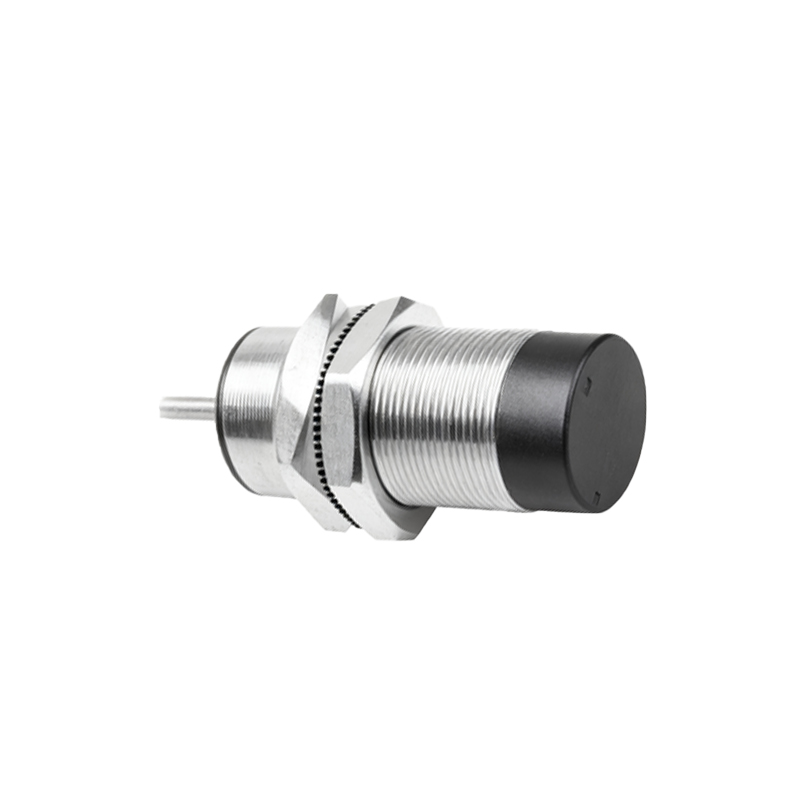
Another method involves using sensor bypass modules or dummy loads. These devices simulate sensor signals, tricking the system into thinking the sensor is active while it’s functionally offline. This is common in testing phases or when replacing sensors without halting operations. However, ensure compatibility with your sensor’s output type (e.g., PNP vs. NPN) to avoid signal mismatches.
Safety is paramount. Never deactivate sensors that are critical for emergency stops or personnel protection without proper authorization. In many regions, regulations like OSHA standards or IEC 61511 mandate risk assessments before modifying safety systems. Always involve qualified personnel and document the process for audit trails.
Post-deactivation, verify system behavior. Run diagnostic checks to confirm the sensor is inactive and that no unintended consequences arise, such as machine malfunctions or data log errors. If the sensor is to remain off long-term, label it clearly and update maintenance records. For reactivation, reverse the steps meticulously, recalibrating if necessary to ensure accurate detection.
In summary, deactivating proximity sensors requires technical knowledge, adherence to safety protocols, and an understanding of the specific industrial context. By following manufacturer guidelines and prioritizing safety, engineers can manage sensor operations efficiently, minimizing downtime and maintaining system reliability.