In the realm of industrial automation, the visual identification and technical understanding of components are paramount. Square proximity sensors, a prevalent subtype of non-contact sensing devices, are frequently encountered in machinery and control panels. This guide delves into the significance of square proximity sensor images, their key visual identifiers, and the technical specifications they often represent, serving as a practical resource for engineers, technicians, and procurement specialists.
A square proximity sensor, as the name implies, features a housing with a distinct square or rectangular cross-section. This form factor is a primary visual cue in images. Unlike cylindrical sensors, the square design often facilitates easier mounting and integration into machine frames, control cabinets, and structured environments. High-quality technical images typically showcase this housing, which is commonly constructed from robust materials like nickel-plated brass, stainless steel, or industrial-grade plastics (PBT), offering resistance to oils, coolants, and physical impact.
The face of the sensor, visible in detailed photographs, is critical. This is where the sensing element is located. For inductive sensors (the most common type for detecting metallic objects), the active face is usually a flat surface, sometimes with a protective coating or a label indicating the sensing distance. In images, one might also see a small LED indicator embedded near the sensing face. This LED, often visible in operational photos, provides a vital diagnostic function—illuminating when the sensor detects a target, thus confirming operation without the need for external equipment.
Wiring and connection methods are another aspect clarified through imagery. Many square proximity sensors feature pre-wired cables or quick-disconnect (M12 or M8) connectors. Images depicting the rear or side of the sensor will show these connections. A pre-wired sensor image will display a cable gland and a specified length of cable, often color-coded (brown for +V, blue for 0V, black for output). Connector-style sensors will show the standardized threaded connector, highlighting their suitability for modular and easily maintainable systems.
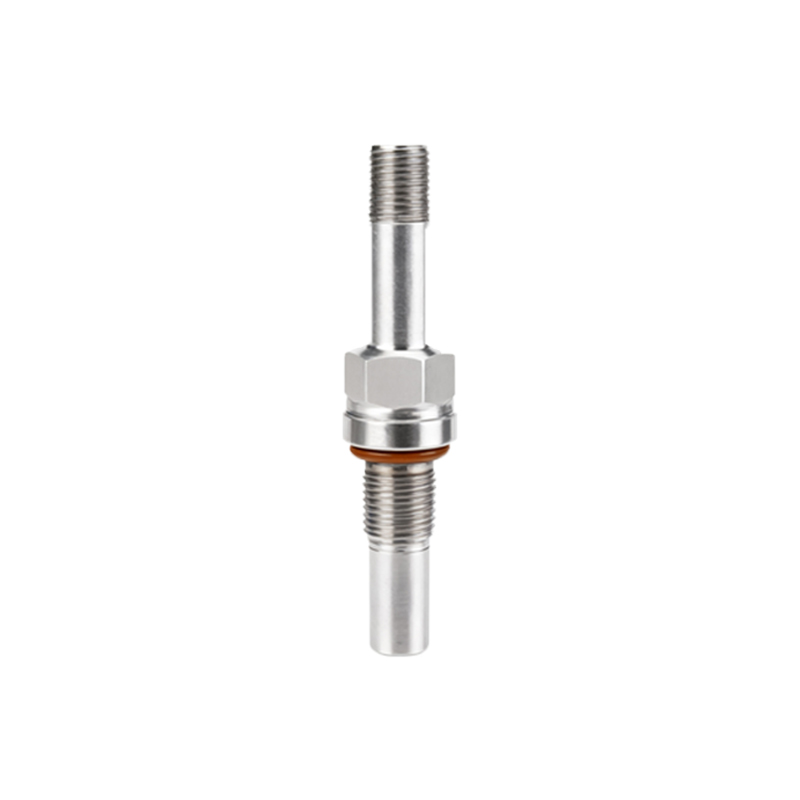
Technical diagrams and dimension drawings, often presented as supplementary images, are indispensable. These line-drawing images provide precise measurements: the height, width, and depth of the housing, the exact location of mounting holes, and the critical sensing range. For instance, a common specification like "12mm x 12mm x 40mm" with a "4mm sensing distance" is best understood through a dimensioned drawing. These images allow for precise mechanical planning and integration into CAD models.
The context within application photos is highly instructive. A square proximity sensor might be pictured installed on a conveyor bracket, detecting passing metal parts, or inside a robotic cell, monitoring the position of an actuator. These application images demonstrate real-world mounting configurations, environmental conditions, and typical target objects (e.g., bolts, pallets, machine tool bits). They visually communicate the sensor's role in tasks like position verification, end-of-travel detection, or simple counting operations.
When evaluating images for technical purposes, key details to scrutinize include the IP (Ingress Protection) rating, often stamped on the housing label, visible in close-up shots. Ratings like IP67 or IP69K indicate the level of protection against dust and water, crucial for harsh environments. The output type (PNP/NPN, NO/NC) is also frequently marked on the label. A clear image of this label is as valuable as the sensor's physical image.
In conclusion, square proximity sensor images are more than just pictures; they are dense packets of technical information. From the housing geometry and indicator LEDs to connection types and dimensional data, a well-composed set of images allows for accurate identification, specification verification, and integration planning. For professionals sourcing or deploying these sensors, developing a keen eye for the details within these images is a practical skill that streamlines design, installation, and maintenance processes in automated industrial systems.