Have you ever wondered how your smartphone screen magically turns off when you hold it to your ear during a call, only to light up again the moment you pull it away? This isn't magic; it's the work of a tiny, yet crucial component called the proximity sensor. This unsung hero of smartphone hardware operates silently in the background, enabling a seamless and intuitive user experience while conserving precious battery life.
At its core, a proximity sensor is a type of sensor that detects the presence of nearby objects without any physical contact. In smartphones, its primary function is to sense when the device is close to an object, typically your face or ear. The most common technology employed is an infrared (IR) sensor. Here’s a simplified breakdown of how it works: The sensor contains an IR LED that emits an invisible beam of infrared light. A corresponding IR light detector sits nearby, waiting to catch the reflection of that beam. When you bring the phone close to your face, the emitted infrared light bounces off your skin and is reflected back to the detector. The sensor's logic circuit measures this reflected signal. If the reflection is strong enough (indicating a very close object), the sensor sends a signal to the phone's processor, which immediately commands the screen to turn off.
This process serves multiple vital purposes. First and foremost, it prevents accidental screen touches, known as "cheek dialing," during phone calls. With the screen disabled, you can't inadvertently mute the call, press the keypad, or launch an app with your ear. Secondly, it contributes significantly to power efficiency. The display is one of the most power-hungry components in a phone. By turning it off when not needed, the sensor helps extend battery life for the duration of your call. Furthermore, this action also prevents the screen from lighting up your face in a dark environment, which can be distracting or annoying.
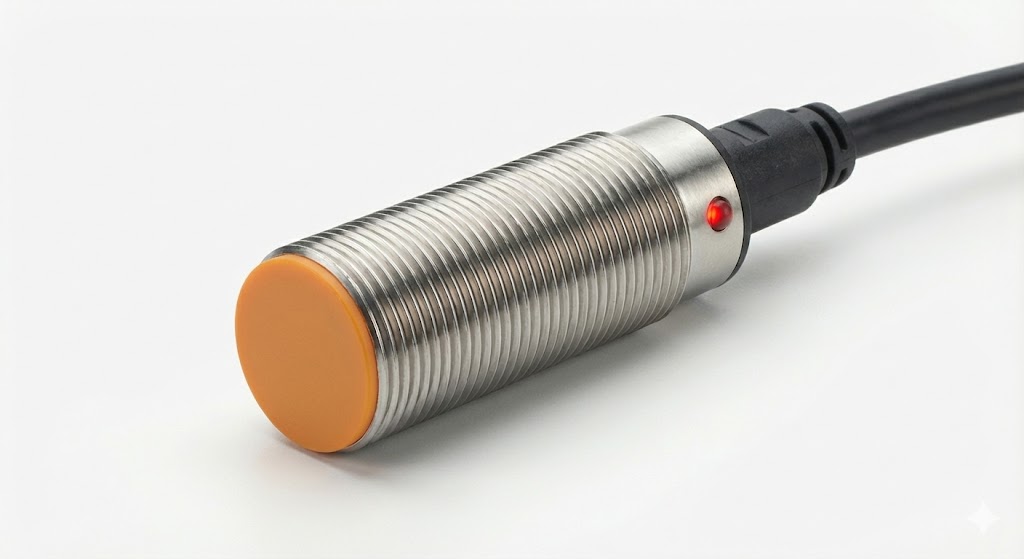
The applications of the proximity sensor extend beyond just phone calls. Many devices use it to automatically disable the screen when placed face down on a table or slipped into a pocket or bag. Some smartphones employ it for gesture controls, allowing you to silence an incoming call or alarm by waving a hand over the sensor. It also plays a role in optimizing the performance of virtual assistants; by knowing the phone is not near your ear, the system might switch to speakerphone mode for voice commands.
While infrared is the dominant technology, some manufacturers use different solutions. Capacitive proximity sensors, which detect changes in an electrical field, are an alternative. Another emerging method involves using the front-facing camera and sophisticated software algorithms to estimate distance, though dedicated hardware sensors generally offer faster and more reliable performance for the core function.
Users rarely interact directly with the sensor's settings, but it is a critical part of the system. Issues with the proximity sensor can lead to frustrating experiences, such as a screen that won't turn on during a call or one that turns off unexpectedly. These problems can sometimes be caused by a poorly fitted screen protector covering the sensor area, accumulated dirt, or software glitches. A simple cleaning of the top bezel area around the earpiece, where the sensor is usually located, often resolves minor detection issues.
From a design perspective, the proximity sensor is a marvel of miniaturization. Engineers must carefully calibrate its sensitivity to distinguish between a phone held to the ear and one simply held close to the body in a hand. It must work reliably across diverse environments and with users of different skin tones and hair types, though some early IR sensors had difficulties with very dark or highly reflective surfaces.
In conclusion, the proximity sensor is a perfect example of the sophisticated, user-centric engineering embedded in modern mobile devices. It performs a single, specific task with remarkable efficiency, enhancing usability, privacy, and battery longevity. The next time your screen dims as you answer a call, you'll know there's a tiny infrared beam hard at work, making your interaction with technology just a little bit smoother and smarter. This small component underscores how thoughtful hardware integration is fundamental to the seamless operation we often take for granted in our daily digital lives.