Proximity sensors are critical components in industrial automation, robotics, and machinery systems, detecting the presence or absence of objects without physical contact. However, like any electronic device, they can experience malfunctions that disrupt operations. This guide outlines systematic steps to diagnose and resolve common proximity sensor issues, ensuring minimal downtime and optimal performance.
First, identify the symptoms of sensor failure. Common signs include inconsistent detection, no output signal, false triggers, or erratic behavior. Begin by checking the power supply. Ensure the sensor receives the correct voltage as specified in the datasheet—typically 10-30V DC for inductive sensors. Use a multimeter to measure voltage at the sensor terminals. Low voltage can cause weak signals, while overvoltage may damage internal circuits. If power is unstable, inspect wiring for loose connections, corrosion, or short circuits. Tighten terminals and replace damaged cables.
Next, examine the sensor’s environment. Proximity sensors, especially inductive or capacitive types, are sensitive to interference. Metallic debris, dust, or moisture near the sensing face can trigger false readings. Clean the sensor with a soft cloth and isopropyl alcohol, avoiding abrasive materials. For capacitive sensors, ensure no conductive materials are within the detection range. Additionally, verify the sensing distance. Over time, mechanical wear or misalignment can reduce effective range. Refer to the manufacturer’s specifications and adjust the sensor position if needed. Use a target object of correct size and material—inductive sensors only detect metals, while capacitive sensors respond to both conductive and non-conductive materials.
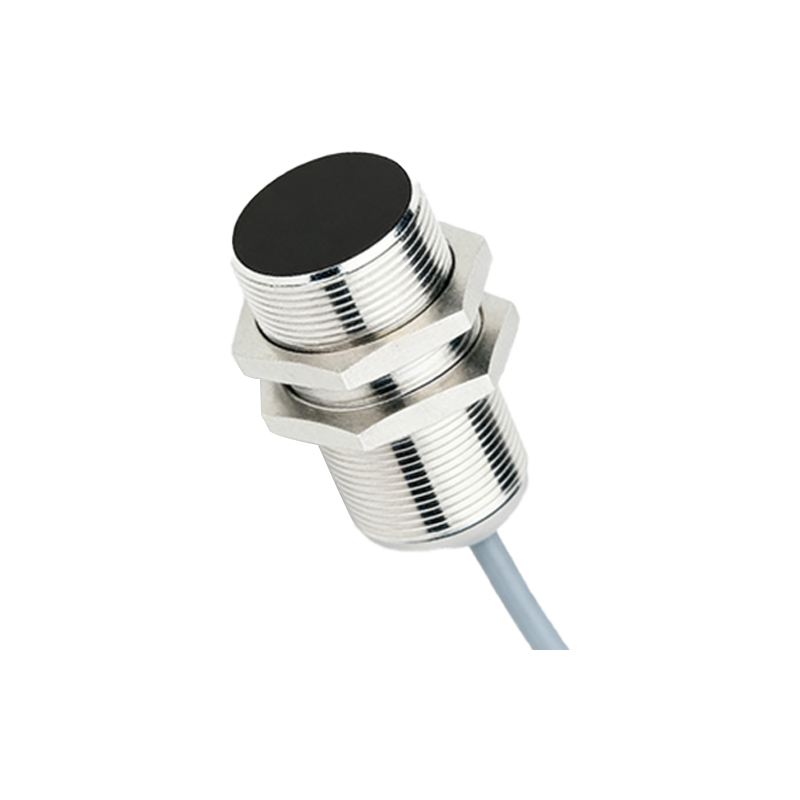
Signal output issues often stem from wiring or load problems. Check the output configuration (NPN or PNP) matches the connected controller (PLC or relay). Incorrect wiring can lead to no signal or reverse logic. Test the sensor by connecting it to a known working load, such as an LED indicator. If the output fails, the sensor’s internal switch or transistor may be faulty. In such cases, replacement is usually required. For sensors with analog outputs (e.g., 4-20mA), calibrate using a signal analyzer to ensure accuracy.
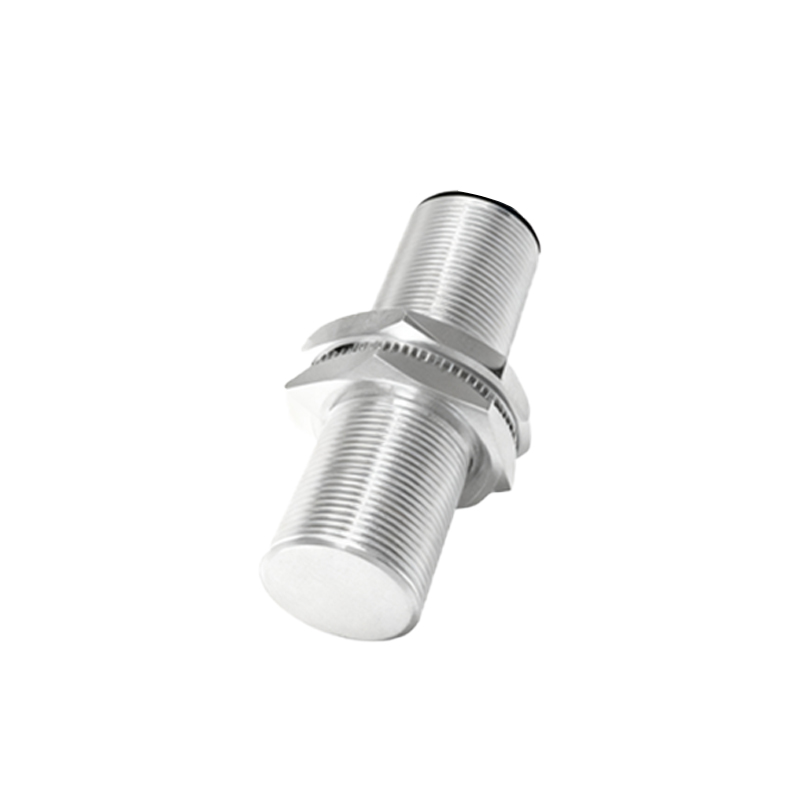
Environmental factors like temperature extremes, vibration, or electromagnetic interference (EMI) can also cause anomalies. Install sensors away from motors, transformers, or high-frequency devices that generate EMI. Use shielded cables and proper grounding to reduce noise. In high-vibration settings, secure mounting brackets and consider using vibration-resistant models. Extreme temperatures may exceed sensor ratings, leading to drift or failure; select sensors with appropriate IP ratings and temperature tolerances for harsh conditions.
Regular maintenance is key to preventing failures. Implement a schedule to inspect sensors for physical damage, corrosion, or wear. Log performance data to spot trends, such as gradual range reduction. When replacing sensors, choose models compatible with existing systems and recalibrate as necessary. For complex issues, consult the manufacturer’s troubleshooting guide or technical support.
In summary, proximity sensor problems often relate to power, environment, wiring, or external interference. By methodically testing each factor, most issues can be resolved quickly. Always prioritize safety—disconnect power before inspections and follow industry standards. With proper handling, proximity sensors can deliver reliable, long-term service in diverse applications.