Proximity sensors are critical components in bag making machines, ensuring precise material positioning, seam alignment, and operational safety. Proper adjustment of these sensors is essential for maintaining high production efficiency and minimizing downtime. This guide provides a step-by-step approach to adjusting inductive and capacitive proximity sensors commonly used in bag making equipment, following industry best practices.
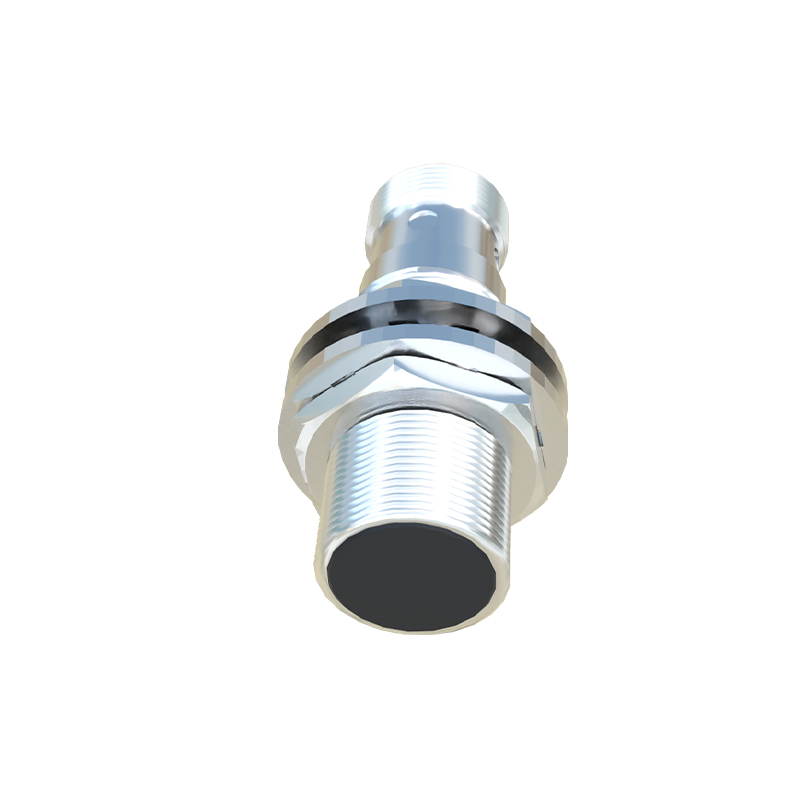
First, understand the sensor type installed on your machine. Inductive sensors detect metallic objects, while capacitive sensors respond to both metallic and non-metallic materials like plastics or films. Check the machine manual or sensor housing for specifications—typically marked as "IN" for inductive or "CAP" for capacitive. Incorrect identification can lead to adjustment failures.
Begin with power safety: disconnect the machine from the main power supply and lock out the energy source to prevent accidental activation. Wear appropriate personal protective equipment (PPE), such as insulated gloves and safety glasses. Locate the sensor—often positioned near sealing bars, cutting blades, or feed rollers—and inspect it for physical damage, dust accumulation, or moisture. Clean the sensing face with a dry, lint-free cloth if contaminated.
For inductive sensors, adjustment involves setting the sensing distance. Most inductive sensors have a sensing range of 2–15 mm, depending on the model. Use a metallic calibration tool (e.g., a steel plate matching the target material thickness) to test responsiveness. Power the machine in test mode, and slowly bring the tool toward the sensor face. Observe the indicator LED: it typically lights up when the object is within range. Adjust the sensor position using mounting brackets until the LED activates precisely at the desired detection point. Fine-tune by rotating any sensitivity potentiometer (if available) clockwise to increase range or counterclockwise to decrease it. Ensure the sensor does not trigger falsely due to nearby machine vibrations or metallic parts.
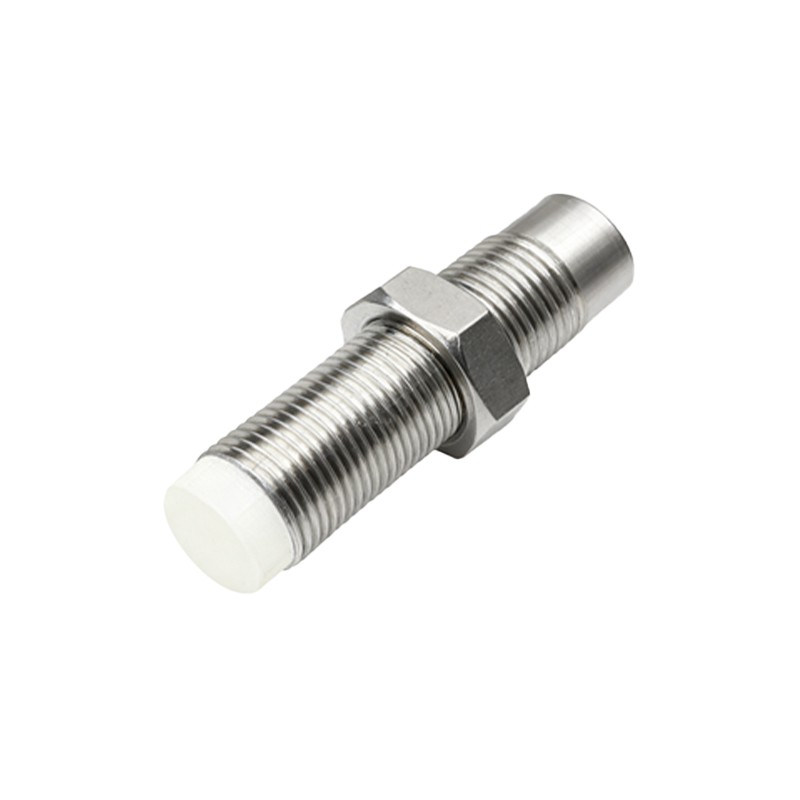
Capacitive sensors require adjustments for material-specific dielectric properties. These sensors often feature a sensitivity dial or screw. Start by placing the actual bag material (e.g., polyethylene film) in the detection path. Power the machine in test mode and adjust the sensitivity control until the sensor indicator LED responds consistently to the material. Avoid over-sensitivity, which may cause triggering by humidity or ambient noise. For sealed environments, compensate for temperature changes by testing under normal operating conditions.
After mechanical and sensitivity adjustments, validate the sensor with a functional test. Run the machine at low speed using scrap materials. Monitor the sensor’s output via the control panel or PLC interface—ensure it triggers at exact moments, such as when film edges reach the sealing zone. If misalignment occurs, recheck the sensor alignment parallel to the target surface. For digital sensors, use diagnostic tools to verify signal stability and delay settings.
Common issues include intermittent detection, which may stem from loose wiring or voltage fluctuations. Verify all connections are secure and the power supply matches the sensor’s rated voltage (e.g., 10–30 V DC). Environmental factors like electromagnetic interference from motors can disrupt signals; relocate sensors or shield cables if necessary. Regularly log adjustment parameters and performance data to streamline future maintenance.
In summary, adjusting proximity sensors on bag making machines demands attention to sensor type, precise mechanical alignment, and environmental calibration. Consistent maintenance and documentation enhance longevity and productivity. Always refer to manufacturer guidelines for model-specific instructions, as improper adjustments can lead to machine faults or product defects.