In the realm of modern electronics, particularly within smartphones, tablets, laptops, and automotive infotainment systems, the proximity sensor has become an indispensable component. Its primary function is to detect the presence of nearby objects without any physical contact. This article delves into the operational principles, types, integration challenges, and future trends of screen proximity sensors from an engineering perspective.
At its core, a proximity sensor for a display is designed to deactivate the screen and disable touch functionality when an object, typically the user's face during a phone call, is close to the device. This serves multiple critical purposes: conserving battery power, preventing accidental touch inputs, and enhancing user safety by reducing RF exposure. The fundamental technology relies on the emission and reception of a signal—most commonly infrared (IR) light. An IR LED emits a beam of light. When an object comes within a specific detection range, this light is reflected back towards the sensor, where a photodiode or a similar light-sensitive component detects it. The sensor's circuitry then processes this signal to determine proximity and sends a command to the main processor to blank the screen.
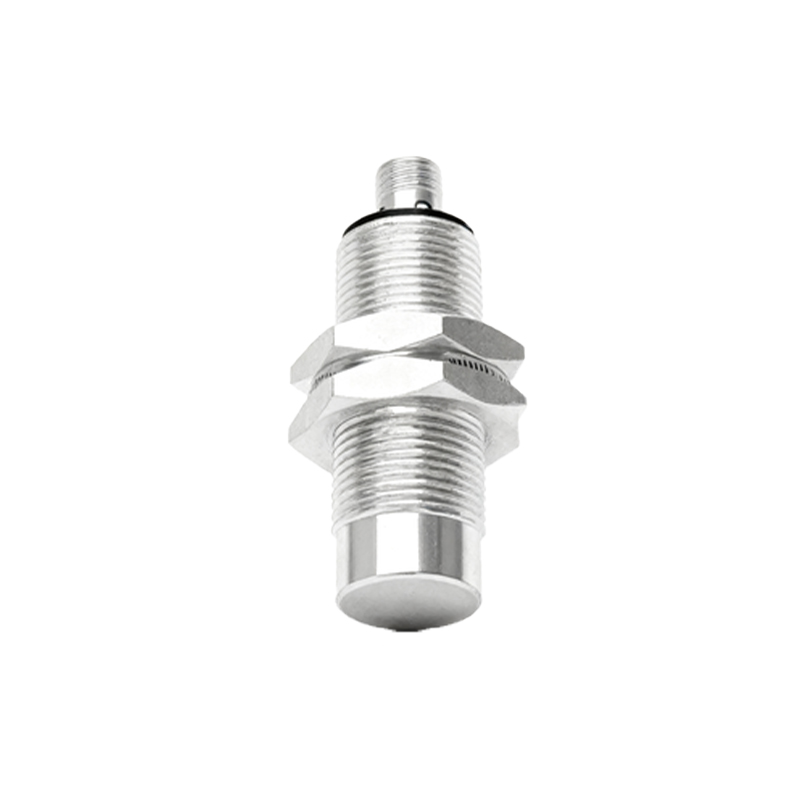
Several sensor technologies are employed in this domain. The most prevalent is the infrared (IR) proximity sensor, valued for its reliability and cost-effectiveness. However, it can be susceptible to ambient light interference. Advanced systems incorporate ambient light sensors (ALS) in the same module to compensate for this, adjusting the IR emitter's power dynamically. Another emerging technology is the time-of-flight (ToF) sensor. By measuring the time it takes for a light pulse to travel to an object and back, ToF sensors provide highly accurate distance measurements, enabling more nuanced features like gesture recognition. Capacitive proximity sensors are also used in some applications, detecting changes in an electrostatic field caused by a conductive object, such as a human hand.
Integrating a proximity sensor into a display assembly presents distinct engineering challenges. Mechanical design is paramount. The sensor window must be strategically placed, often within the bezel or under a specially treated portion of the display glass that is transparent to IR wavelengths. This location must avoid obstruction by the user's hand during normal operation. Optical crosstalk is a significant concern, where light from the IR emitter leaks directly into the receiver without reflecting off an object, causing false triggers. Careful optical baffling, the use of separators, and precise sensor calibration during manufacturing are essential to mitigate this. Electrical interference from other components, such as the display driver or RF antennas, must also be shielded against to ensure sensor signal integrity.
Calibration and software algorithms are what transform raw sensor data into reliable functionality. Each device must undergo a calibration process during production to account for variances in component placement, glass thickness, and IR transmissivity. The firmware includes algorithms that define the detection threshold, hysteresis (to prevent rapid on/off toggling), and debouncing. Modern sensors often feature digital output (e.g., I2C interface), simplifying integration with the host processor. The software stack must handle sensor polling, interrupt handling, and seamless communication with the display and touch controller drivers.
Looking forward, the evolution of screen proximity sensing is closely tied to display innovation. With the proliferation of edge-to-edge and under-display camera (UDC) designs, the traditional "notch" or "punch-hole" for sensor placement is disappearing. This drives the development of under-display sensors. Engineers are working on sensor designs and display pixel structures that allow IR light to pass through the OLED matrix with minimal attenuation. Furthermore, the role of the proximity sensor is expanding beyond simple on/off control. In conjunction with other sensors like ToF and cameras, it is enabling sophisticated context-aware features. For example, a device could automatically lock the screen orientation when held to the ear, or pause video playback when the user looks away.
In conclusion, the proximity sensor is a deceptively simple component that plays a vital role in user experience and power management. Its effective implementation requires a multidisciplinary approach encompassing optoelectronics, mechanical design, signal processing, and software engineering. As displays continue to evolve towards seamless, all-screen fronts, the technology behind proximity sensing will advance in parallel, becoming more integrated and intelligent, ensuring that our interactions with devices remain intuitive and efficient.