Proximity sensors are critical components in modern industrial automation, enabling non-contact detection of objects with high precision and reliability. Proper calibration is essential to ensure these sensors perform accurately in diverse operating conditions. This guide outlines the fundamental steps and best practices for calibrating proximity sensors, tailored for electrical engineers and maintenance professionals.
Before initiating calibration, it is crucial to understand the sensor type—inductive, capacitive, or photoelectric—as each has distinct operational principles. Inductive sensors detect metallic objects, capacitive sensors respond to both metallic and non-metallic materials, and photoelectric sensors use light beams for detection. Refer to the manufacturer’s datasheet for specific parameters such as sensing range, output type (e.g., NPN or PNP), and environmental tolerances.
The calibration process begins with environmental preparation. Ensure the sensor is installed correctly, free from obstructions, and shielded from external interference like electromagnetic noise or excessive vibration. Power the sensor according to voltage specifications, typically 10-30 VDC for most industrial models. Use a multimeter or oscilloscope to verify stable power supply and output signals.
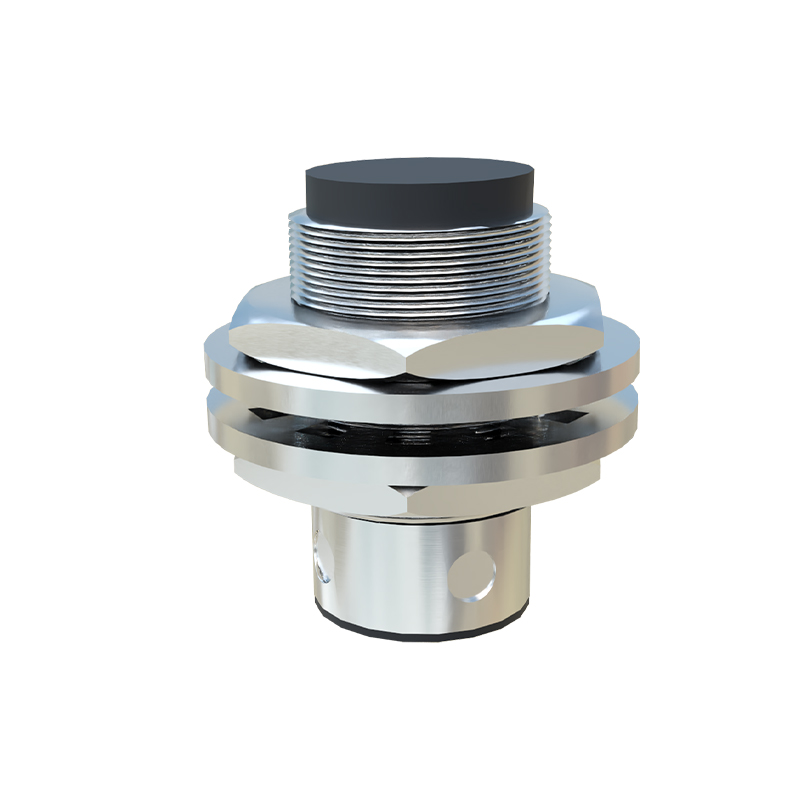
Next, set up a test object representative of the actual application. For inductive sensors, use a standard metal target of specified material and size; for capacitive sensors, employ a dielectric material like plastic or wood. Position the object within the nominal sensing range, typically 50-80% of the maximum distance. Adjust the sensor’s sensitivity or gain control, often via a potentiometer or digital interface, until the output switches reliably when the object enters and exits the detection zone.
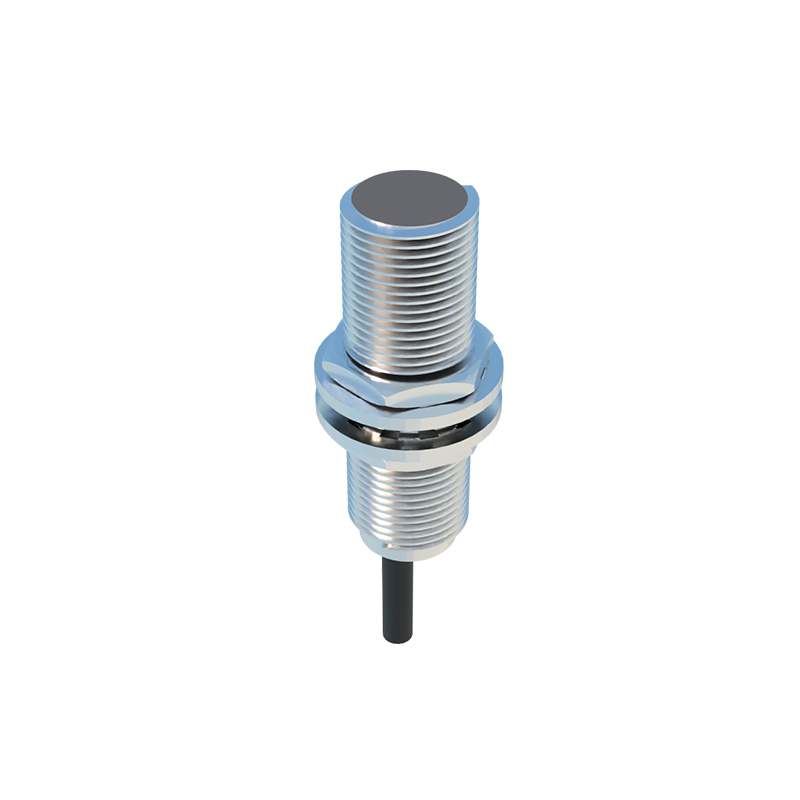
Fine-tuning involves iterative testing. Move the test object gradually toward and away from the sensor, noting the exact point of activation. Compare this distance with the datasheet’s specified switching threshold. If discrepancies exceed 5%, recalibrate by adjusting sensitivity or checking for alignment issues. For sensors with teach-in functionality, follow the manufacturer’s procedure to program the reference point automatically.
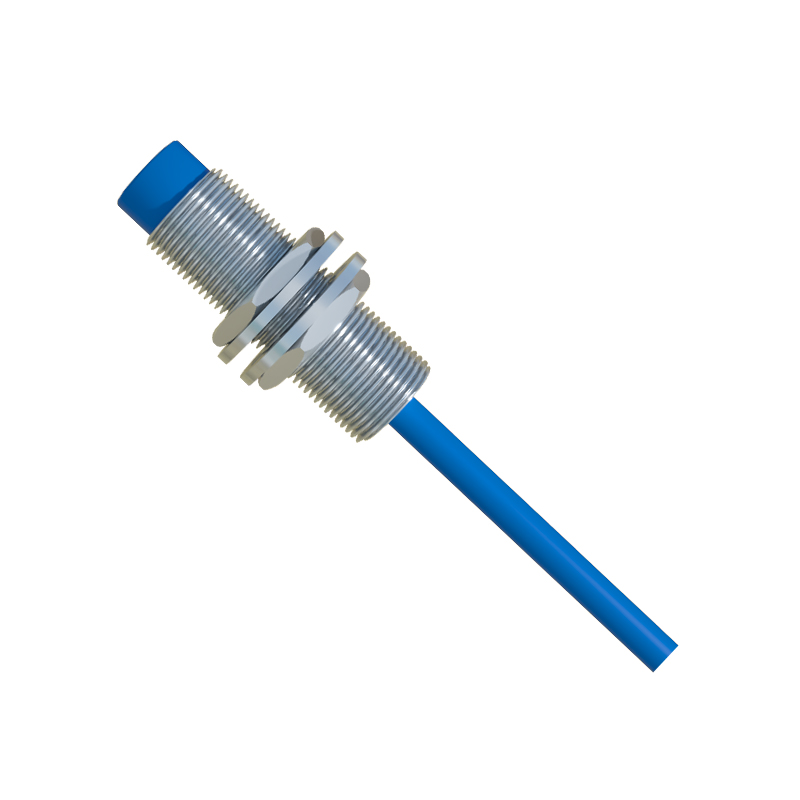
Temperature and humidity can affect calibration, especially for capacitive sensors. Perform tests under expected operating conditions and compensate if necessary. Document all settings, including sensitivity level, switching frequency, and environmental factors, for future maintenance.
Common pitfalls include overlooking hysteresis—the difference between switch-on and switch-off points—which ensures stability but must be within acceptable limits. Also, avoid over-tightening mounting hardware, as mechanical stress can alter sensor alignment. Regular recalibration every 6-12 months is recommended, or after any system modification.
In summary, precise calibration of proximity sensors enhances system efficiency, reduces false triggers, and extends sensor lifespan. By adhering to methodical steps and manufacturer guidelines, engineers can optimize sensor performance for seamless integration into automated processes.