In modern smartphones, the proximity sensor is a critical component that enhances user experience and conserves battery life. Typically located near the earpiece, this sensor uses infrared (IR) technology to detect the presence of nearby objects, such as when a phone is held to the ear during a call. When functioning correctly, it automatically turns off the display to prevent accidental touches and saves power. However, malfunctions in the proximity sensor can lead to frustrating issues, including unresponsive screens during calls, unintended app interactions, or persistent blackouts.
Common causes of proximity sensor failure include hardware damage, software glitches, and environmental factors. Hardware issues may stem from physical impacts, liquid exposure, or dust accumulation obstructing the sensor. For instance, a cracked screen or improper repair can misalign the IR emitter and receiver, disrupting signal transmission. Software-related problems often arise from outdated operating systems, corrupted firmware, or conflicting applications that interfere with sensor calibration. Additionally, protective cases or screen protectors that cover the sensor area can trigger false readings, mimicking a malfunction.
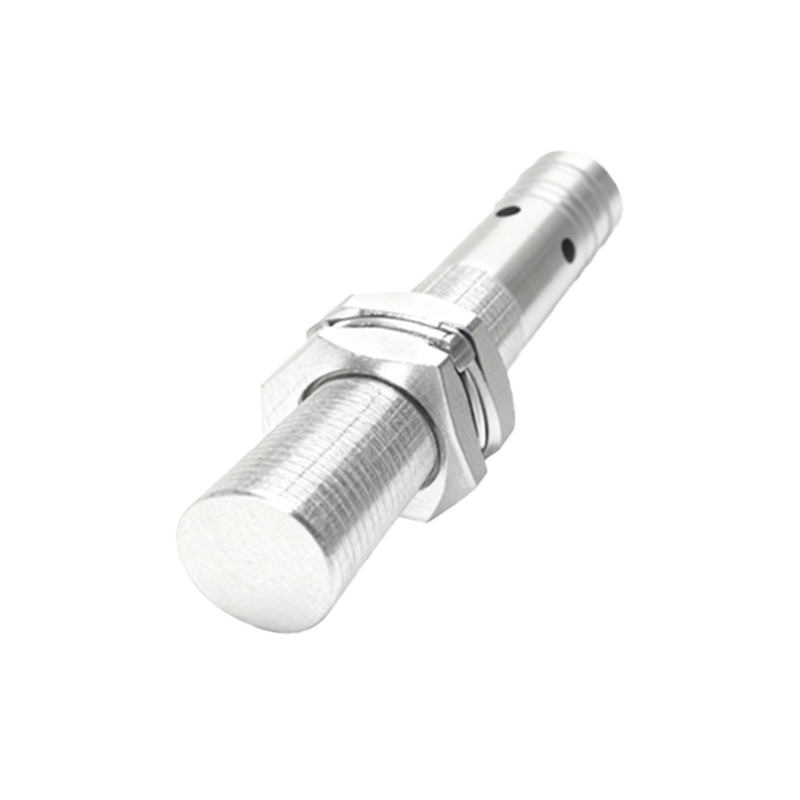
To diagnose proximity sensor issues, start with basic troubleshooting steps. Restart the device to clear temporary software errors, and ensure the operating system and apps are updated to the latest versions. Check for physical obstructions by cleaning the sensor area with a soft, dry cloth. If problems persist, use built-in diagnostic tools available on many smartphones; for example, on Android devices, access the "Phone Info" menu via dialer codes to test sensor functionality. For iPhones, third-party apps or Apple's diagnostic services can provide insights.
If hardware damage is suspected, professional repair is often necessary. Technicians may need to recalibrate the sensor, replace damaged components, or address internal connections. In cases of software corruption, a factory reset can resolve deep-seated issues, but users should back up data first to avoid loss. Preventive measures include using high-quality accessories that do not block sensors, avoiding exposure to extreme temperatures or moisture, and handling devices with care to minimize physical stress.
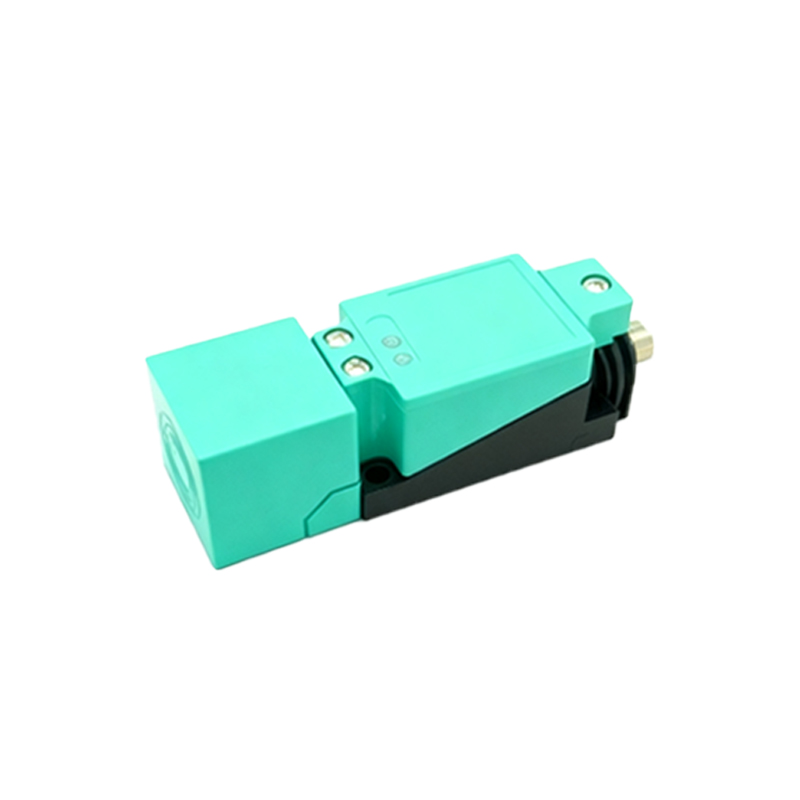
Industry trends show that advancements in sensor technology, such as time-of-flight (ToF) sensors and AI-driven calibration, are reducing failure rates. Manufacturers are integrating self-diagnostic features that alert users to sensor issues and guide repairs. As phones become more reliant on sensors for features like gesture control and augmented reality, maintaining sensor health is crucial for optimal performance. By understanding these principles, users and technicians can effectively address proximity sensor malfunctions, ensuring seamless device operation.
In summary, phone proximity sensor failures, while common, are often manageable through systematic troubleshooting. Emphasizing both hardware integrity and software stability, along with proactive maintenance, can mitigate most problems. As the industry evolves, continued education on sensor technology will empower users to navigate these challenges with confidence.