Proximity sensors are indispensable components in modern industrial automation, offering non-contact detection of metallic and non-metallic objects. Proper installation and usage are critical to ensuring reliable operation, minimizing downtime, and extending sensor lifespan. This guide outlines key principles for engineers and technicians.
Understanding Sensor Types and Selection
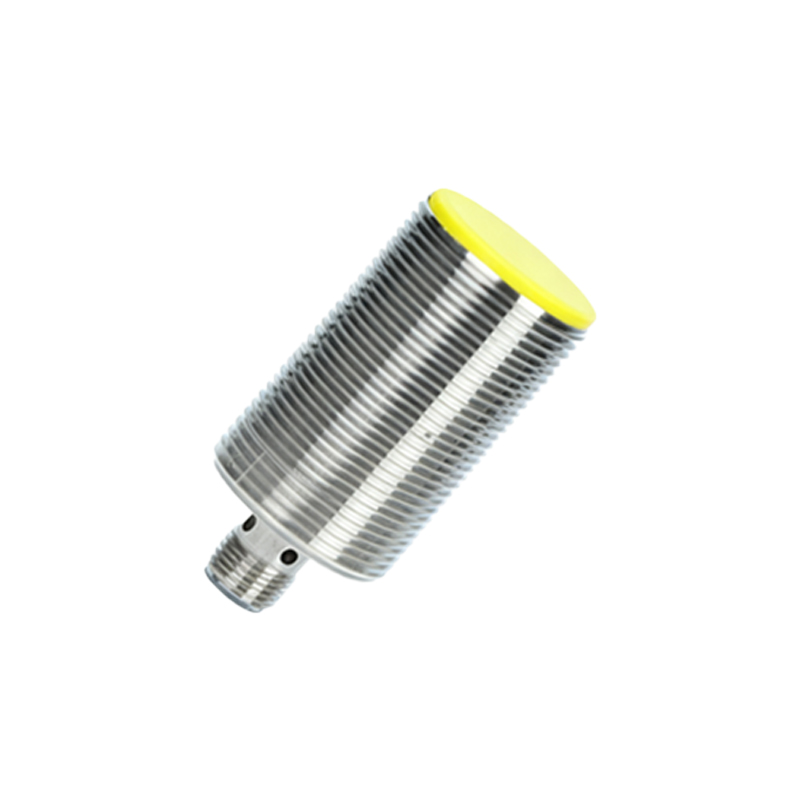
Before installation, confirm the sensor type—inductive (for metals), capacitive (for metals, liquids, plastics), or ultrasonic (for varied materials). Each type has specific sensing ranges, frequencies, and environmental tolerances. Always refer to the manufacturer’s datasheet for voltage ratings (e.g., 10-30V DC), output configurations (PNP/NPN, NO/NC), and housing materials (e.g., stainless steel for harsh conditions). Select sensors with adequate sensing distance margins to account for target variations and mechanical tolerances.
Installation Best Practices
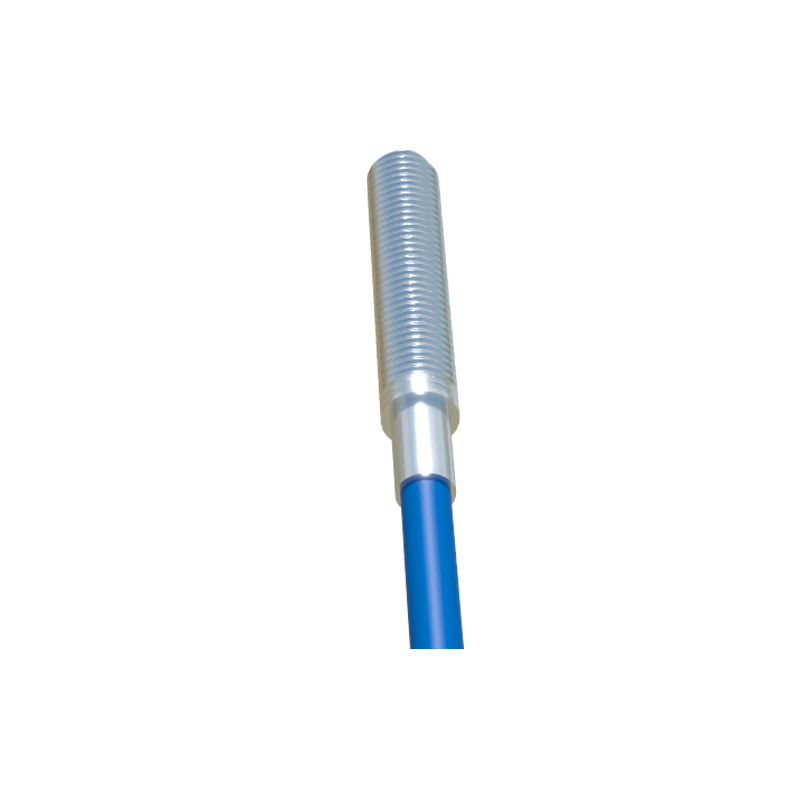
1. Mounting Alignment: Ensure the sensor face is parallel to the target surface. Misalignment can reduce effective sensing distance by up to 50%. Use mounting brackets or adjustable fixtures for precise positioning.
2. Environmental Considerations: Install sensors away from high-vibration sources, extreme temperatures, or corrosive chemicals. For inductive sensors, maintain clearance from other metal objects (typically 2x sensor diameter) to prevent interference.
3. Wiring and Connections: Follow IP ratings for enclosure protection. Use shielded cables in electrically noisy environments, grounding the shield at the controller end. Avoid running sensor cables parallel to high-voltage power lines to minimize electromagnetic interference.
4. Testing and Calibration: After installation, verify detection consistency with the actual target material and size. Adjust sensitivity potentiometers if available, ensuring the sensor triggers only within intended parameters.
Operational Usage and Maintenance
- Startup Checks: Monitor initial cycles for false triggers or missed detections. Log baseline response times for future diagnostics.
- Preventive Maintenance: Clean sensor faces regularly from oil, dust, or debris using non-abrasive solvents. Inspect for physical damage or loose connections during routine machine maintenance.
- Troubleshooting Common Issues: False signals often stem from environmental factors (e.g., weld spatter affecting inductive sensors) or electrical noise. Use oscilloscopes to check output signal integrity. For erratic behavior, verify power supply stability and load compatibility.
- Integration with Control Systems: Ensure compatibility with PLCs or controllers. Program debounce filters in software to handle mechanical vibration effects. Document sensor locations and parameters in system schematics for streamlined troubleshooting.
Advanced Applications and Optimization
In high-speed assembly lines, consider sensors with fast response times (<1 ms) and teach-in functionality for adaptive calibration. For multi-sensor setups, synchronize switching frequencies to avoid crosstalk. Implement redundancy for critical safety applications, such as dual-sensor monitoring on robotic grippers. Regularly update firmware for smart sensors with IoT capabilities to leverage predictive maintenance analytics.
By adhering to these guidelines, engineers can maximize proximity sensor performance, enhance system reliability, and reduce lifecycle costs. Always prioritize manufacturer recommendations and industry standards (e.g., IEC 60947-5-2) for specific application scenarios.