Proximity sensors are essential components in modern automation systems, enabling non-contact detection of objects with high precision. When integrating these sensors with microcontrollers, proper wiring is critical to ensure reliable operation and prevent damage to sensitive electronic components. This guide outlines fundamental wiring principles, common configurations, and best practices for connecting proximity sensors to microcontroller-based circuits.
Most industrial proximity sensors operate on DC voltages, typically ranging from 10-30V DC, though 12V and 24V are most common. The sensor's power supply must match its rated voltage; incorrect voltage can lead to malfunction or permanent failure. Always verify the sensor's specifications before connecting power. The basic wiring involves three primary connections: power supply positive (V+), power supply negative (V- or ground), and the output signal line. Some sensors include a fourth wire for diagnostic or enable functions, but the three-wire configuration is standard.
In a typical setup, the sensor's V+ connects to the positive terminal of the power source, while V- links to the common ground. The output wire carries the detection signal to the microcontroller. There are two main output types: NPN (sinking) and PNP (sourcing). NPN sensors switch the ground connection, meaning the output becomes low (0V) when activated, suitable for sinking current to ground. PNP sensors switch the positive voltage, providing a high signal (e.g., 24V) when triggered, sourcing current to the load. The choice depends on the microcontroller's input circuit requirements. For example, many microcontrollers interface better with NPN outputs via pull-up resistors, while PNP may require voltage dividers to avoid overvoltage.
Interfacing with microcontrollers requires attention to voltage levels. Microcontroller input pins usually tolerate only 3.3V or 5V, whereas sensor outputs might be 12V or 24V. To bridge this gap, use protective components such as optocouplers or voltage divider circuits. An optocoupler isolates the sensor from the microcontroller, preventing electrical noise and voltage spikes from causing damage. For simple applications, a resistor-based voltage divider can step down the sensor output to a safe level. Always calculate resistor values carefully to ensure accurate voltage division without excessive current draw.
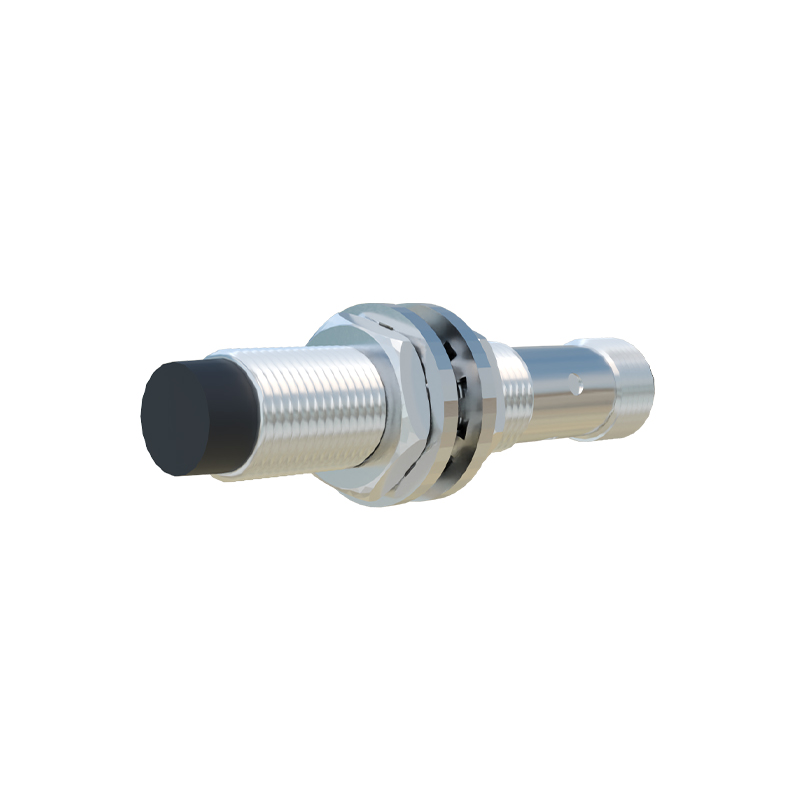
Shielding and grounding are vital for noise immunity, especially in industrial environments with motors or high-frequency devices. Use shielded cables for sensor connections, and ground the shield at one end only (typically the power supply side) to avoid ground loops. Keep sensor wires away from high-voltage lines to minimize electromagnetic interference. For long cable runs, consider using twisted-pair cables to reduce noise pickup. Additionally, install surge protection devices if the sensor is exposed to potential voltage transients.
Testing and troubleshooting are straightforward with a multimeter. Before connecting to the microcontroller, verify the sensor's output voltage in active and inactive states. If the sensor fails to respond, check power connections, ensure the target object is within the sensing range, and inspect for physical damage. For microcontroller integration, use debugging tools to monitor input pin status, confirming the sensor triggers expected logic changes. Common issues include incorrect wiring polarity, insufficient power supply current, or incompatible voltage levels.
In summary, successful proximity sensor wiring for microcontrollers hinges on matching voltage specifications, selecting appropriate output types, implementing voltage adaptation, and applying noise reduction techniques. By following these guidelines, engineers can achieve robust and reliable sensor integration, enhancing the performance of automation systems. Always consult the sensor and microcontroller datasheets for specific details, as variations exist among manufacturers and models.