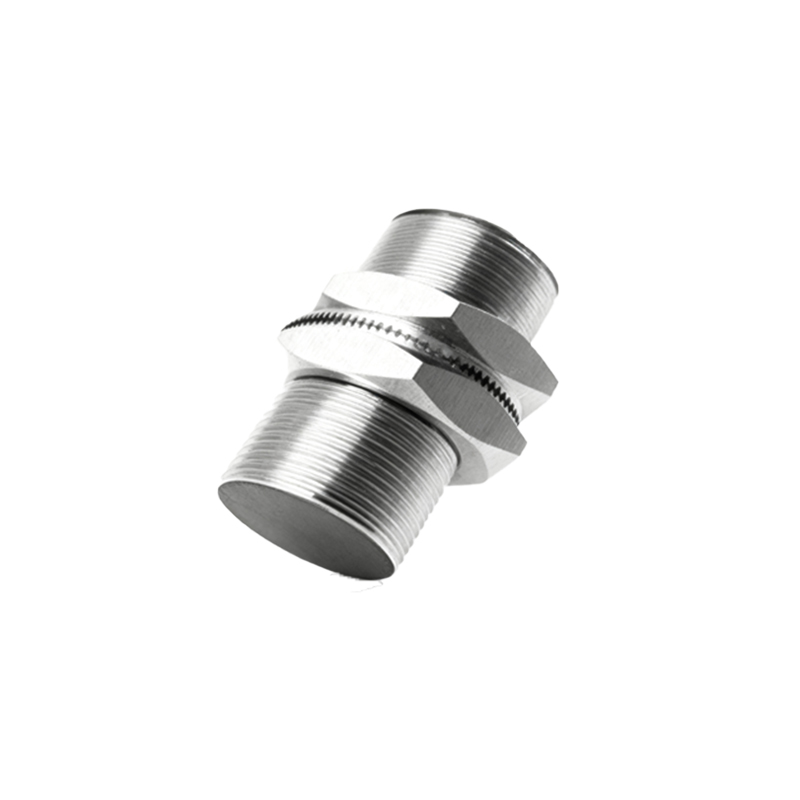
Proximity sensors have become integral components in modern automation and electronic systems, enabling non-contact detection of objects within a defined range. A well-structured PowerPoint presentation on this topic can effectively communicate technical principles, selection criteria, and practical implementations. This guide outlines essential components for creating an informative proximity sensor PPT while maintaining clarity and engagement.
The foundation of any technical presentation lies in defining core concepts. Begin by explaining how proximity sensors operate using electromagnetic fields, infrared light, or ultrasonic waves to detect objects without physical contact. Contrast inductive sensors (for metallic objects) with capacitive sensors (for both metallic and non-metallic materials), and include photoelectric and ultrasonic variants. Diagrams illustrating operating principles significantly enhance comprehension, particularly when demonstrating detection ranges and field patterns.
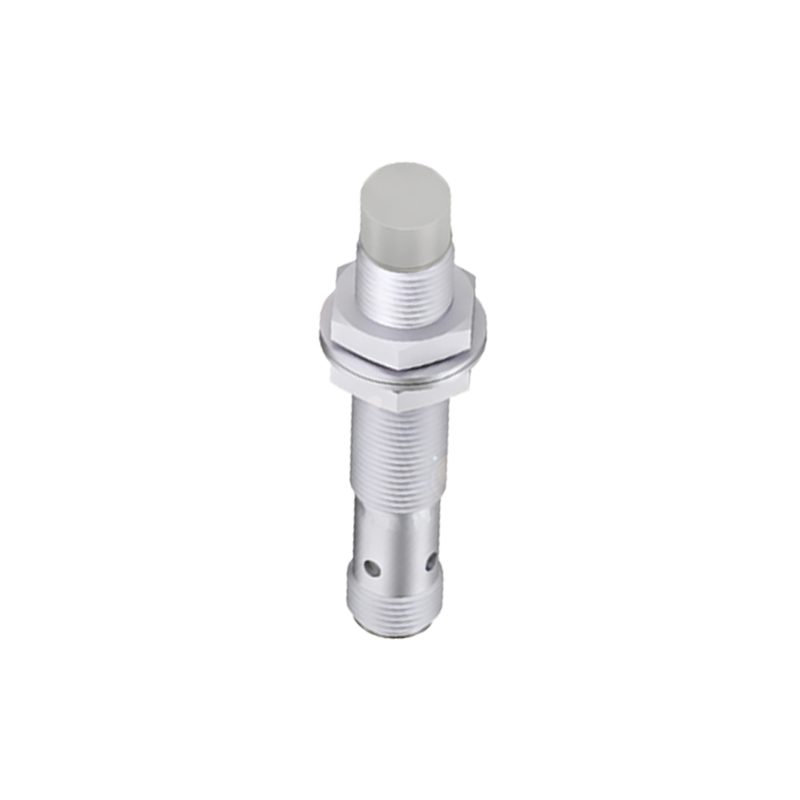
Selection parameters form another critical section. Detail key specifications such as sensing distance, response frequency, output types (PNP/NPN/analog), and environmental ratings (IP67/IP69K). Include comparison tables showing how different sensor types perform under conditions like temperature extremes, moisture exposure, or electromagnetic interference. Real-world application examples strengthen practical understanding—for instance, automotive assembly lines using inductive sensors for part positioning, or food packaging machines employing capacitive sensors for liquid level detection.
Implementation best practices deserve thorough coverage. Address installation considerations like sensor alignment, shielding from adjacent metal objects, and cable management. Troubleshooting common issues—such as false triggering or reduced sensing distance—with diagnostic flowcharts helps audiences solve field problems. Incorporate case studies demonstrating efficiency improvements: a manufacturing plant reducing downtime by 30% through proper sensor selection, or a robotics application achieving millimeter-precision positioning.
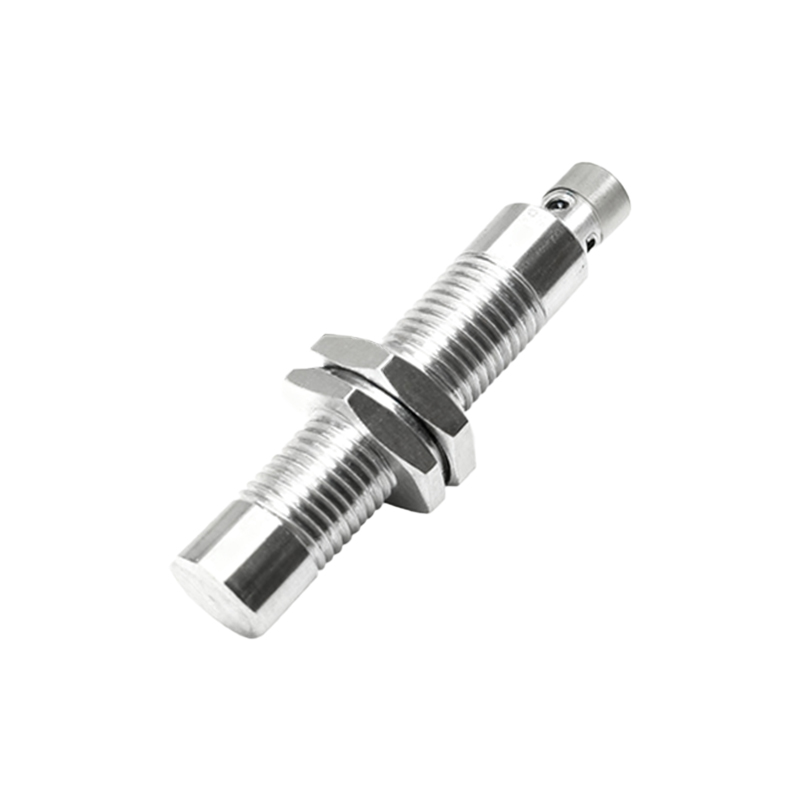
Visual design principles directly impact presentation effectiveness. Use high-quality schematics instead of text-heavy slides. Animations can demonstrate sequential operations, like a sensor activating a conveyor belt upon object detection. Maintain consistent color coding—for example, blue for inductive sensors and green for capacitive sensors throughout the presentation. Include product photographs alongside simplified technical drawings to bridge theoretical and physical understanding.
The presentation should conclude with emerging trends and resources. Highlight developments like IO-Link enabled sensors for predictive maintenance, or miniaturized designs for wearable devices. Provide references to international standards (IEC 60947-5-2) and manufacturer selection tools. A well-organized appendix with specification sheets, wiring diagrams, and calculation formulas adds lasting value for technical audiences.
Remember to tailor content depth to audience expertise. For engineering teams, focus on interface protocols and calibration procedures. For management presentations, emphasize cost-benefit analyses and ROI examples. Always leave room for interactive elements—live demonstrations with sensor kits or Q&A sessions addressing specific application challenges. This approach ensures the PPT serves as both educational tool and practical reference, adapting to various professional contexts while maintaining technical accuracy and accessibility.