Proximity sensors are critical components in industrial automation, providing non-contact detection of objects. Proper calibration and debugging ensure reliable operation, minimize false triggers, and extend sensor lifespan. This guide outlines practical steps for setting up and troubleshooting common proximity sensor issues.
Before calibration, verify the sensor type (inductive, capacitive, or ultrasonic) and its specifications, including sensing range, output type (PNP/NPN), and power requirements. Ensure the installation environment is clean, free from excessive dust, moisture, or electromagnetic interference. Mount the sensor securely, aligning it perpendicular to the target object. Avoid mounting near metal surfaces or other sensors that could cause interference.
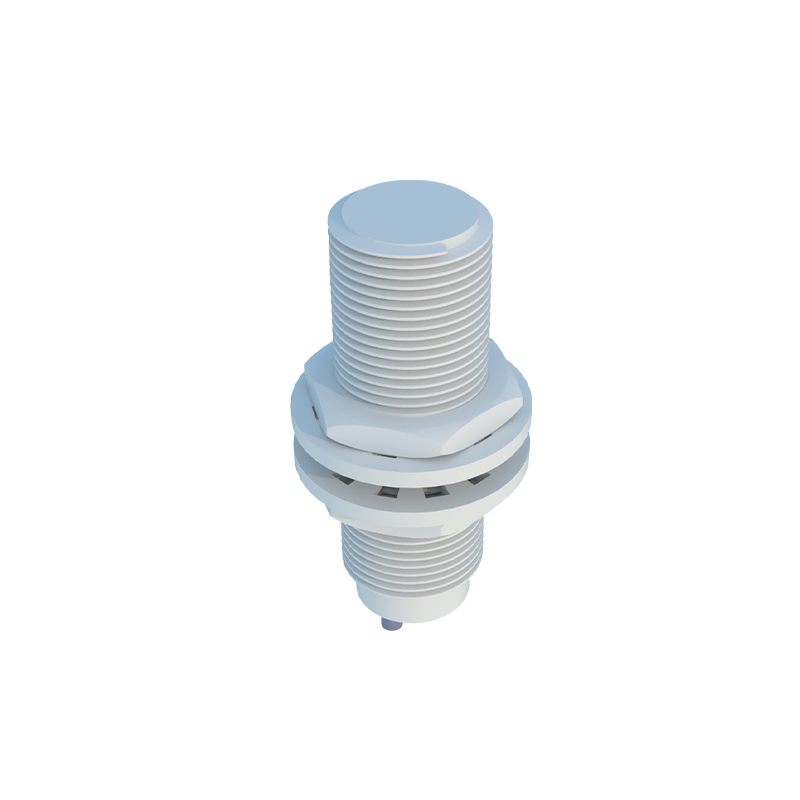
Calibration involves adjusting the sensor to detect objects within its specified range. Begin by powering the sensor according to the manufacturer’s voltage specifications. Use a multimeter to check the output signal. Place a standard target object (typically made of the material the sensor is designed to detect) within the sensing range. Adjust the sensitivity potentiometer, if available, until the sensor triggers consistently. For programmable sensors, follow the manufacturer’s software guidelines to set parameters like hysteresis and response time. Test the sensor with multiple objects to ensure stability across variations in size or material.
Common debugging issues include false triggering, inconsistent detection, or no output signal. False triggering often results from environmental factors like vibration, nearby metal objects, or electrical noise. Shield the sensor or relocate it away from interference sources. Inconsistent detection may indicate incorrect sensitivity settings or worn-out components. Recalibrate the sensor and inspect for physical damage. If there is no output signal, check the power supply, wiring connections, and load compatibility. Ensure the load resistance matches the sensor’s output capacity.
For inductive sensors, ensure the target object is ferrous or non-ferrous metal as specified. Capacitive sensors can detect non-metallic materials but may be affected by humidity or temperature changes. Ultrasonic sensors require a clear path and stable environmental conditions. Regularly clean the sensor face to prevent buildup that could reduce sensitivity.
Document calibration settings and maintenance schedules. Use diagnostic tools like oscilloscopes to analyze signal integrity in complex setups. If problems persist, consult the sensor’s datasheet for error codes or contact technical support. Proactive maintenance, including periodic recalibration, reduces downtime and enhances system efficiency.
In summary, systematic calibration and methodical troubleshooting are essential for optimal proximity sensor performance. By understanding sensor principles and adhering to best practices, operators can ensure accurate detection and long-term reliability in automated systems.