Proximity sensors have become ubiquitous in modern electronics, seamlessly integrated into smartphones, tablets, industrial machinery, and automotive systems. These components work by emitting an electromagnetic field or a beam of infrared radiation to detect the presence or absence of nearby objects without physical contact. Their primary function is to enhance user experience and device safety, such as turning off a smartphone screen during a call to prevent accidental touches. However, there are numerous scenarios where users or technicians might need to disable these sensors. Understanding the reasons behind disabling a proximity sensor and the correct methods to do so is crucial for both troubleshooting and advanced device management.
One of the most common reasons for intentionally disabling a proximity sensor is to troubleshoot persistent malfunctions. A faulty sensor can cause a range of irritating issues. On smartphones, the most frequent complaint is the screen turning off prematurely during calls, making it impossible to access keypad functions or end a call. Conversely, the screen might fail to turn back on after moving the phone away from the ear, requiring a manual button press. These problems often stem from software glitches, accumulated dirt or debris on the sensor area (often hidden near the earpiece), a misaligned screen protector, or physical damage from a drop. Disabling the sensor via software can be a diagnostic step to confirm the sensor is the root cause before attempting a physical clean-up or repair.
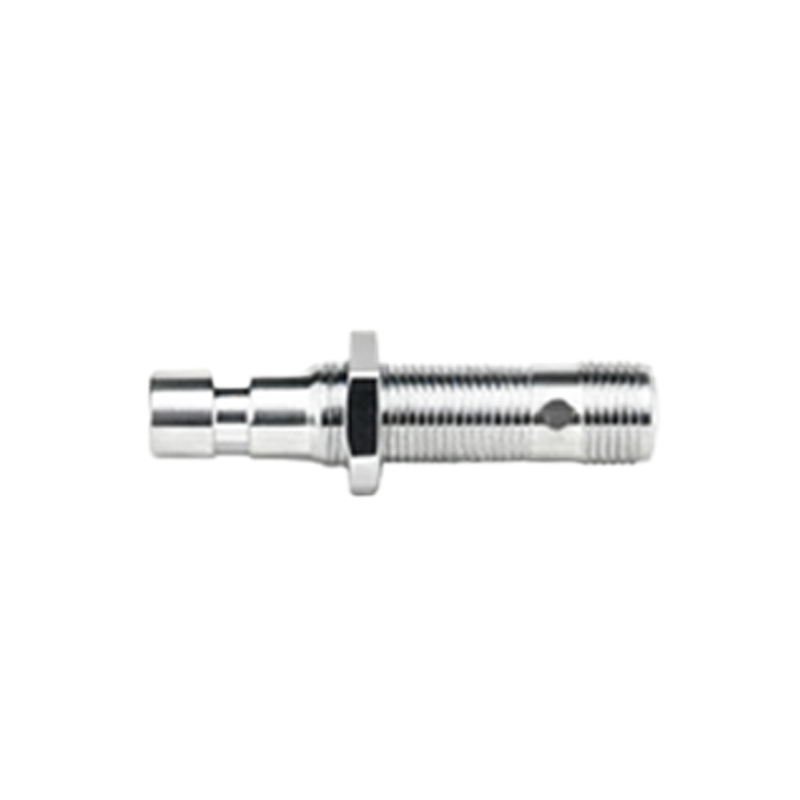
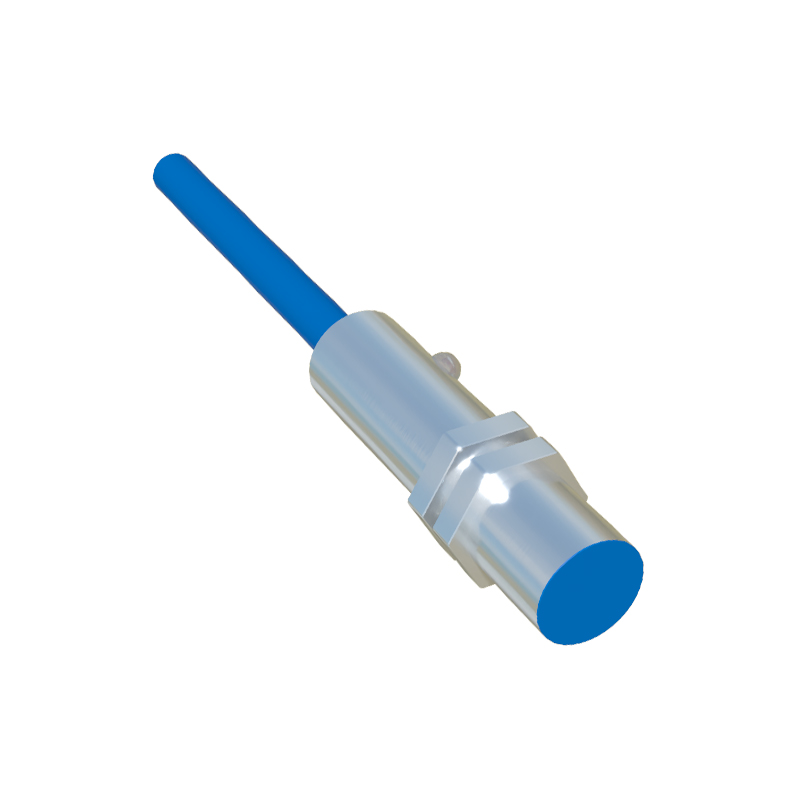
In the realm of industrial automation and specialized equipment, proximity sensors are disabled or bypassed during specific maintenance, calibration, or testing procedures. For instance, a technician servicing a conveyor belt system with safety proximity guards might need to disable them temporarily to perform adjustments without triggering constant emergency stops. This is always done following strict lockout-tagout (LOTO) safety protocols to ensure no accidental machine activation occurs. Similarly, during the development or debugging of a new product, engineers may disable sensor inputs to isolate and test other subsystems.
Advanced users and developers sometimes disable sensors to achieve specific functionalities not supported by the default device software. For instance, some users prefer to keep their smartphone screen on during all calls to use note-taking or other apps. This requires bypassing the sensor's control, often through third-party applications or, on rooted (Android) or jailbroken (iOS) devices, system-level modifications. It's important to note that such practices can void warranties, pose security risks, and lead to unintended battery drain as the screen remains active.
Software conflicts present another significant reason. An operating system update, a buggy app with permissions to access sensor data, or corrupted system files can cause the proximity sensor to behave erratically. In these cases, the solution isn't always a permanent disablement. Steps like booting in safe mode (to disable third-party apps), clearing the system cache partition, or performing a factory reset can resolve software-related issues. Disabling the sensor might be an interim workaround while a permanent software fix is sought.
From a privacy and security perspective, some users are concerned about the potential for sensors to be exploited. While proximity sensors are generally simple devices designed to measure distance, theoretical vulnerabilities in how an app accesses sensor data could exist. A malicious application with appropriate permissions could potentially use subtle patterns in sensor data as a side channel. For extremely security-conscious individuals, disabling unused sensors reduces the device's attack surface, though the practical risk from proximity sensors alone is considered very low compared to microphones, cameras, or location services.
The method for disabling a proximity sensor varies drastically by device and intention. For consumer electronics like smartphones, options within standard settings are usually limited. Some manufacturers include a "Proximity Sensor" test and toggle in hidden diagnostic menus (accessed via dialer codes like ##6484## on some Android devices). For troubleshooting, simply cleaning the sensor area with a soft, dry cloth can be remarkably effective. For a more software-oriented approach, users can revoke sensor permissions from suspicious apps in the settings menu. On PCs or industrial systems, disabling a sensor typically involves device management software, BIOS/UEFI settings, or physically disconnecting the sensor module, which should only be done by qualified personnel.
It is critical to weigh the consequences before disabling any sensor. The primary purpose of a proximity sensor is often safety or core functionality. Permanently disabling the sensor on a phone will lead to increased battery consumption and accidental screen presses. In an industrial context, disabling a safety sensor without proper procedures is dangerous and illegal. The recommended approach is always to first seek a fix: clean the device, update software, reset settings, or seek professional repair. Disabling should be viewed as a last resort for troubleshooting or a temporary measure for specific, controlled needs.