Introduction to AKEC Photoelectric Sensors
AKEC photoelectric sensors are widely used in industrial automation for detecting objects, distances, and positions without physical contact. These sensors rely on optical principles, emitting light beams and analyzing reflections to determine presence or absence of targets. Their robust design and precise pin configuration make them suitable for harsh environments, including manufacturing lines, packaging systems, and material handling. Understanding the pin layout is crucial for proper wiring and integration into control systems.
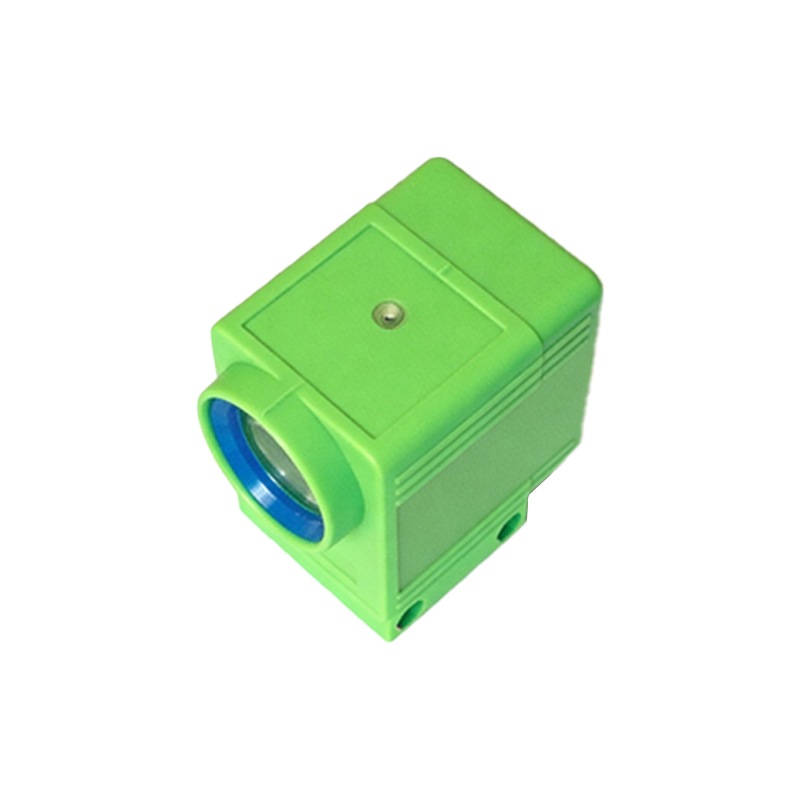
Standard Pinout and Color Coding
AKEC sensors typically feature a 4-pin or 5-pin configuration, depending on the model. The standard pinout includes: Pin 1 (Brown) for power supply (+V, typically 10-30V DC), Pin 2 (White) for normally open (NO) output, Pin 3 (Blue) for ground (0V), and Pin 4 (Black) for normally closed (NC) output. In 5-pin versions, the additional Pin 5 (Gray) is used for programmable functions, such as sensitivity adjustment or alarm output. Always verify the specific datasheet for your sensor model, as polarity and function may vary.
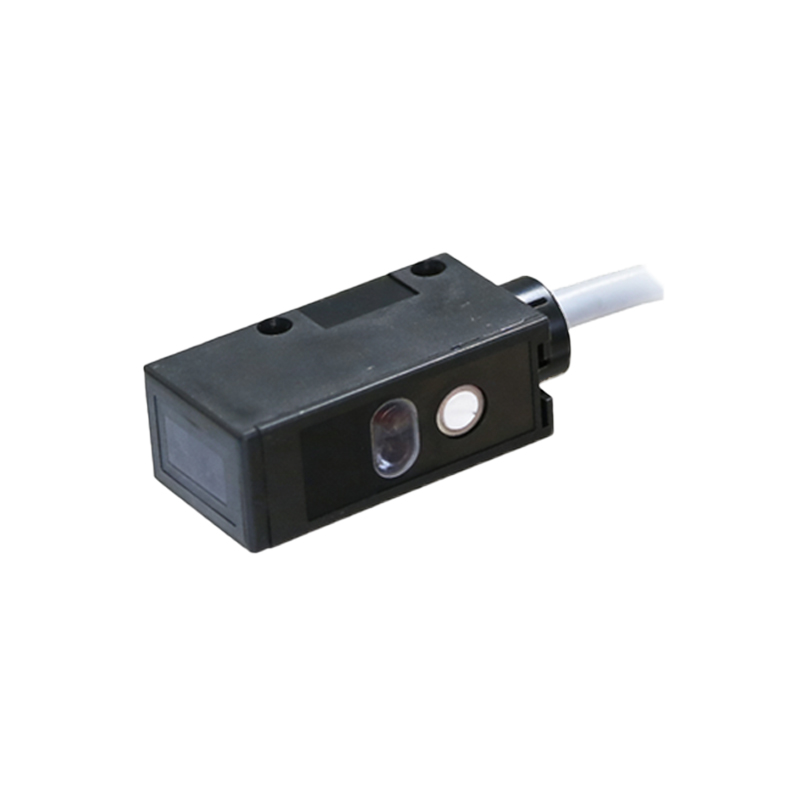
Power Supply and Connection Guidelines
When connecting an AKEC photoelectric sensor, ensure the power supply voltage matches the rated range. Use a regulated DC source to avoid voltage spikes that could damage the internal circuitry. The brown wire connects to the positive terminal, and the blue wire to ground. For optimal performance, twist the power and ground wires together to minimize electromagnetic interference. If the sensor is used in a noisy environment, install a ferrite core near the sensor connector.
Output Configuration: NO and NC Modes
The white and black wires correspond to the NO and NC outputs, respectively. In NO mode, the output is open when no target is detected and closes when a target is present. In NC mode, the output is closed when no target is detected and opens when a target is present. This flexibility allows AKEC sensors to be integrated into various control logic circuits. For example, use NO mode for counting objects and NC mode for safety interlocks.
Wiring for Programmable Functions
Some AKEC models include a gray wire for programmable functions, such as adjusting sensitivity or selecting output logic. To program, apply a specific voltage pulse or connect the wire to a controller via an interface. Refer to the manufacturer’s manual for exact programming sequences. Improper handling may cause erratic sensor behavior, so always test in a controlled setup before deployment.
Troubleshooting Common Pin Issues
Common wiring problems include reversed polarity (brown and blue swapped), short circuits between output wires, or loose connections. If the sensor fails to detect, first check the power supply voltage at the brown and blue pins. Next, verify the output signal using a multimeter: the white wire should show voltage when a target is detected (in NO mode). Inspect the connector for corrosion or damage, especially in wet environments. Replace the sensor if internal shorts are suspected.
Safety and Maintenance Tips
Always disconnect power before wiring or troubleshooting. Use shielded cables for long runs to prevent signal degradation. Regularly clean the sensor lens and check pin continuity. For high-vibration applications, use locking connectors to prevent accidental disconnection. AKEC sensors are designed for longevity, but proper pin maintenance ensures reliable operation over years.