Understanding the Side Slide Photoelectric Sensor
The side slide photoelectric sensor is a critical component in automated assembly lines, material handling systems, and packaging machinery. It detects object presence, position, or passage with high precision, even in environments with dust or vibration. Unlike standard sensors, the side slide design allows compact mounting in tight spaces, reducing installation complexity. Before starting, ensure the sensor model matches your application’s sensing range, output type (PNP/NPN), and environmental rating (IP65 or higher).
Pre-Installation Safety and Tools Checklist
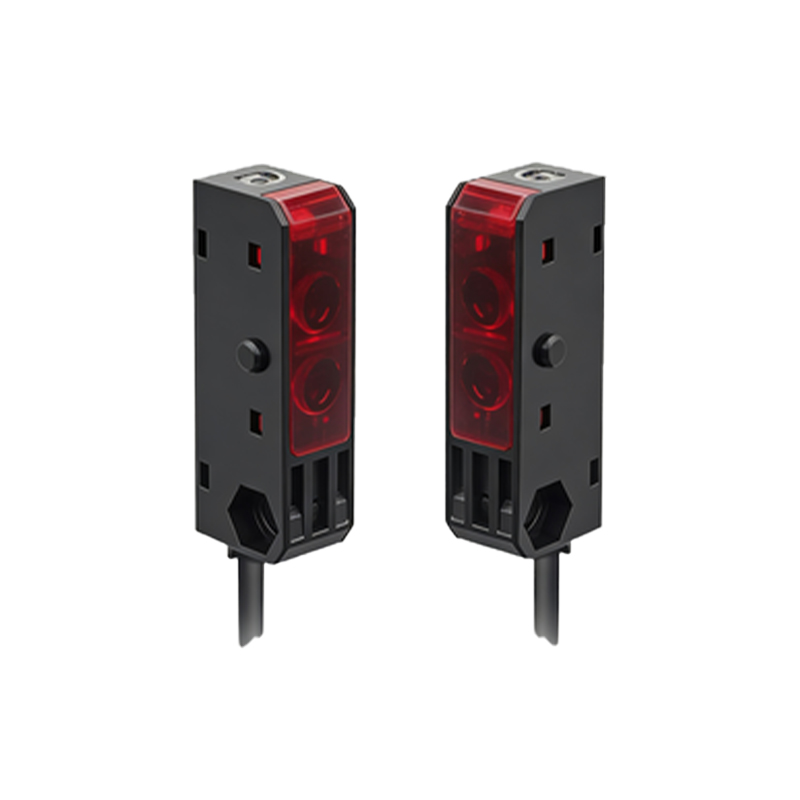
Always disconnect power from the control cabinet before handling any wiring. Use insulated tools to prevent shorts. Required tools include: a multimeter for continuity checks, a small flathead screwdriver for terminal blocks, cable ties for strain relief, and a mounting bracket compatible with the sensor’s M12 or M8 connector. Verify the sensor’s datasheet for voltage requirements (typically 10-30 VDC). Confirm the mounting surface is clean, non-magnetic, and free from excessive vibration.
Mounting the Sensor on the Slide Mechanism
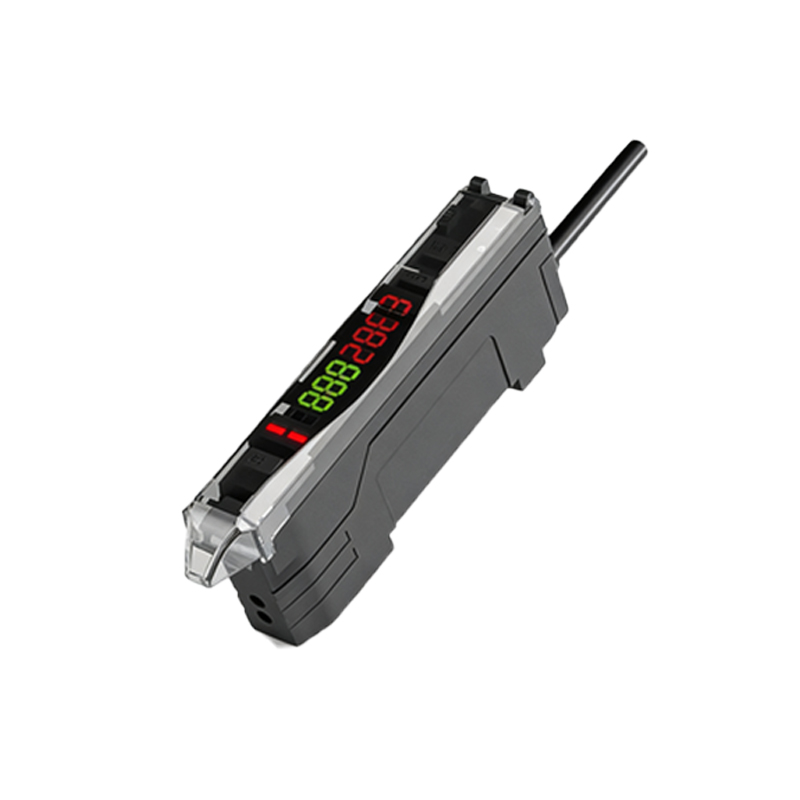
Position the sensor on the linear slide rail so that the emitted beam aligns perpendicular to the target object’s path. Use the provided bracket or a custom L-bracket for secure attachment. Tighten mounting screws to the torque specified in the manual (usually 0.5-1.0 Nm). Leave a 2-3 mm gap between the sensor face and the slide surface to prevent mechanical contact during movement. Check that the sensing area is unobstructed by lubricants or debris.
Wiring and Connection Procedures
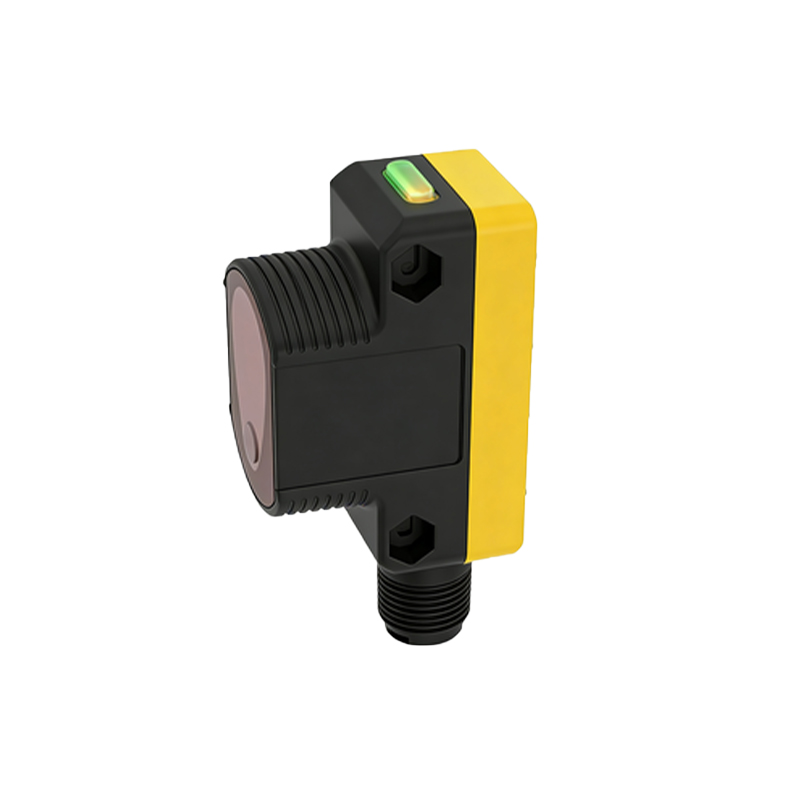
Strip 6-8 mm of insulation from each wire. Connect the brown wire to +24 VDC (power), blue to 0 VDC (ground), and black or white to the PLC input. For sensors with a teach-in function, link the gray wire to a digital output for calibration. Secure all connections inside a junction box with IP67 rating. Use a multimeter to verify voltage between power and ground before powering up. Avoid routing sensor cables parallel to high-voltage lines to prevent electromagnetic interference.
Aligning the Beam and Setting Sensitivity
Power on the system after double-checking all connections. For through-beam sensors, align the emitter and receiver so the beam hits the receiver’s center. Use a reflective tape tool for retro-reflective types. Adjust sensitivity via the onboard potentiometer or software: start with the factory default, then increase gain until the sensor reliably detects the smallest target (e.g., a 10 mm object). Perform a “no-load” test to confirm false triggers are absent.
Testing and Troubleshooting Common Issues
Run the slide mechanism through a full cycle. If the sensor fails to detect, check for beam misalignment (common after vibration), cable damage, or voltage drop below 10 VDC at the sensor terminals. For erratic output, add a ferrite core to the cable or increase the hysteresis setting. Document the final installation parameters (mounting angle, distance, sensitivity) in the maintenance log for future reference.
Maintenance and Calibration Tips
Clean the sensor lens quarterly with a lint-free cloth and isopropyl alcohol. Re-tighten mounting screws every six months. If the system operates in oily environments, install a protective shield. Calibrate after any mechanical replacement or slide realignment. Store the sensor’s original packaging for safe removal during machine upgrades.