Understanding Photoelectric Sensors
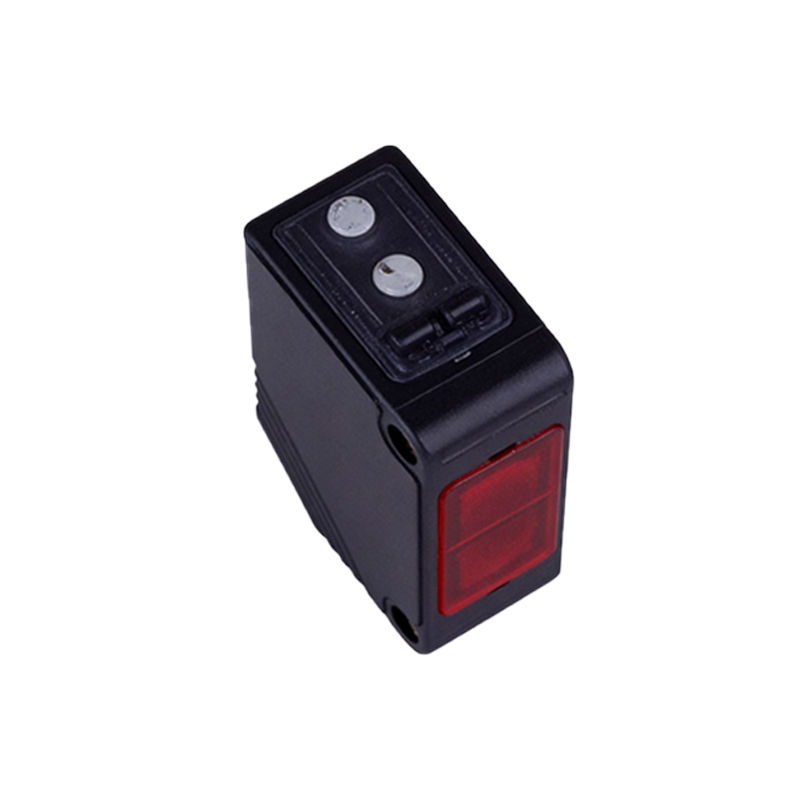
Photoelectric sensors are vital components in industrial automation, leveraging light beams to detect objects, distances, or material presence. These sensors typically consist of an emitter (often an LED) and a receiver (a photodiode or phototransistor). When the light beam is interrupted or reflected by an object, the sensor outputs a signal—usually a digital HIGH (typically 5V or 3.3V) or LOW (0V) state. For electrical engineers integrating these with microcontrollers (MCUs), key parameters include response time (often in microseconds), output type (NPN vs. PNP), and ambient light immunity. Proper selection ensures reliable detection in dusty or high-vibration environments common in factories.
Hardware Interfacing: Circuit Design Considerations
Connecting a photoelectric sensor to an MCU requires careful voltage level matching. Many industrial sensors operate at 12-24V DC, while microcontrollers use 3.3V or 5V logic. A voltage divider or optocoupler is essential for level shifting to avoid damaging the MCU pin. For NPN (sinking) outputs, use a pull-up resistor (e.g., 10kΩ) to the MCU's VCC to ensure a clear HIGH signal when the sensor is inactive. For PNP (sourcing) outputs, a pull-down resistor to GND is needed. Additionally, include a Schottky diode for transient voltage suppression and a 100nF bypass capacitor near the MCU input pin to filter noise from industrial power lines.
Firmware Implementation: Interrupt-Driven vs. Polling
In MCU firmware, handling sensor signals efficiently is crucial. For edge-triggered events (e.g., object detection on a conveyor belt), use external interrupts (e.g., INT0 on AVR MCUs) to capture fast transitions. Configure the interrupt to trigger on rising or falling edges based on your sensor's output logic. For continuous monitoring, a polling loop with debouncing (e.g., a 10ms timer) prevents false triggers due to sensor chatter. Example pseudo-code (C language) for an Arduino-like MCU:attachInterrupt(digitalPinToInterrupt(sensorPin), isr_handler, CHANGE); withinsetup(). Always declare volatile variables for shared data between ISR and main loop.
Signal Conditioning and Noise Mitigation
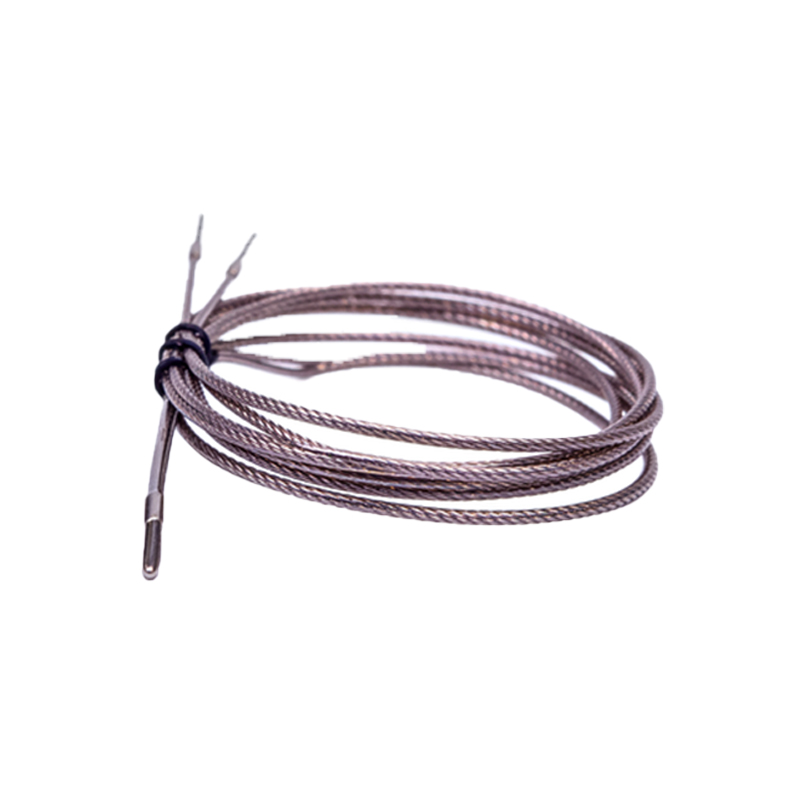
Industrial environments introduce electrical noise from motors and variable frequency drives. Shielded twisted-pair cables for sensor wiring minimize electromagnetic interference. In firmware, implement a simple digital filter: sample the sensor pin 5 times within 1ms and use majority logic to determine the state. For analog photoelectric sensors (e.g., those outputting distance via voltage), use the MCU's ADC with a low-pass RC filter (cutoff frequency around 100Hz) to smooth noisy readings. Calibrate the ADC reference voltage against a stable source to maintain accuracy over temperature changes.
Testing and Validation in a Simulated Environment
Before deployment, test the sensor-MCU interface on a breadboard. Use a function generator to simulate sensor pulses at varying frequencies (e.g., 10Hz to 1kHz) and monitor the MCU's response via serial output. For logic analyzers, verify that the interrupt latency (time from pin change to ISR execution) is under 10μs for critical applications. Document the sensor's minimum detectable object width (e.g., 1mm at 50cm distance) and confirm that the MCU's clock speed (e.g., 16MHz) can handle the maximum event rate without missing pulses. Real-world testing with a conveyor belt mock-up finalizes reliability.
Advanced Integration: I2C and SPI Sensors
Modern smart photoelectric sensors use I2C or SPI interfaces for diagnostics and parameter configuration (e.g., threshold adjustment). When connecting to an MCU, ensure the bus voltage matches (3.3V sensors with 3.3V MCUs). Use 4.7kΩ pull-up resistors for I2C lines. In firmware, initialize the sensor via its datasheet commands, e.g.,Wire.beginTransmission(0x4A) for a common sensor address. Read status registers to detect faults like lens contamination. For time-critical tasks, offload sensor polling to a dedicated timer interrupt to avoid blocking the main loop.
Power Management and Heat Considerations
Photoelectric sensors in continuous operation can draw 20-50mA. In battery-powered MCU systems, use a MOSFET-controlled power gate to switch off the sensor during idle periods. In firmware, enable the sensor only before a measurement and disable it after 100ms. For high-ambient-temperature environments (e.g., near furnaces), derate the sensor's operating current by 20% and add a thermal pad to the MCU's PCB. Monitor the sensor's internal temperature via its analog output if available, and trigger an alarm if it exceeds 70°C to prevent drift or failure.