Proximity sensors are ubiquitous in modern technology, silently performing critical functions in smartphones, industrial machinery, automotive systems, and smart home devices. Their primary role is to detect the presence or absence of an object within a specified range without physical contact. However, a particularly frustrating and common problem is the intermittent or sporadic failure of these sensors. One moment they work perfectly, and the next, they fail to respond, leading to erratic device behavior. Understanding the root causes of these intermittent issues is the first step toward a reliable fix.
The most frequent culprit behind a flaky proximity sensor is physical obstruction. Even a tiny, almost invisible layer of dust, lint, or grease on the sensor's surface can scatter or block the infrared (IR) light it emits and receives. In a smartphone, this often accumulates around the earpiece grille. The intermittency occurs because the obstruction might be partially dislodged with movement, allowing occasional detection, only to shift back and cause a failure again. A thorough cleaning with a soft, dry, lint-free cloth or a gentle burst of compressed air can often resolve this. For industrial settings, buildup of process material like dust, oil mist, or metal shavings on the sensor lens is a prime suspect, requiring regular maintenance schedules.
Environmental interference is another significant factor. Proximity sensors, especially optical and ultrasonic types, can be confused by ambient conditions. Strong, direct sunlight containing infrared radiation can flood the sensor's receiver, blinding it to its own signal. Similarly, other sources of IR light in an industrial environment, or even certain types of fluorescent lighting, can cause sporadic interference. Acoustic noise or specific frequencies can disrupt ultrasonic sensors. The intermittent nature arises from changing environmental conditions—the sun moving behind a cloud, a machine turning on or off, or changes in background lighting.
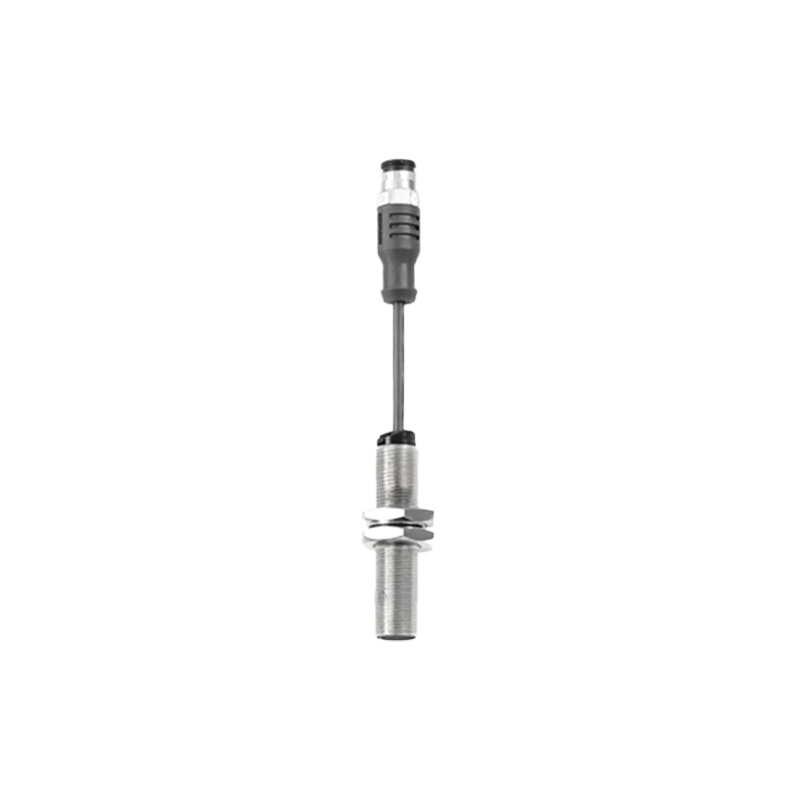
Electrical issues are a more complex source of intermittent problems. A loose or corroded connector in the sensor's wiring harness can cause a signal that comes and goes with vibration or temperature changes. This is common in automotive and industrial applications where sensors are subject to constant motion and thermal cycling. Within a device, a failing solder joint on the sensor module or a compromised flex cable (common in foldable phones or devices with moving parts) can exhibit the same behavior. Faulty or insufficient power supply, such as voltage drops or ripple from other components, can also cause the sensor to reset or behave unpredictably only under certain load conditions.
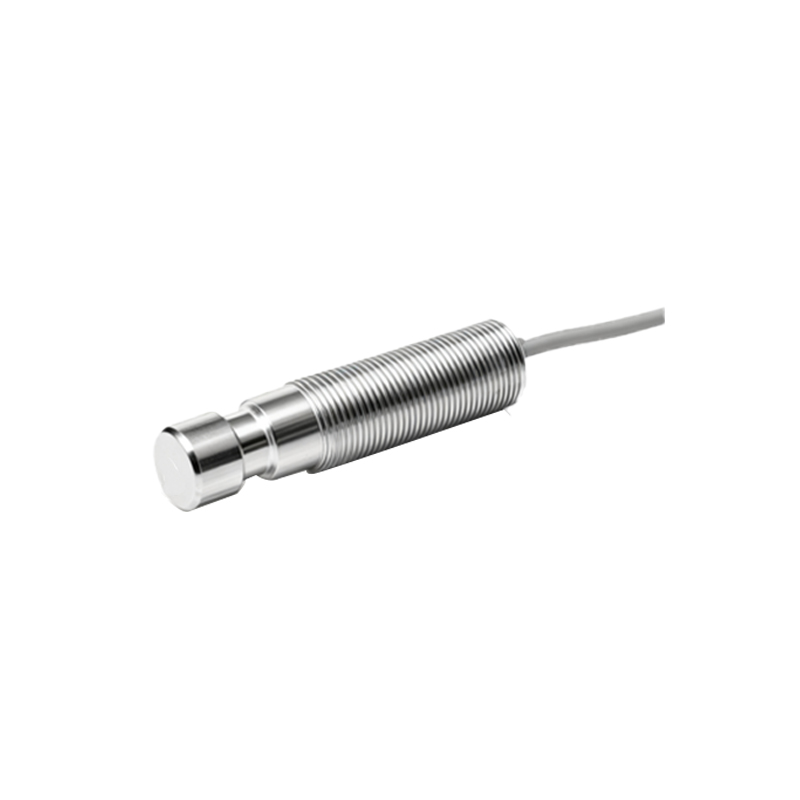
Software and calibration glitches are often overlooked but are prevalent causes of intermittent sensor behavior, particularly in consumer electronics. An operating system bug or a poorly optimized app can intermittently monopolize the sensor resource or send incorrect commands. A corrupted calibration data file is a classic issue. The sensor's baseline readings for "near" and "far" thresholds can drift over time or become misaligned after a software update. The device may work until a specific scenario triggers the miscalibrated logic, causing a temporary failure. A simple device restart can sometimes clear a software hang, while a factory reset or re-calibration (if available in device settings) may be necessary for deeper issues.
Finally, the sensor itself may be failing. Electronic components can degrade over time. The IR LED in an optical sensor can lose emission strength, or the phototransistor receiver can become less sensitive. This degradation might not be total; the sensor may work when the object is very close but fail at its specified maximum range, appearing intermittent. Internal moisture damage, often from condensation in harsh environments or liquid exposure in phones, can cause gradual corrosion and short circuits that manifest as erratic performance.
Diagnosing an intermittent proximity sensor requires a methodical approach. Start with the simplest solutions: clean the sensor area thoroughly and restart the device. Test the sensor in different environments—indoors, outdoors, away from other electronics. For industrial sensors, consult the diagnostic indicators (like a stability LED) and use a voltmeter to check for clean, stable power and signal output while gently manipulating the wiring. For smartphones, use built-in hardware test menus (often accessed via dialer codes) to run a dedicated proximity sensor test in a controlled setting.
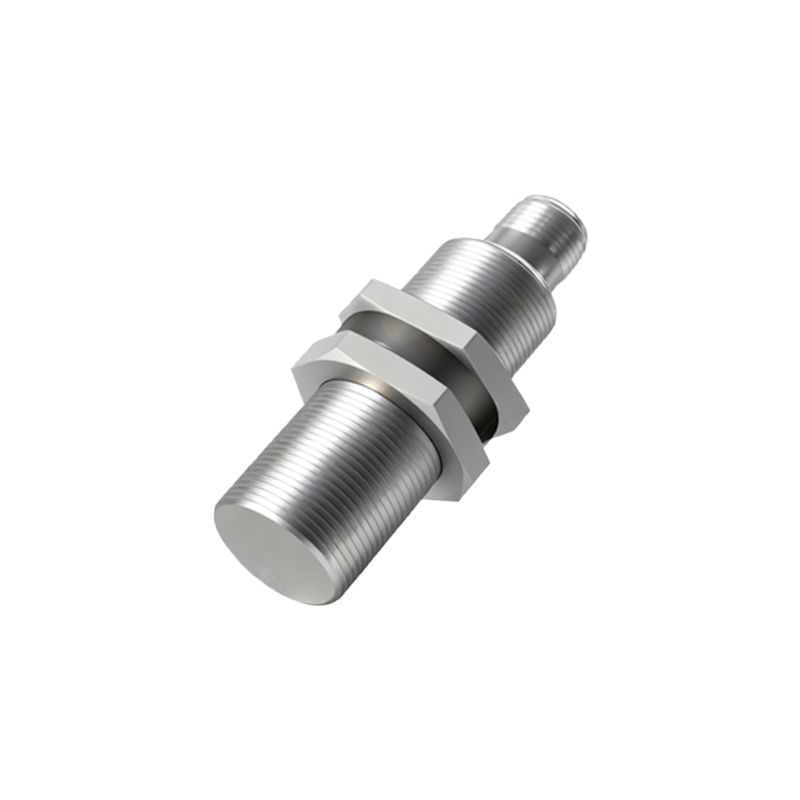
If basic steps fail, professional repair or replacement may be necessary. For integrated consumer devices, this often means a service center visit. In industrial and automotive contexts, systematically swapping components (sensor, cable, controller) can isolate the faulty part. Remember, the key to solving an intermittent problem is replicating the failure. Pay close attention to the exact circumstances—temperature, device orientation, running apps, or machine cycle—under which the sensor fails. This context is the most valuable clue for a permanent solution, turning a mysterious, flickering problem into a manageable one.