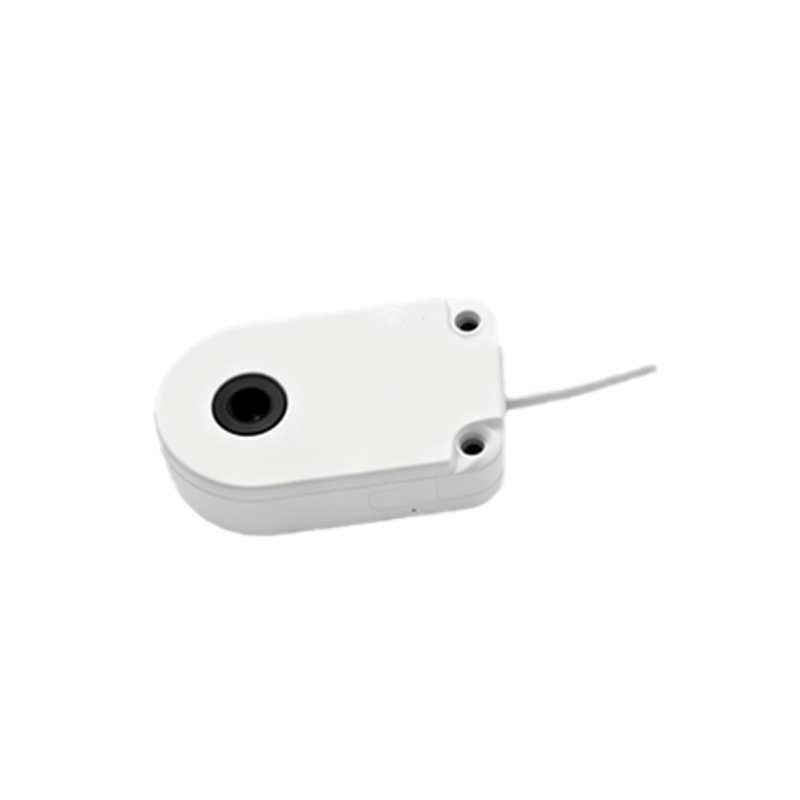
Proximity sensors are versatile and essential components in modern automation, electronics, and countless everyday devices. Their ability to detect the presence or absence of an object without physical contact makes them invaluable. Understanding how to use them correctly is key to unlocking their full potential. This guide walks you through the fundamental steps and considerations for effective proximity sensor implementation.
First, it is crucial to identify the type of proximity sensor you are working with. The most common types are inductive, capacitive, and photoelectric. Inductive sensors detect metallic objects and are ideal for industrial machinery. Capacitive sensors can detect both metallic and non-metallic materials like liquids, wood, or plastics, making them suitable for level detection. Photoelectric sensors use a light beam to detect objects and work at longer ranges. Selecting the wrong type for your application is the most common initial mistake.
Once the correct sensor type is chosen, the next step is installation. Proper mounting is non-negotiable for reliable operation. Ensure the sensor is securely fixed to prevent vibration-induced errors. Pay close attention to the specified sensing distance, known as the "nominal range." For optimal performance, the target object should approach the sensor's sensing face perpendicularly and remain within 70-80% of this nominal range during operation. Avoid mounting sensors directly facing each other to prevent mutual interference, especially with photoelectric types. For inductive sensors, remember that different metals (steel, aluminum, copper) have different correction factors; aluminum, for instance, may reduce the effective sensing distance.
Wiring the sensor correctly is the next critical phase. Most proximity sensors have three wires: brown (positive/V+), blue (negative/V- or common), and black (output signal). Always consult the manufacturer's datasheet. Connect the power supply within the specified voltage range (commonly 10-30V DC for many models). Incorrect polarity can damage the device. The output wire connects to your control system, such as a PLC (Programmable Logic Controller), relay, or microcontroller. Ensure the load (what the output is driving) does not exceed the sensor's maximum current rating.
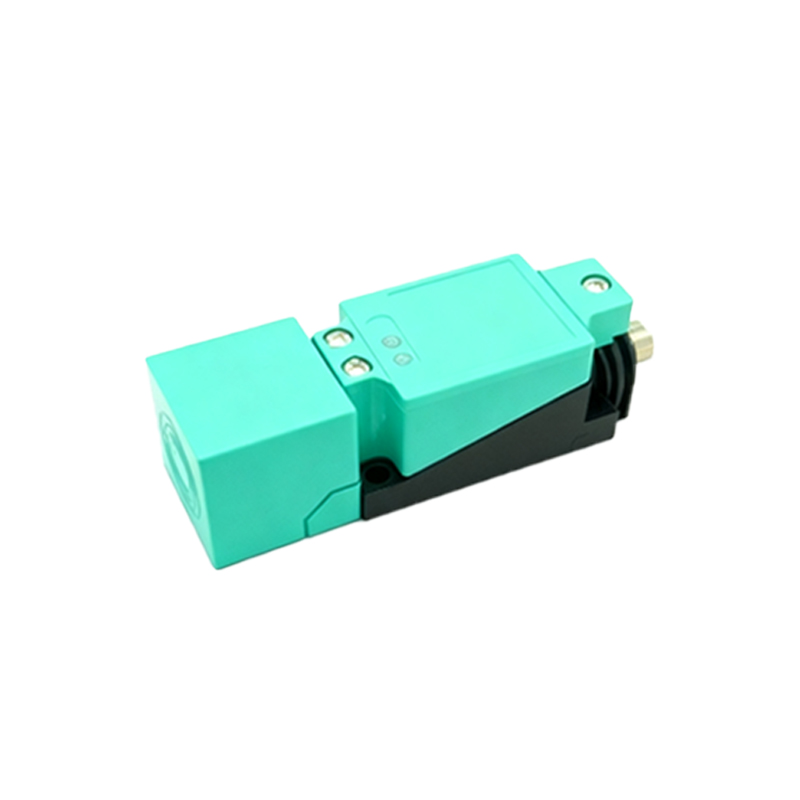
After physical installation and wiring, configuration and testing begin. Many modern sensors feature adjustable sensing ranges or sensitivity potentiometers. Use these to fine-tune the sensor, minimizing false triggers from background objects or environmental noise. For example, a capacitive sensor near a metal wall might need its sensitivity lowered. Apply power and introduce the target object. Observe the sensor's indicator LED (if present) and verify the output signal reaches your control system as expected. Use a multimeter to check the output voltage in the detected and non-detected states.
Environmental factors significantly impact performance. Inductive sensors are generally robust against dust and dirt but can be affected by strong electromagnetic fields. Capacitive sensors are sensitive to humidity and temperature changes. Photoelectric sensors can be blinded by ambient light or hindered by fog or dust. Choose sensors with appropriate IP (Ingress Protection) ratings for dusty or wet environments. Always consider the operating temperature range specified in the datasheet.
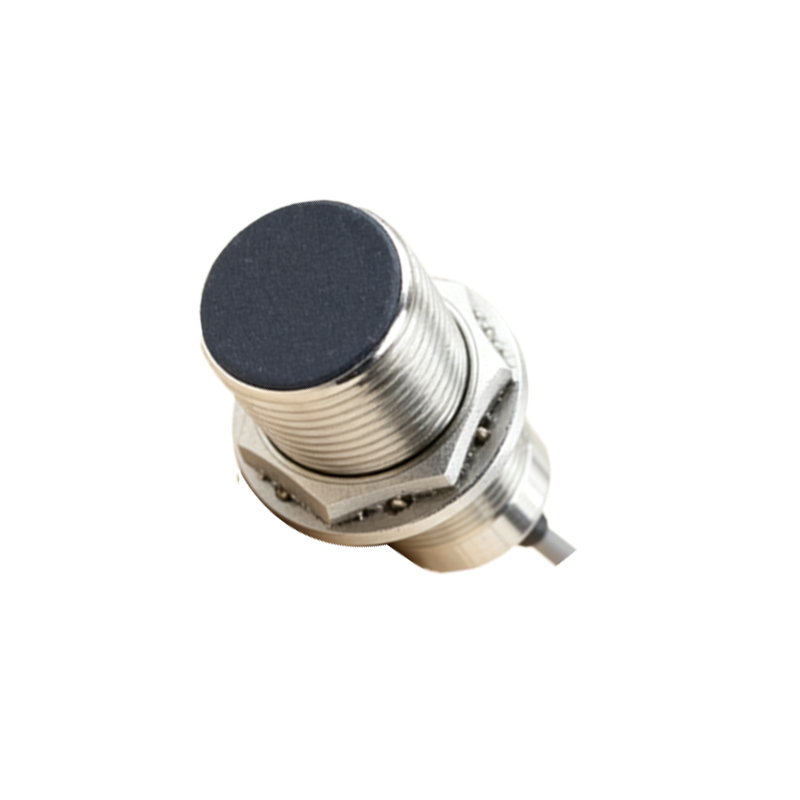
Finally, integrate the sensor's signal into your system logic. In a PLC, this typically involves connecting the sensor to an input module and writing a simple ladder logic rung to read its state. In an Arduino project, you would read the digital signal from the sensor's output pin. The real power lies in how your program responds to this detection—starting a motor, counting items, triggering an alarm, or positioning a robot arm.
Regular maintenance ensures longevity. Periodically clean the sensor face from accumulated grime, check for loose wiring, and verify that the sensing distance hasn't drifted due to mechanical wear. By following these steps—selecting the right type, installing precisely, wiring accurately, configuring carefully, accounting for the environment, and integrating intelligently—you can reliably use proximity sensors to automate processes, enhance safety, and add smart detection to any project.