In the palm of your hand, your smartphone performs countless invisible tasks. One of the most subtle yet crucial components enabling its intuitive behavior is the mobile proximity sensor. This tiny piece of technology is a staple in modern devices, working silently in the background to improve functionality, conserve power, and prevent accidental touches. But what exactly is it, and how does it shape our daily interactions with our devices?
At its core, a proximity sensor is a type of sensor that detects the presence or absence of nearby objects without any physical contact. In smartphones, it is typically located near the earpiece at the top of the screen. The most common technology employed is an infrared (IR) sensor. This system consists of an IR LED that emits an invisible infrared light beam and an IR photodetector that measures the intensity of the light reflected back. When you bring your phone close to your ear during a call, the sensor detects the proximity of your head by the change in the reflected IR signal. This triggers the phone's software to turn off the touchscreen display, thereby preventing your cheek or ear from accidentally activating on-screen buttons like mute or end call.
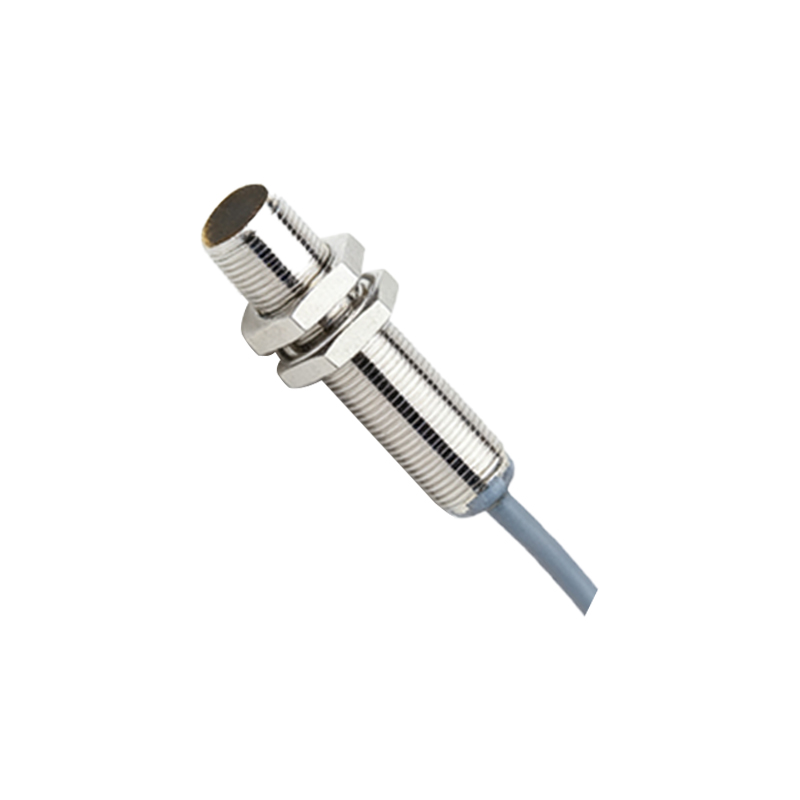
The benefits of this simple action are multifaceted. Primarily, it prevents unintended input during calls, a common frustration in the early days of touchscreen phones. Secondly, it contributes significantly to battery conservation. By turning off the power-hungry display when it's not needed, the sensor helps extend battery life throughout the day. Furthermore, this technology enables certain gesture controls. For instance, some devices allow you to silence an incoming call or alarm simply by waving your hand over the sensor.
Beyond the standard IR-based sensors, other technologies are also in use. Some proximity sensors utilize ultrasonic waves, emitting high-frequency sound pulses and listening for their echo to gauge distance. This method can be more effective in certain conditions but is less common in mainstream smartphones. Capacitive sensors, which detect changes in an electrical field, are another variant, often used in conjunction with other sensing systems.
The integration of the proximity sensor is a key element of smartphone design and software optimization. Its operation is managed by the device's operating system (like iOS or Android), which defines the detection threshold—the precise distance at which the screen deactivates. Manufacturers calibrate this carefully to ensure it responds correctly to a human head but not to objects like a phone in a pocket or bag. This calibration is vital for reliability. A poorly calibrated sensor can lead to a screen that turns off during a call while you're still looking at it or, conversely, fails to turn off, leading to accidental hang-ups.
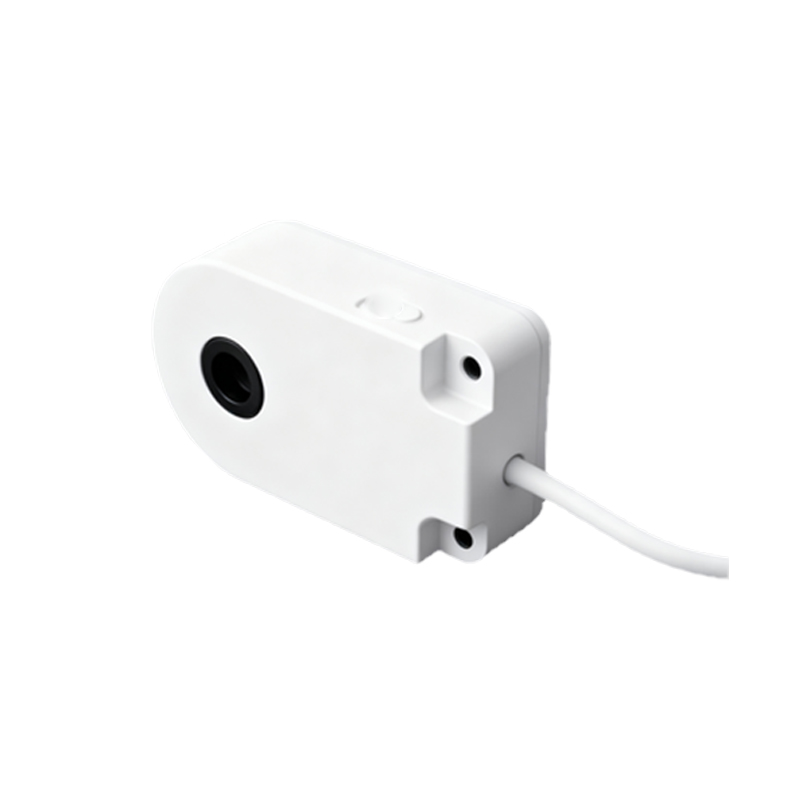
From a user experience perspective, the proximity sensor is a hallmark of thoughtful, human-centric design. It addresses a practical problem—erratic screen behavior during calls—with an elegant, automated solution. Users rarely need to think about it, which is the mark of successful technology: it works so seamlessly that it becomes invisible. This sensor also plays a supporting role in other features. For example, it can help manage the Always-On Display function on some phones, turning it off when the device is in a dark place like a pocket to save power.
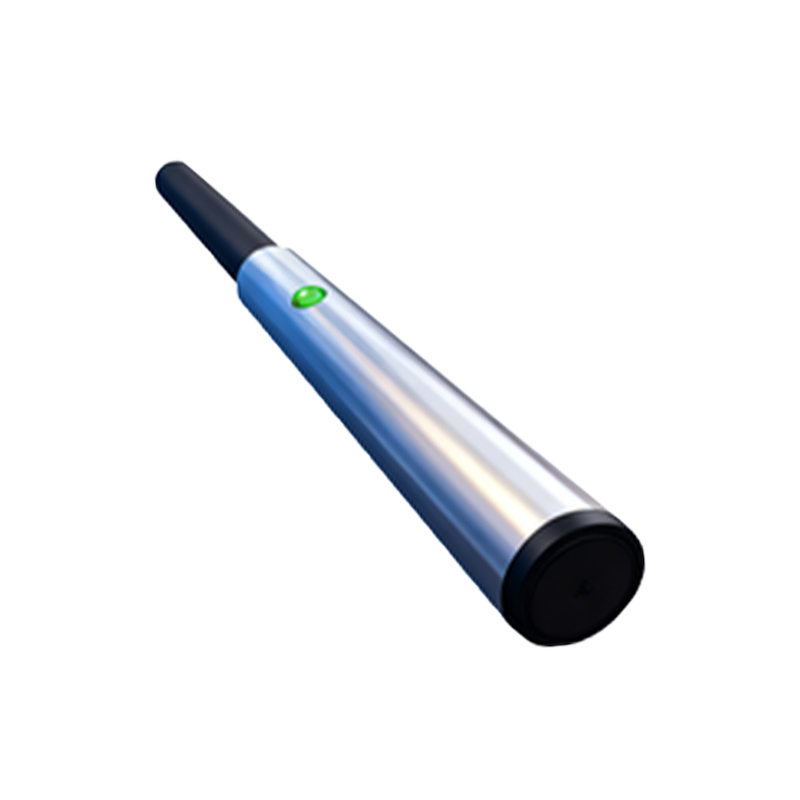
Looking ahead, the role of proximity sensing is evolving. As bezels shrink and notch or punch-hole designs become prevalent, sensor placement presents new engineering challenges. Some manufacturers are exploring under-display sensor technology, embedding components beneath the screen to maintain a seamless, all-screen front. Furthermore, advancements in sensor fusion—where data from the proximity sensor is combined with inputs from the accelerometer, gyroscope, and ambient light sensor—are enabling even more context-aware behaviors. Imagine a phone that not only turns off the screen during a call but also adjusts its behavior based on whether it's held vertically, laid flat on a table, or tucked in a purse.
In conclusion, the mobile proximity sensor is a small but mighty component. It exemplifies how sophisticated engineering is dedicated to solving simple, everyday usability issues. By intelligently managing the screen's state, it protects against errors, saves battery life, and contributes to the fluid, intuitive feel we expect from our devices. The next time your screen dims as you raise your phone to your ear, remember the unassuming sensor making that smart interaction possible. It’s a perfect example of technology working quietly in the background to create a smoother, more efficient user experience.