Introduction to Proximity Sensor Fundamentals
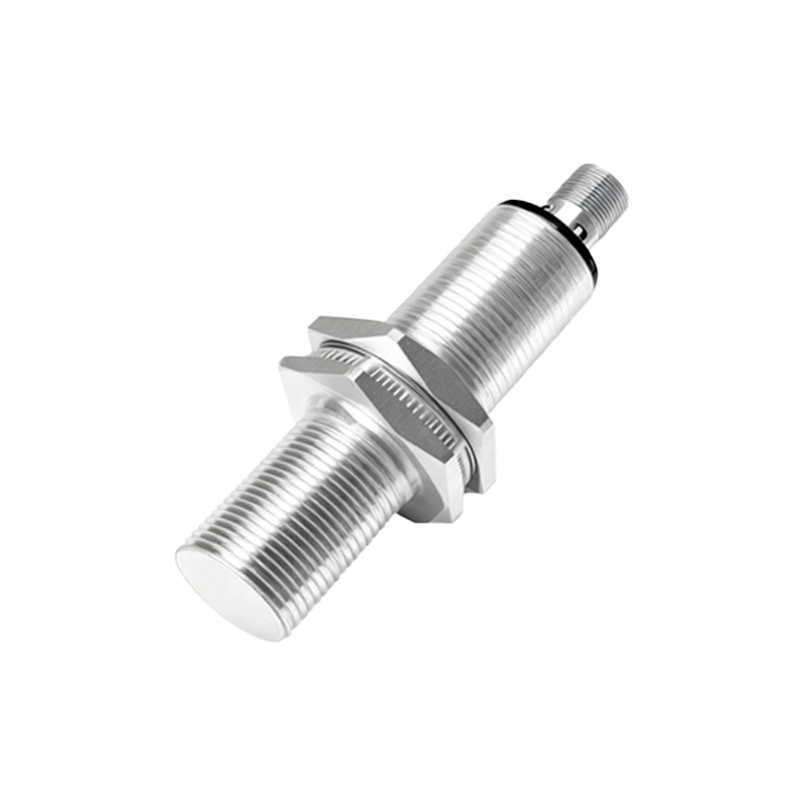
Proximity sensors are non-contact electronic devices designed to detect the presence or absence of objects within a specified range without physical contact. These sensors operate based on various physical principles, including electromagnetic, capacitive, and inductive technologies. Inductive proximity sensors, for instance, generate an electromagnetic field to detect metallic objects, while capacitive sensors can sense both metallic and non-metallic materials by measuring changes in capacitance. Understanding these foundational principles is crucial for effective testing, as each sensor type responds differently to environmental factors and target materials. The selection of an appropriate testing methodology directly depends on the underlying technology, ensuring accurate performance validation in industrial applications such as automation, robotics, and safety systems.
Key Testing Parameters and Specifications
When testing proximity sensors, several critical parameters must be evaluated to ensure reliability and accuracy. The sensing distance, or the maximum range at which the sensor can detect a target, is a primary specification that requires precise measurement using standardized test targets. Repeatability, which refers to the sensor's ability to consistently detect an object at the same distance under identical conditions, is another vital metric. Additionally, response time—the duration between target detection and signal output—must be assessed to confirm the sensor meets application speed requirements. Environmental factors like temperature fluctuations, humidity, and electrical noise can impact these parameters, necessitating comprehensive testing under simulated operational conditions to guarantee stable performance.
Illustrated Testing Setup and Equipment
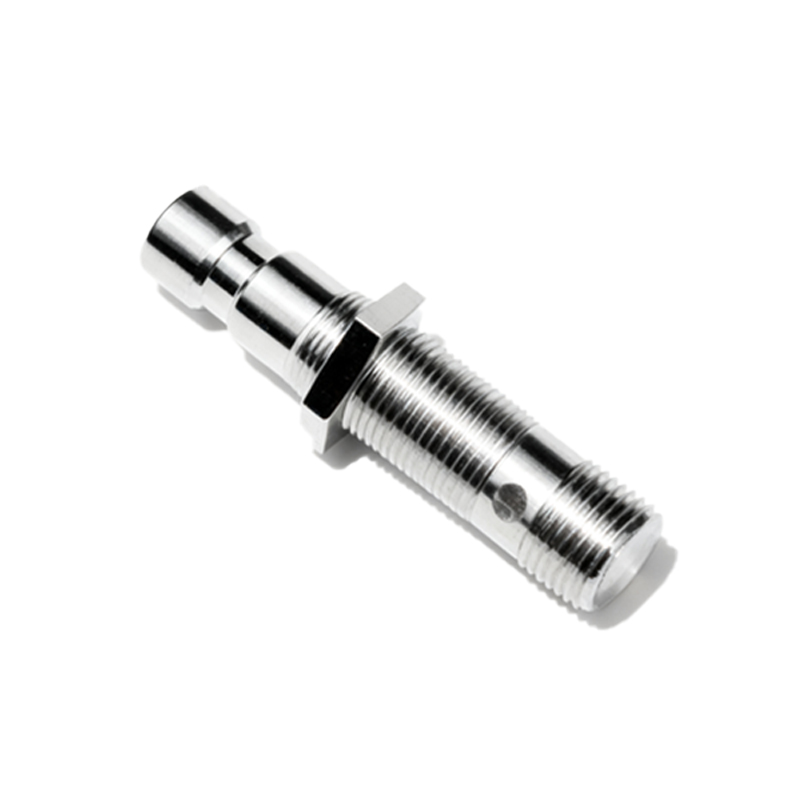
A typical proximity sensor testing setup involves several essential components to simulate real-world scenarios. The core equipment includes a calibrated test bench with a movable target mount, a precision distance measurement tool such as a laser micrometer or dial gauge, and a data acquisition system to record sensor outputs. For inductive sensors, standardized metal targets of specific sizes and materials are used, while capacitive sensors may require dielectric test objects. The illustration below describes a common configuration: the sensor is fixed on a stable platform, with the target attached to a linear actuator that allows controlled movement toward and away from the sensor. Electrical connections are made to a power supply and oscilloscope or multimeter to monitor output signals, ensuring accurate detection thresholds and switching characteristics are captured during testing.
Step-by-Step Testing Procedure
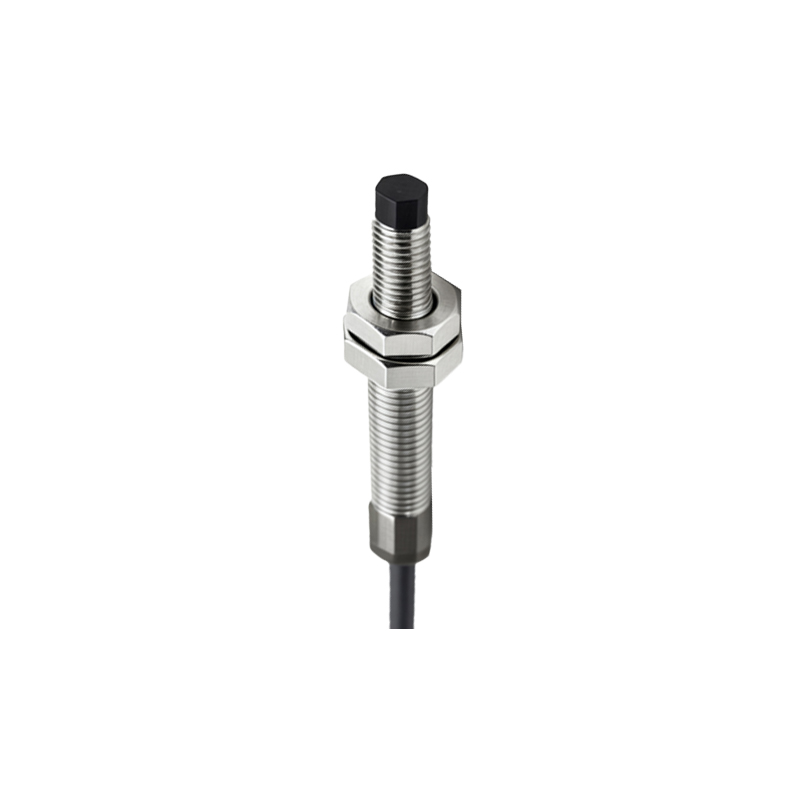
The testing procedure for proximity sensors follows a systematic approach to validate performance against manufacturer specifications. First, power the sensor according to its voltage ratings and connect output leads to measurement instruments. Place the standard test target at a distance beyond the rated sensing range and gradually move it toward the sensor using the actuator. Record the exact distance at which the sensor triggers an output signal—this is the actual sensing point. Repeat this process multiple times to calculate repeatability by measuring variance in triggering distances. Next, assess hysteresis, which is the difference between the switch-on and switch-off points, by moving the target away until the signal deactivates. Finally, test response time by rapidly introducing and removing the target while monitoring signal latency on an oscilloscope, ensuring it aligns with datasheet values under various load conditions.
Common Faults and Diagnostic Techniques
During testing, several common faults may arise, indicating potential issues with sensor performance or installation. False triggering, where the sensor activates without a target present, often results from electrical interference or environmental contaminants like dust or moisture. Reduced sensing range can stem from misaligned targets, incorrect voltage supply, or aging internal components. To diagnose these faults, technicians use diagnostic tools such as oscilloscopes to analyze output waveforms for irregularities, or insulation testers to check for leakage currents. Visual inspections of the sensor face for damage or buildup, along with verification of wiring integrity, are also essential steps. Implementing shielding against electromagnetic interference and ensuring proper grounding can mitigate many faults, enhancing long-term reliability in demanding industrial environments.
Advanced Testing and Calibration Methods
For high-precision applications, advanced testing and calibration methods are employed to fine-tune proximity sensor performance. Dynamic testing involves evaluating sensors under varying speeds and angles of target approach, simulating real-world motion scenarios. Temperature cycling tests assess stability across operational temperature ranges, using environmental chambers to expose sensors to extreme conditions. Additionally, calibration using reference standards—such as certified target materials and traceable measurement instruments—ensures compliance with international standards like IEC 60947-5-2. Automated test systems with software algorithms can analyze data trends, predicting sensor lifespan and identifying degradation patterns. These advanced techniques not only validate functionality but also optimize sensors for specific applications, such as in automotive assembly lines or pharmaceutical packaging, where precision is critical.
Conclusion and Best Practices
Effective testing of proximity sensors is integral to maintaining system efficiency and safety in industrial settings. By adhering to standardized procedures and utilizing appropriate equipment, engineers can accurately verify sensor specifications