Proximity light sensors are integral components in modern automation, robotics, and safety systems, designed to detect the presence or absence of objects without physical contact. However, a common issue encountered by engineers and technicians is persistent flashing of these sensors, which indicates instability or malfunction. This article delves into the root causes of such flashing behavior and provides practical solutions to address it, ensuring reliable operation in industrial and commercial applications.
One primary cause of flashing in proximity light sensors is electrical interference. In industrial environments, sensors often operate alongside high-power equipment such as motors, variable frequency drives (VFDs), or welding machines. These devices generate electromagnetic interference (EMI) or radio frequency interference (RFI), which can disrupt the sensor's signal processing. The sensor may misinterpret noise as object detection, leading to erratic flashing. To mitigate this, ensure proper shielding of sensor cables using grounded metal conduits or shielded cables. Additionally, installing ferrite cores or filters on power and signal lines can suppress high-frequency noise. Maintaining adequate distance between sensors and interference sources is also crucial—typically at least 0.5 meters, as per industry guidelines.
Another frequent culprit is improper alignment or mounting. Proximity light sensors rely on precise optical paths; if misaligned, they may receive inconsistent reflections from target objects, causing intermittent detection and flashing. This is especially common in applications involving reflective surfaces or varying ambient light conditions. Engineers should verify that sensors are securely mounted and aligned perpendicular to the detection surface. Using sensors with adjustable sensitivity or built-in background suppression can help ignore irrelevant reflections. For environments with fluctuating light, such as outdoor settings, opt for models with modulated infrared light to minimize ambient light impact.
Power supply issues can also trigger flashing. Voltage fluctuations, insufficient current, or poor grounding can destabilize sensor operation. Many proximity sensors require stable DC voltage (e.g., 10-30V DC); deviations beyond this range may cause erratic behavior. Check the power supply with a multimeter to ensure it meets the sensor's specifications. Implement regulated power supplies or surge protectors to guard against spikes. Additionally, ground loops—where multiple ground points create potential differences—can induce flashing. Use a single-point grounding system and ensure all connections are tight and corrosion-free.
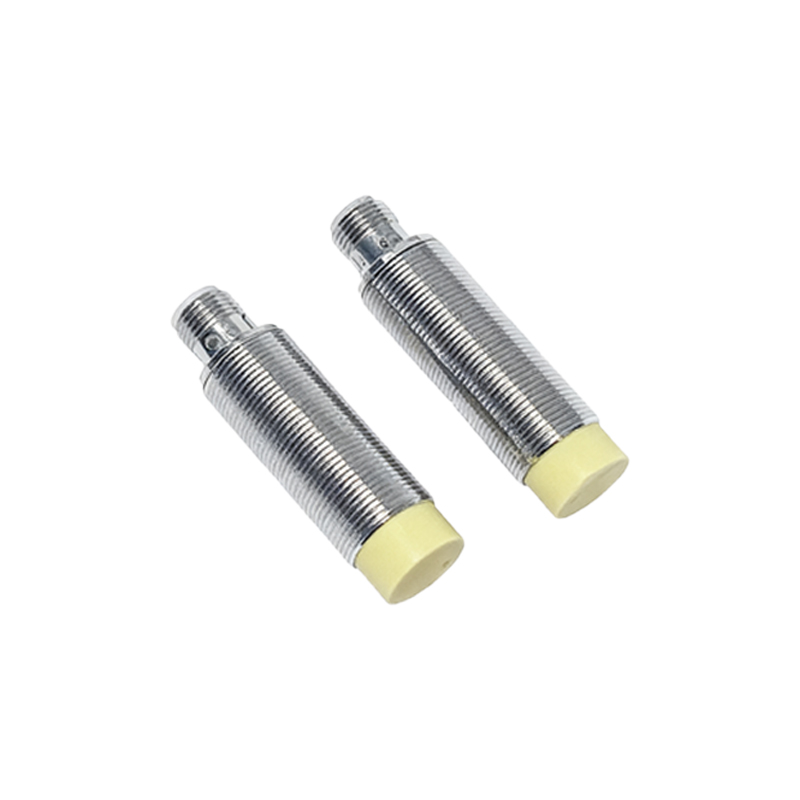
Environmental factors play a significant role. Dust, dirt, or moisture on the sensor lens can obstruct light emission or reception, leading to false triggers and flashing. In harsh settings like manufacturing floors or outdoor installations, regular maintenance is essential. Clean lenses with a soft, lint-free cloth and appropriate solvents. Consider installing protective housings or selecting sensors with high IP ratings (e.g., IP67 or IP69K) for resistance to contaminants. Temperature extremes can also affect sensor components; operate within the specified temperature range, typically -25°C to 70°C for industrial models.
Sensor degradation or internal faults may cause persistent flashing. Over time, components like LEDs or phototransistors can wear out, reducing sensitivity. Mechanical stress from vibration or impact can damage internal circuits. If other causes are ruled out, test the sensor with a known good object in a controlled environment. Replace sensors showing consistent failure, as repairs are often impractical due to sealed designs. Opt for reputable brands with robust warranties and lifecycle ratings.
In summary, flashing in proximity light sensors stems from interference, alignment issues, power instability, environmental conditions, or sensor wear. By systematically troubleshooting—starting with power checks, then environmental and alignment assessments—engineers can pinpoint and resolve issues. Regular calibration and adherence to installation guidelines prevent recurrence. As automation advances, selecting sensors tailored to specific application needs ensures longevity and precision, minimizing downtime in critical systems.